
README file from
GithubLuaTikZ
Fast LuaLaTeX TikZ rendering with full library support, live preview, a visual touch/stylus TikZ editor, RTL support, and simple diagram helpers.
Render tikz and luatikz fenced code blocks in Obsidian. Desktop can use local LuaLaTeX or TikZJax; mobile uses TikZJax. Enable LuaTikZ under Settings → Community plugins and choose your prefered Renderer.

What's new
- Visual TikZ editor the floating preview now has an Edit mode which opens a full window with the editor filling the pane: which contains shapes, selection tools, function plotter, circuit components, handwriting, styiling and much more. Details
- Freehand ink strokes are smoothed, simplified, and fitted to editable Bézier paths, with an adjustable smoothing setting.
- Touch, stylus, and Apple Pencil one finger pans, two fingers pinch-zoom; an explicit Finger draw toggle makes one finger draw; a pen always draws, with practical palm rejection while it's near the glass.
- Floating preview on mobile the inline live preview (and the Edit mode) now works on iPad, Android tablets, and phones, rendering through TikZJax. Details

Requirements
Mobile (iOS / Android)
LuaTikZ runs on Obsidian mobile. Diagrams render in reading view through the bundled TikZJax runtime so there is no need for a local TeX install and no shell access required.
Desktop
For a full support of libraries, a Local LuaLatex (recommended) is required and choose Local Lualatex renderer through plugin's settings
- LuaLaTeX (MacTeX or TeX Live)
pdftocairofor PDF → SVG (brew install poppleron macOS)
For regular use keep TikzJax Renderer and there is no need for a local TeX install.
Usage
```tikz or ```luatikz
\begin{tikzpicture}
.
.  -> tikz code here
.
\end{tikzpicture}
```
If you are interested in learning to code with TikZ, I suggest this website: Tikz.org
Features
- Background grid: Add an optional centimeter-based grid behind rendered diagrams. Details
- RTL labels: Use Hebrew and Arabic labels with LuaLaTeX shaping and a TikZJax fallback. Details
- Built-in helpers: Use diagram macros, autocomplete, snippets, node anchors, and relative-coordinate suggestions. Details
- Live preview and coordinate picking: Preview diagrams while editing, pick coordinates on desktop, and locate source statements from rendered shapes. Details
- Visual editor (Edit mode): Draw and edit native TikZ visually with shapes, circuits, styling, freehand input, touch and stylus support, and two-way source sync. Details
- Editor assistance and export: Get line-aware editing, linting, templates, formatting, auto-close helpers, and SVG or PNG export. Details
- Errors and editing: LuaTikZ maps compile failures back to the diagram, highlights affected lines, and offers plain-language explanations and suggested fixes when possible. Details
- Settings: Choose renderers, fonts, preambles, caching, dark-mode behavior, editor assistance, and environment checks. Details
- Renderers: Use local LuaLaTeX for the full TeX toolchain or bundled TikZJax for shell-free and mobile rendering. Details
- Security and permissions: Local rendering is opt-in and narrowly scoped; the detailed guide explains shell execution, temporary files, clipboard access, and bundled dependencies. [Details](
- Hover-to-locate: moving the pointer over a shape in the floating preview highlights the statement that drew it. Details
- PNG export: the toolbar button is now Export with a format menu for SVG or PNG. Details
- Explained errors: opaque LaTeX failures such as
Dimension too largenow come with a plain-language explanation of the cause and the fixes that work. Details - Font settings: override the main, Hebrew and Arabic fonts. Details
- Custom preamble: replace the generated LuaLaTeX preamble entirely, with buttons to load the current one or reset. Details
- Hebrew/Arabic load only when used: and per script, so a Hebrew diagram no longer pulls in the Arabic gloss that minimal TeX installs lack. Details
Samples
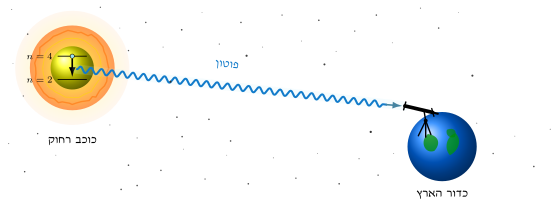
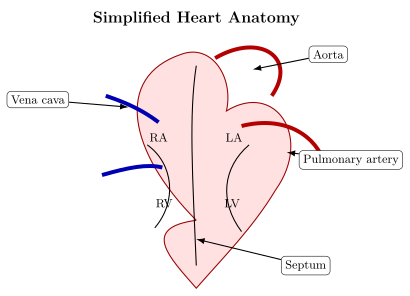
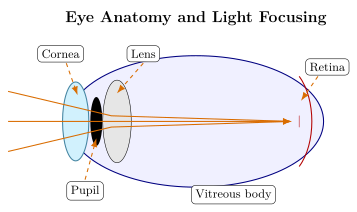
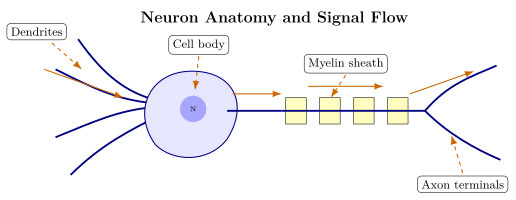
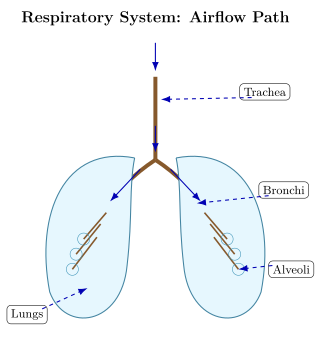
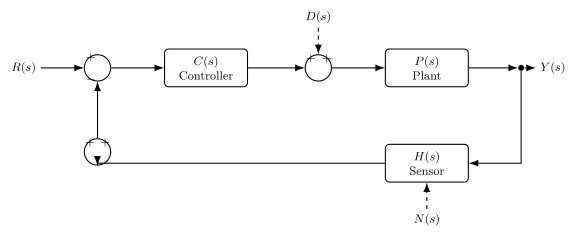
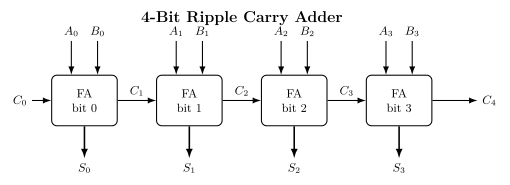
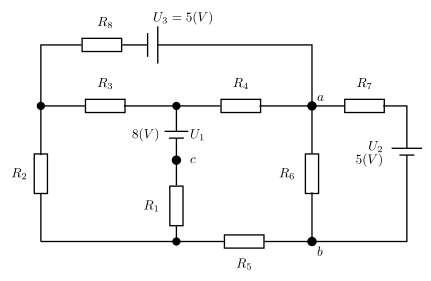
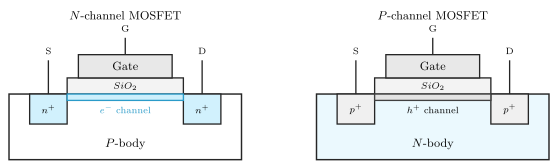
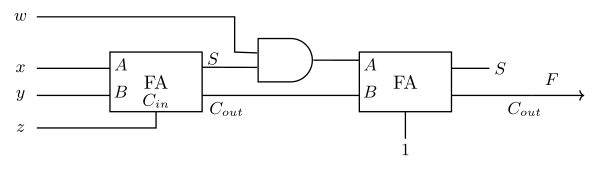
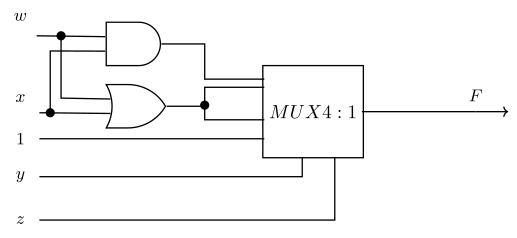
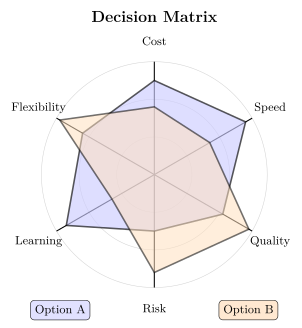
Diagrams rendered with LuaTikZ, exported as SVG. Files in samples/.
Astronomy
Anatomy
 |
 |
 |
 |
Circuits and logic
 |
 |
 |
 |
 |
 |
Math and decision diagrams
 |
 |
Maps and layouts
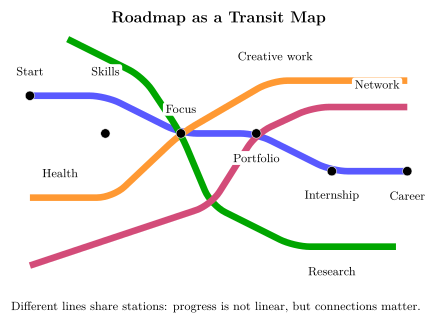 |
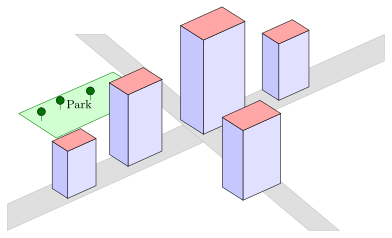 |
License
MIT — see LICENSE.