
README file from
GithubKeep Lists
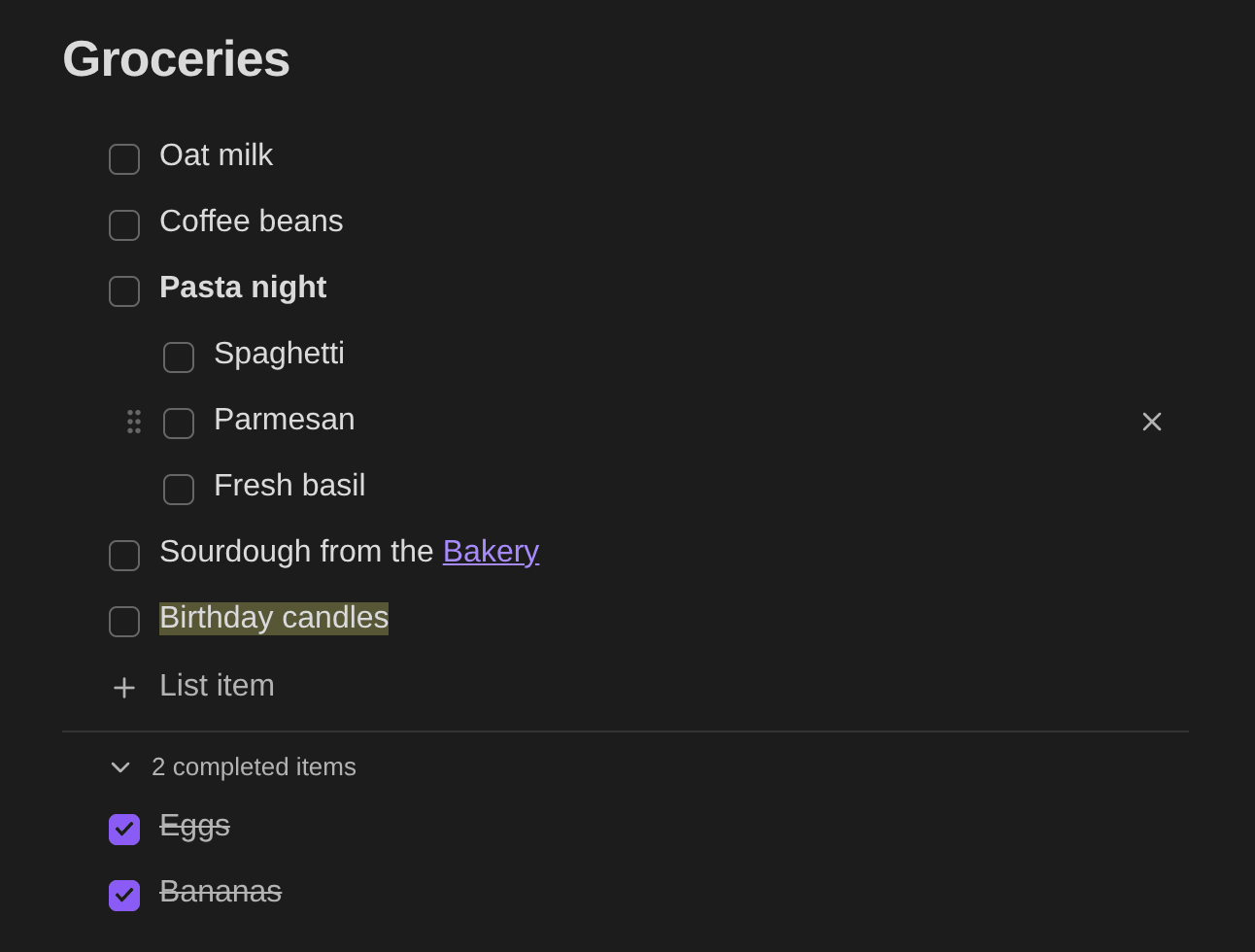
Google Keep-style checklists for Obsidian. Drag items to reorder or nest them, and checked items move to a collapsible completed section.
Usage
Run Keep Lists: Insert list from the command palette, or type a keep code block:
```keep
- [ ] list item 1
- [ ] list item 2
	- [ ] nested under item 2
- [x] done item
```
The block holds plain markdown checkboxes, so the note stays readable without the plugin.
- + List item adds an item. Enter splits the item or adds one below, and Backspace on an empty item deletes it.
- Drag the grip to the left of the checkbox to reorder. Drag slightly right to nest an item, or left to un-nest it.
- Tab and Shift+Tab nest and un-nest. ↑ and ↓ move between items.
- Checked items move to the collapsible completed section, and unchecking returns them to where they were.
- Checking a parent checks its nested items. Pasting several lines creates one item per line.
- Item text is markdown. It shows formatted (bold, highlights, links…) and switches to raw markdown while you edit it.
- Your Obsidian hotkeys for Bold, Italic, Strikethrough, Highlight, Code, Math, Comment, Insert link, Insert wikilink, Set heading and Clear formatting apply to the item you're editing. Right-click an item for the same options.
Installing
Search for Keep Lists in Settings → Community plugins → Browse once the plugin is listed in the community directory.
To install by hand, download main.js, manifest.json and styles.css from the latest release into <your vault>/.obsidian/plugins/keep-lists/, then enable Keep Lists under Settings → Community plugins.
Building
npm install
npm run build    # writes main.js
npm run lint
VAULT=/path/to/vault npm run install-vault   # build and copy into a vault