
README file from
GithubKanban Base
A plugin for Obsidian that adds two kanban views to Bases.
Requires Obsidian 1.10.1+.
Views
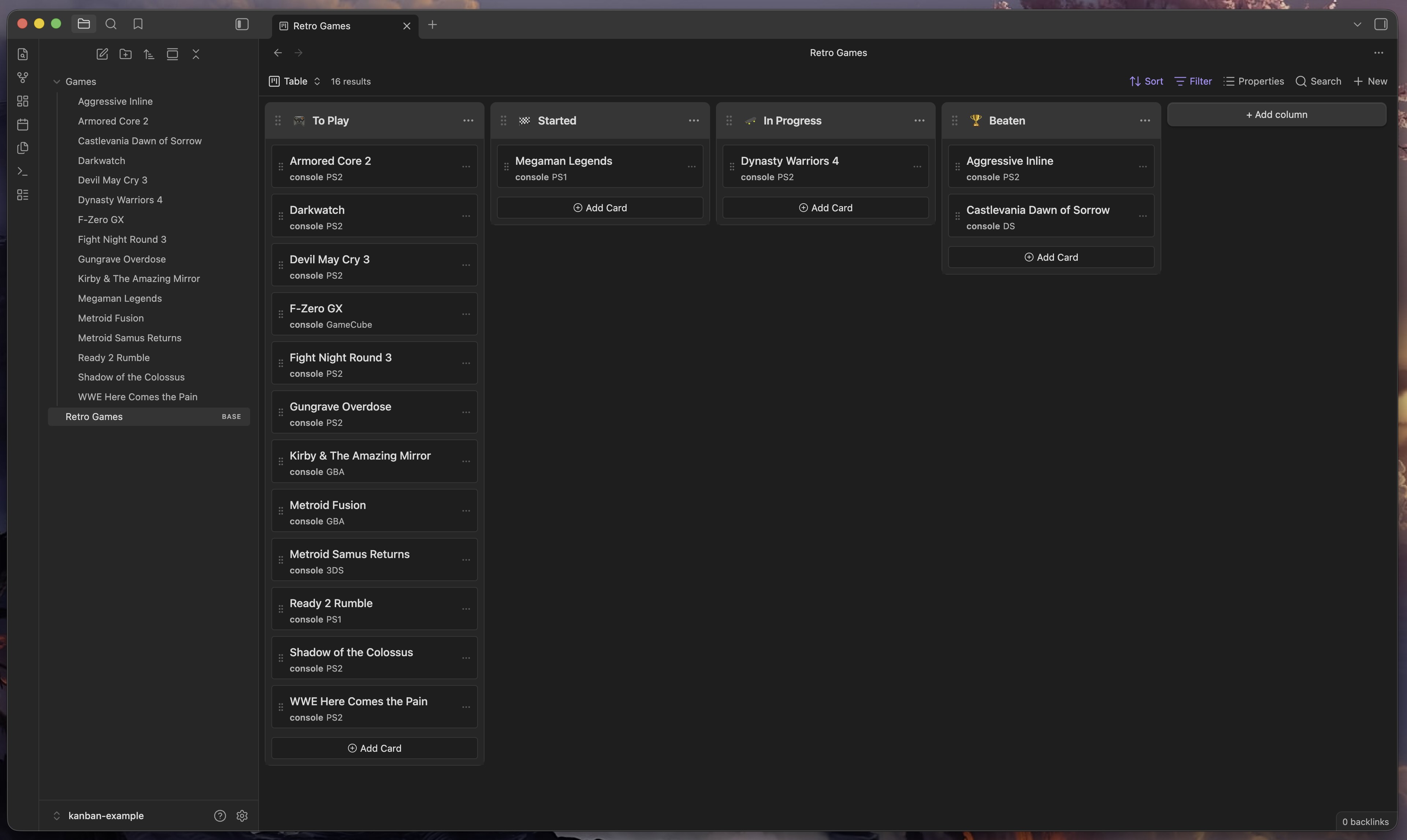
Kanban (Property)
Groups notes into columns by a text property value (e.g. a status field). Set
the group-by field in the base to any text property and each unique value
becomes a column. Changing a card's column updates that property on the note.
Kanban Folders
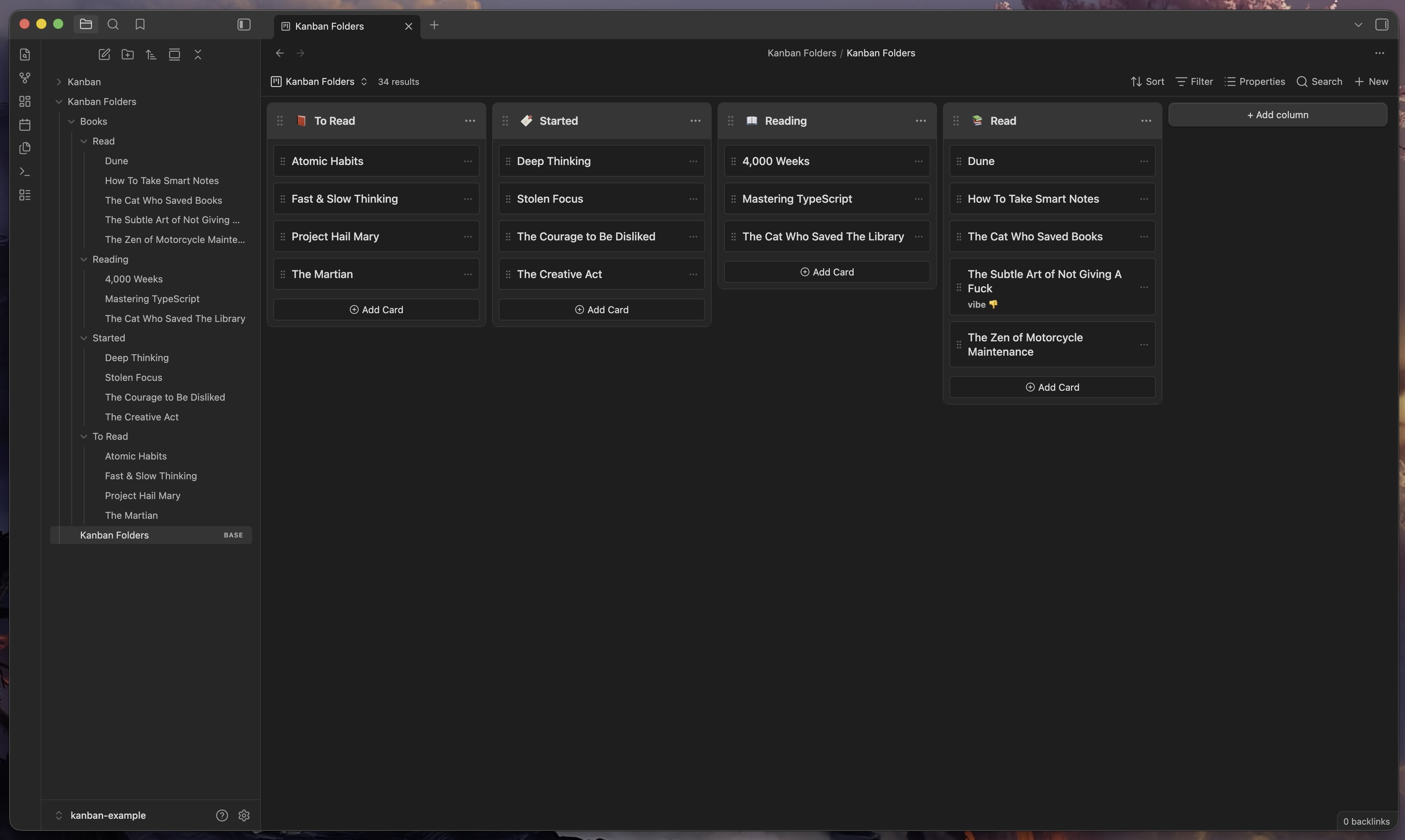
Groups notes into columns by their immediate parent folder. Each direct subfolder of the base's root folder is a column. Moving a card between columns physically moves the file to that folder — Obsidian handles link updates automatically.
How to install
Using BRAT
- Install BRAT from the community plugins directory.
- Open BRAT settings and click Add Beta Plugin.
- Enter
https://github.com/jaidetree/obsidian-kanban-base.
Using Community Plugins
Search for Kanban Base in Settings → Community plugins → Browse.
Manual install
- Download
main.js,manifest.json, andstyles.cssfrom the latest release. - Copy them to
.obsidian/plugins/kanban-base/in your vault. - Enable the plugin in Settings → Community plugins.
Usage
- Open or create a base file.
- Click the view selector and choose Kanban or Kanban Folders.
Kanban (Property)
- Set the base's group-by field to a text property (e.g.
status). - Cards are grouped by property value. Drag cards between columns to update the property.
Kanban Folders
- Set the base folder to a directory that contains subfolders.
- Each subfolder becomes a column. Drag cards between columns to move the file.
Feedback and feature requests
Contributing
Open an issue before submitting a PR — I don't want to merge work that doesn't fit the direction of the project.
AI Disclaimer
Development was largely done with Claude. I'm a professional frontend engineer and have reviewed and tested this project during every phase of development.
License
MIT