
README file from
GithubInline Preview
Show PDFs, images and videos right inside your notes, even when the files live outside your vault.
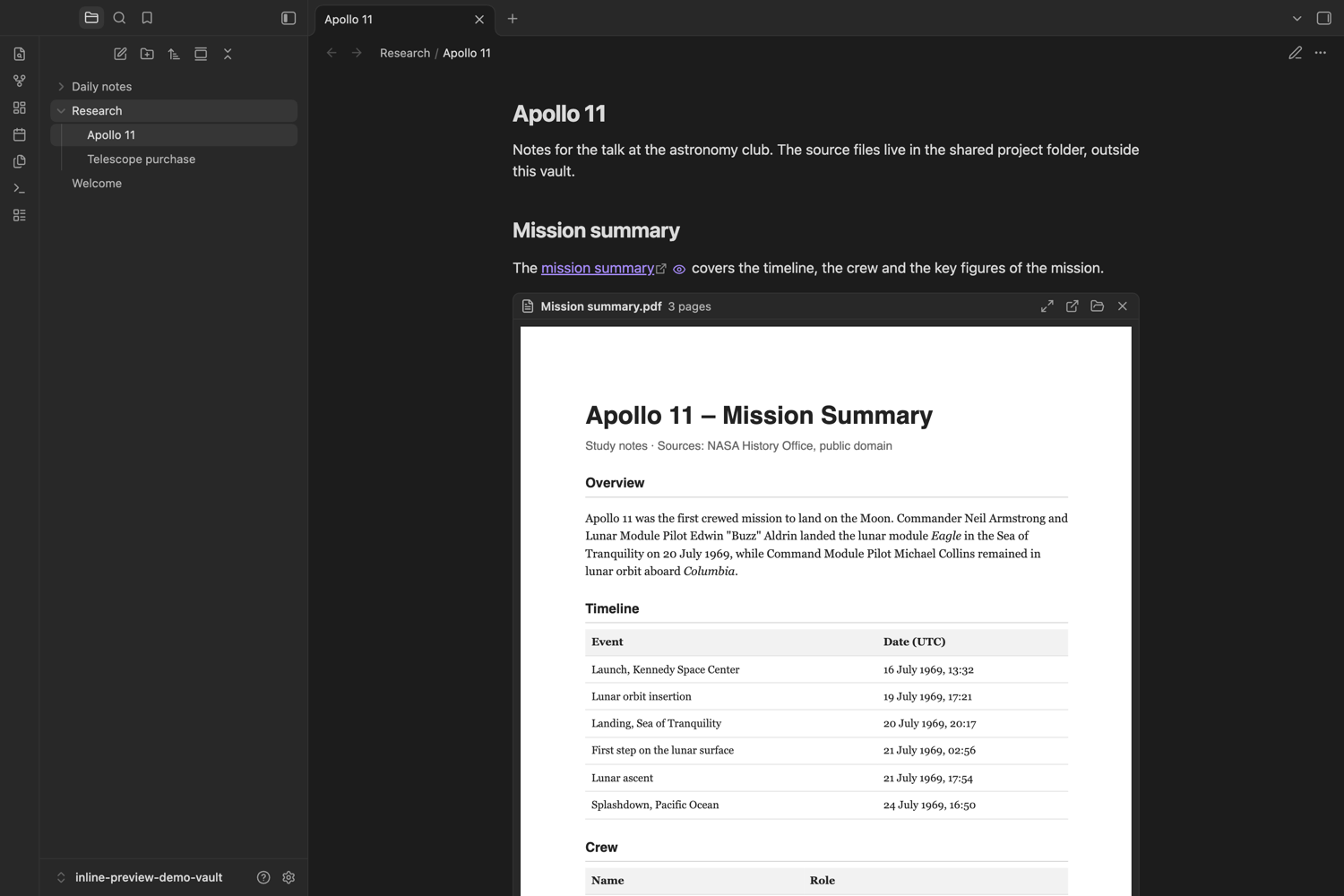
Many people keep large files out of the vault, in a cloud folder or on a file server, and link to them with file:// links. Obsidian opens such links in another app, but cannot show them in the note. Inline Preview adds a small eye icon behind these links in reading view. Click it and the file appears right below, click again and it is gone.
Features
- PDFs rendered with Obsidian's own PDF engine, page by page as you scroll, so long documents open quickly. Scanned PDFs with JPEG 2000 images work too.
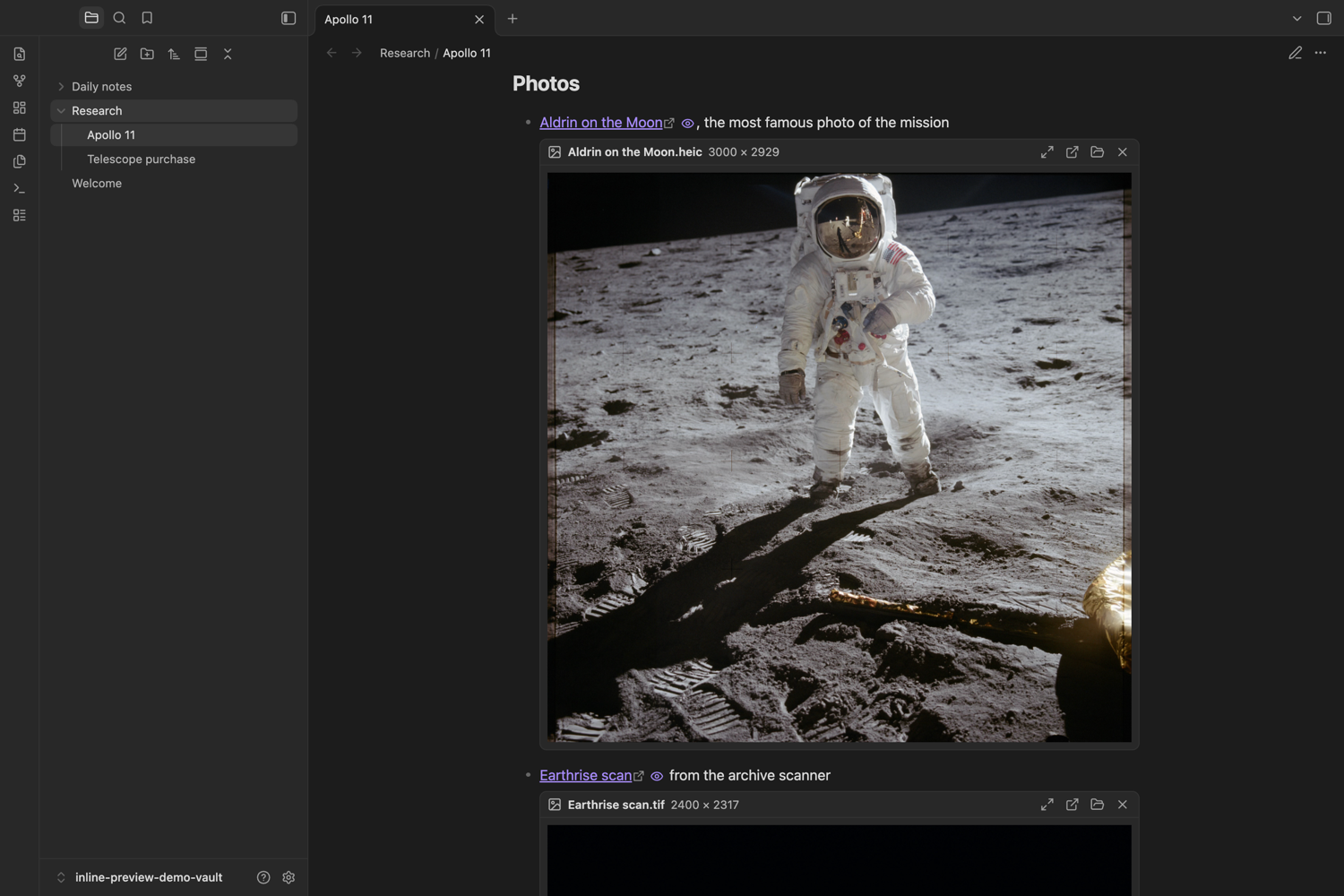
- Images: PNG, JPEG, GIF, WebP, SVG, AVIF and BMP. HEIC photos from iPhones and TIFF scans are converted on the fly on macOS (with the built-in
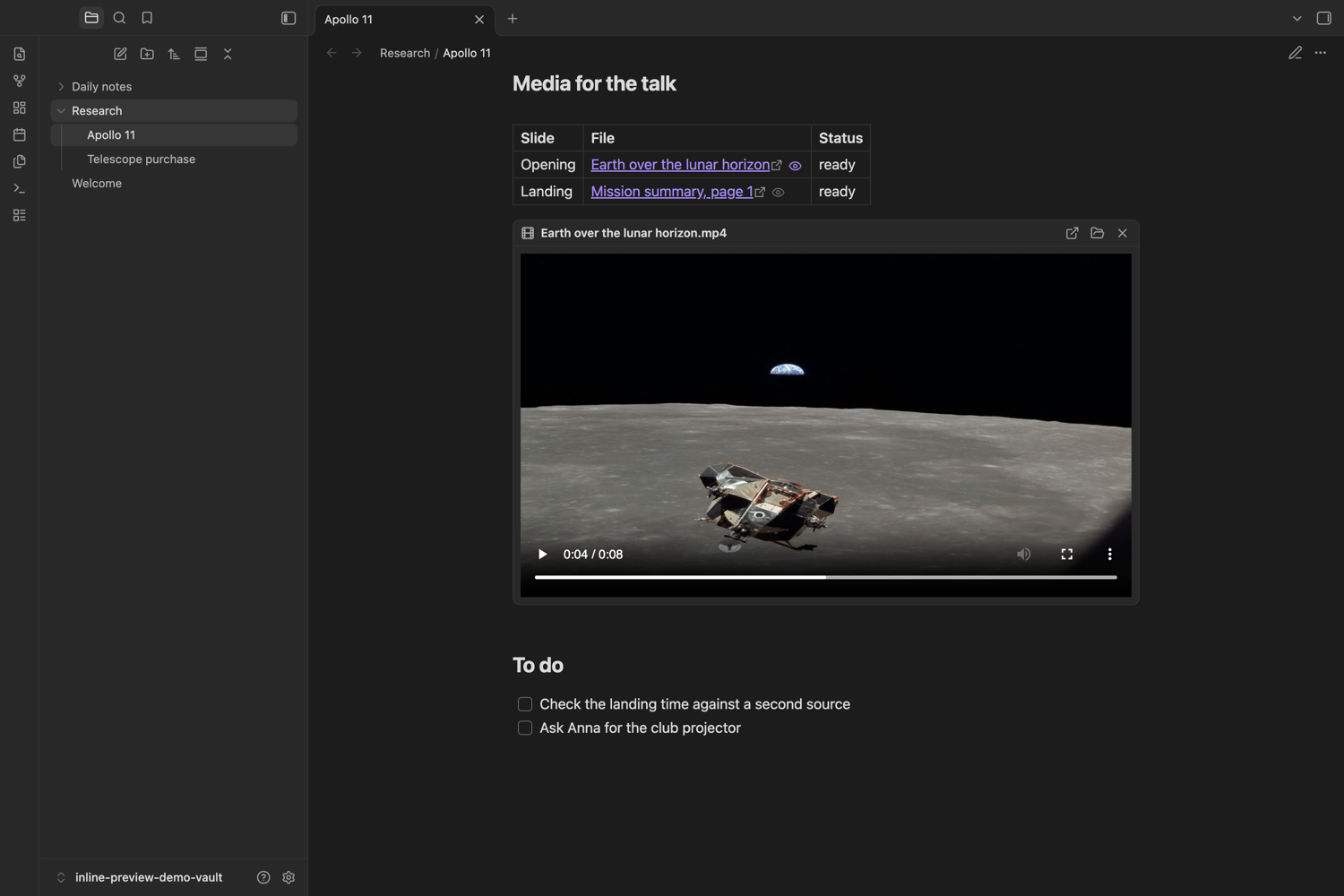
sipstool, cached in the temp folder, the original stays untouched). - Videos: MP4, M4V, MOV, WebM and OGV with the normal player controls.
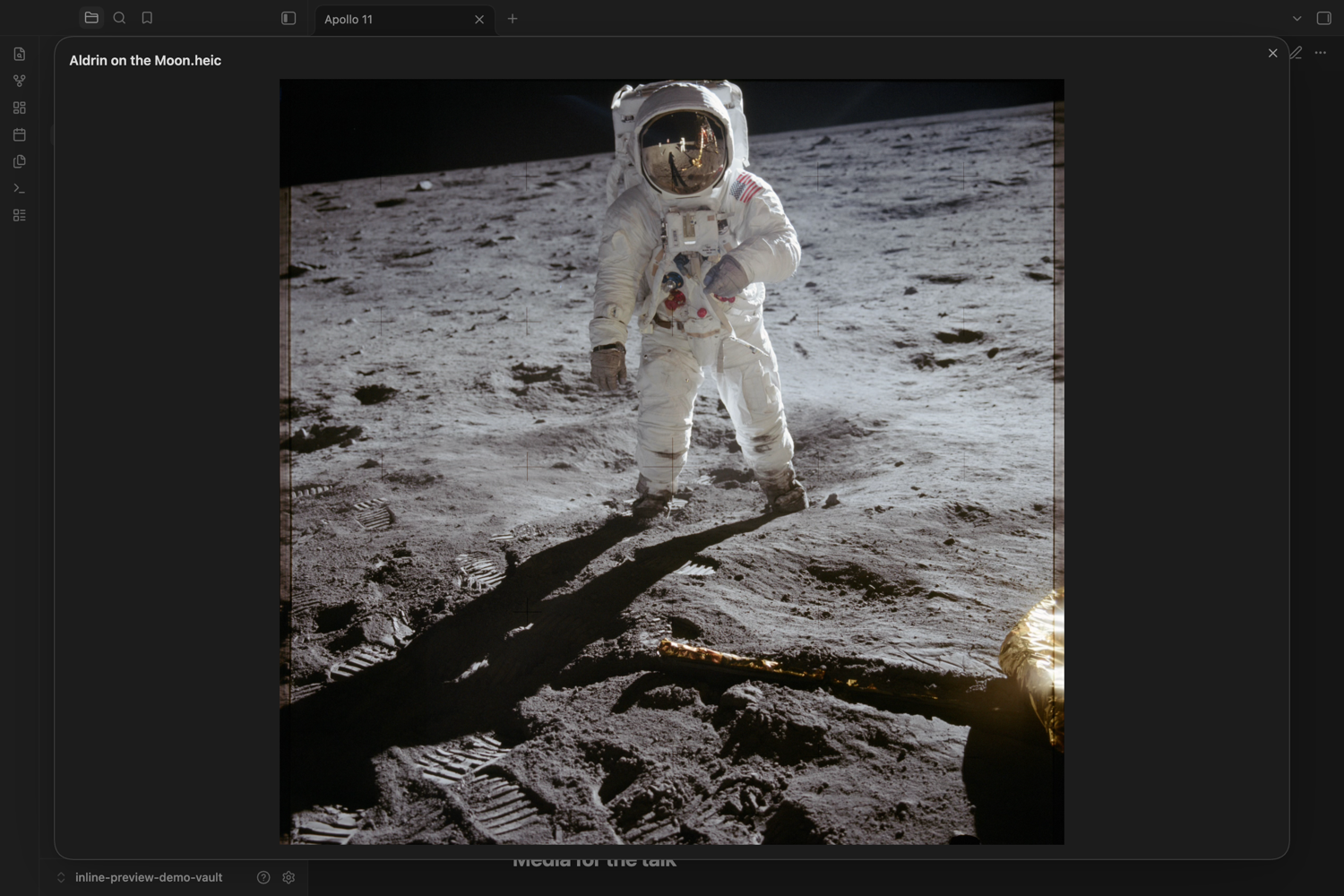
- Large view for PDFs and images in a window-sized dialog. Click an image there to switch between fit and full size.
- Sensible placement: below the paragraph, inside a list item, or below a table (so table cells stay compact).
- Buttons to open the file with its default app or show it in its folder.
- Previews stay open while you work in a note and can open automatically if you like.
- Google Drive links (optional, macOS): with Google Drive for desktop, links like
https://drive.google.com/file/d/…are previewed from the local copy. The file ID is looked up in Drive's local database with thesqlite3tool that ships with macOS. Nothing is sent over the network. Optionally, clicking such a link opens the local copy instead of the browser. - English and German interface.
Requirements
- Obsidian desktop app (Inline Preview does not run on mobile).
- Tested on macOS. HEIC/TIFF conversion and Google Drive links need macOS. PDFs, the other image formats and videos use only Obsidian itself and should work on Windows and Linux as well, but have not been tested there.
- For Google Drive links: Google Drive for desktop, signed in. Files that are only stored online are downloaded by Drive when a preview opens.
Installation
In Obsidian, open Settings → Community plugins → Browse, search for "Inline Preview", install and enable it.
Manual installation: download main.js, manifest.json and styles.css from the latest release into <vault>/.obsidian/plugins/inline-preview/ and enable the plugin.
Usage
Write a normal Markdown link to a local file, for example:
[Inspection report](file:///Users/me/Documents/Reports/2026-03%20Inspection.pdf)
Switch to reading view. An eye icon appears behind the link. Click it to show the preview, click it again or the × to hide it. The command Inline Preview: Close all previews closes every open preview.
Settings
| Setting | Effect |
|---|---|
| PDFs, Images, Videos | Which file types get a preview. |
| Open previews automatically | Every preview is expanded when a note opens. |
| Maximum height | Height of a preview in percent of the window. Longer content scrolls. |
| Preview Google Drive links | macOS with Google Drive for desktop only. |
| Open Drive links locally | Clicking a Drive file link opens the local copy with the default app. |
Limitations
- Previews appear in reading view only, not in live preview or source mode.
- Only links to files on this computer (
file://) and, optionally, Google Drive file links are supported. Files inside the vault are already handled by Obsidian's own embeds (![[file.pdf]]). - Video playback depends on the codecs of Obsidian's built-in Chromium. H.264 and, on macOS, HEVC work.
Privacy and file access
Inline Preview makes no network requests, collects no data and has no telemetry. To do its job it accesses files and runs two system tools:
- Files outside the vault: it reads the files your links point to (only when you open a preview) and shows them through Obsidian's local resource URL. It never writes, moves or deletes them.
sips(macOS only): converts HEIC and TIFF images to JPEG for display. The converted copies go to the system temp folder ($TMPDIR/obsidian-inline-preview/), the originals stay untouched.sqlite3(macOS only, only with the Google Drive setting on): reads Google Drive for desktop's local metadata database read-only to find the local copy of a linked Drive file.- Open / Show in folder hand the file to the operating system (Electron
shell).
License
MIT, see LICENSE.