
README file from
GithubRin Image Toolbar
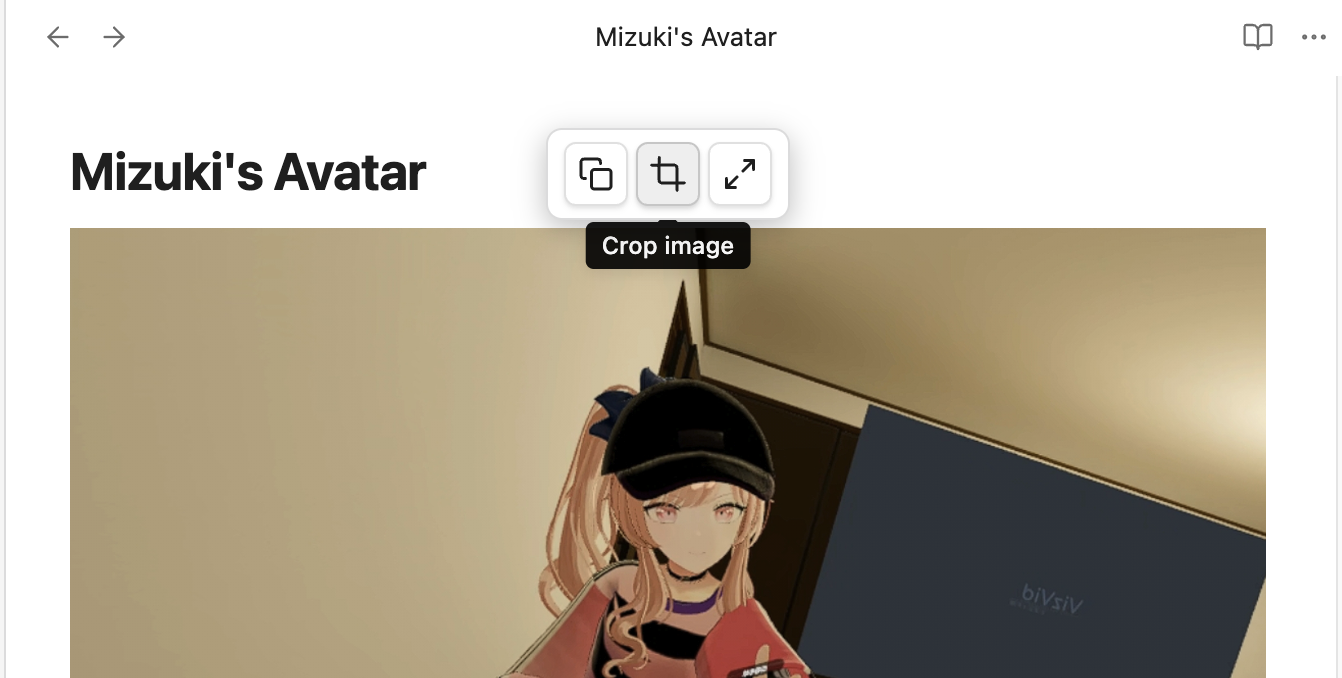
Obsidian plugin that shows a floating toolbar when you hover over images in Live Preview mode.
Features
- Copy — copy image to clipboard
- Crop — interactive crop dialog with drag handles and precise pixel input, saves as
filename_crop.ext(auto-increment if exists) - Fullscreen — view image in a fullscreen overlay
After cropping, the image reference in your note is automatically updated to point to the cropped version.
Reading view only shows Copy and Fullscreen (no crop).
Demo
Installation
- Download the latest release from Releases
- Extract into
.obsidian/plugins/image-toolbar/ - Enable "Image Toolbar" in Obsidian Settings → Community Plugins
Manual Build
npm install
npm run build
License
MIT