
README file from
GithubImage Markdown Description
An Obsidian plugin that lets you edit a description for image files (PNG / JPEG) as Markdown and persist it as image metadata.
When you open an image file inside your vault, the plugin renders a small editor below the image. The text you type there is saved directly into the image file:
- PNG: stored as a
tEXtchunk (Descriptionkeyword) - JPEG: stored in EXIF (
ImageDescription)
Because the description lives in the image itself, it stays with the file even when you move it outside of Obsidian.
Features
- Inline description editor shown directly under the image view
- Markdown rendering of the description with a one-click switch between edit mode and preview mode
- Internal link auto-completion (
[[note name]]) while editing - Clicking an internal link in preview mode opens the linked note (
Cmd/Ctrlfor a new pane) - Auto-save on blur (no extra command needed)
Supported formats
| Format | Storage | Notes |
|---|---|---|
.png |
tEXt chunk with Description keyword |
Existing chunks are preserved |
.jpg / .jpeg |
EXIF ImageDescription |
Rolls back on partial write failure |
Other file types are ignored — the plugin will not even read the file bytes for unsupported formats.
Installation
From the Community Plugins browser (after release)
- Open Obsidian → Settings → Community plugins
- Disable Restricted mode if it is on
- Click Browse and search for Image Markdown Description
- Install and enable it
Manual install
- Download
main.js,manifest.json, andstyles.cssfrom the latest GitHub Release - Copy the three files into
<your vault>/.obsidian/plugins/image-md-description/ - Reload Obsidian and enable the plugin in Settings → Community plugins
Usage
- Open a
.png,.jpg, or.jpegfile in your vault - An editor appears under the image. Type a description in Markdown
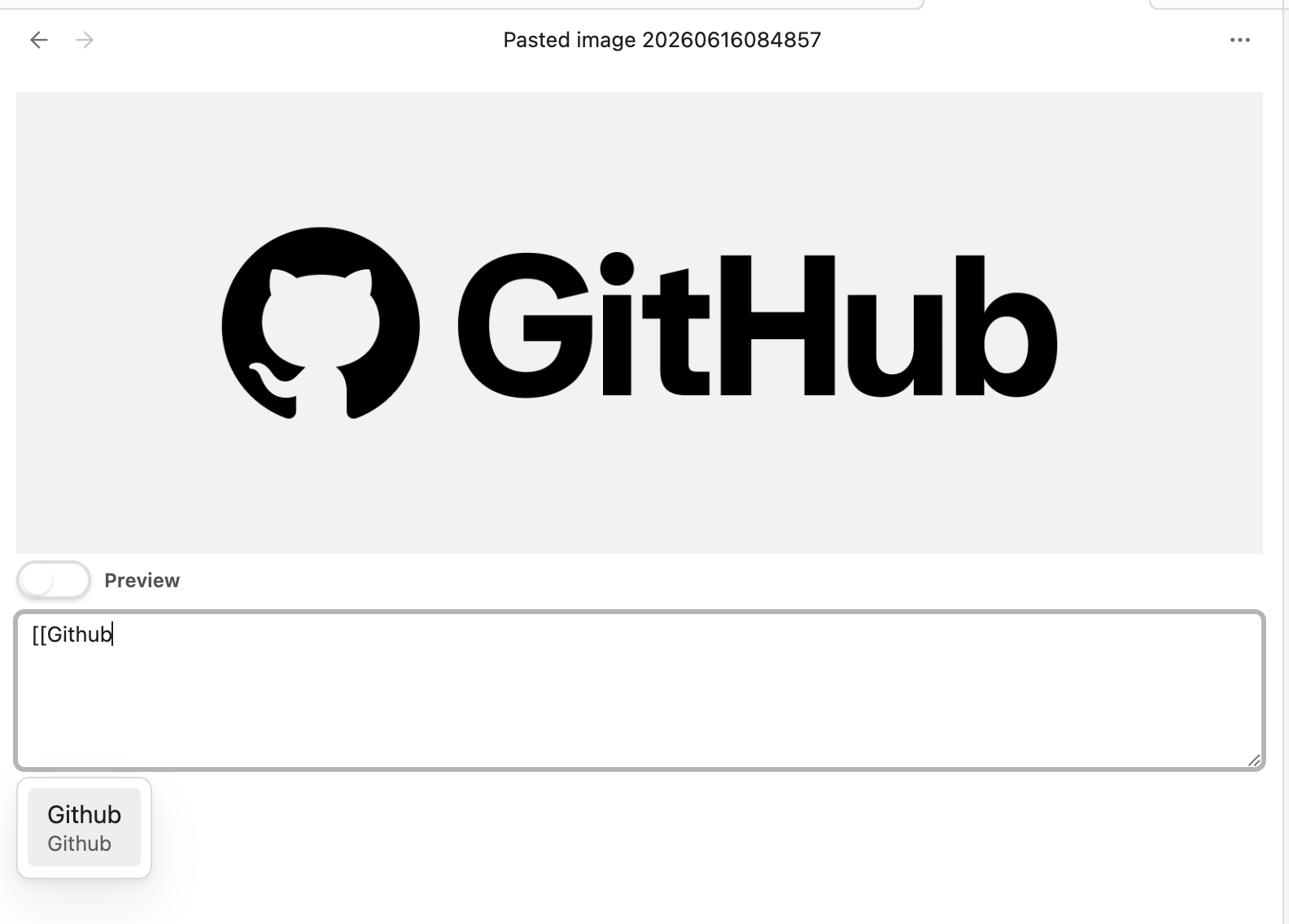
[[opens a link suggestion popup for notes in the vault
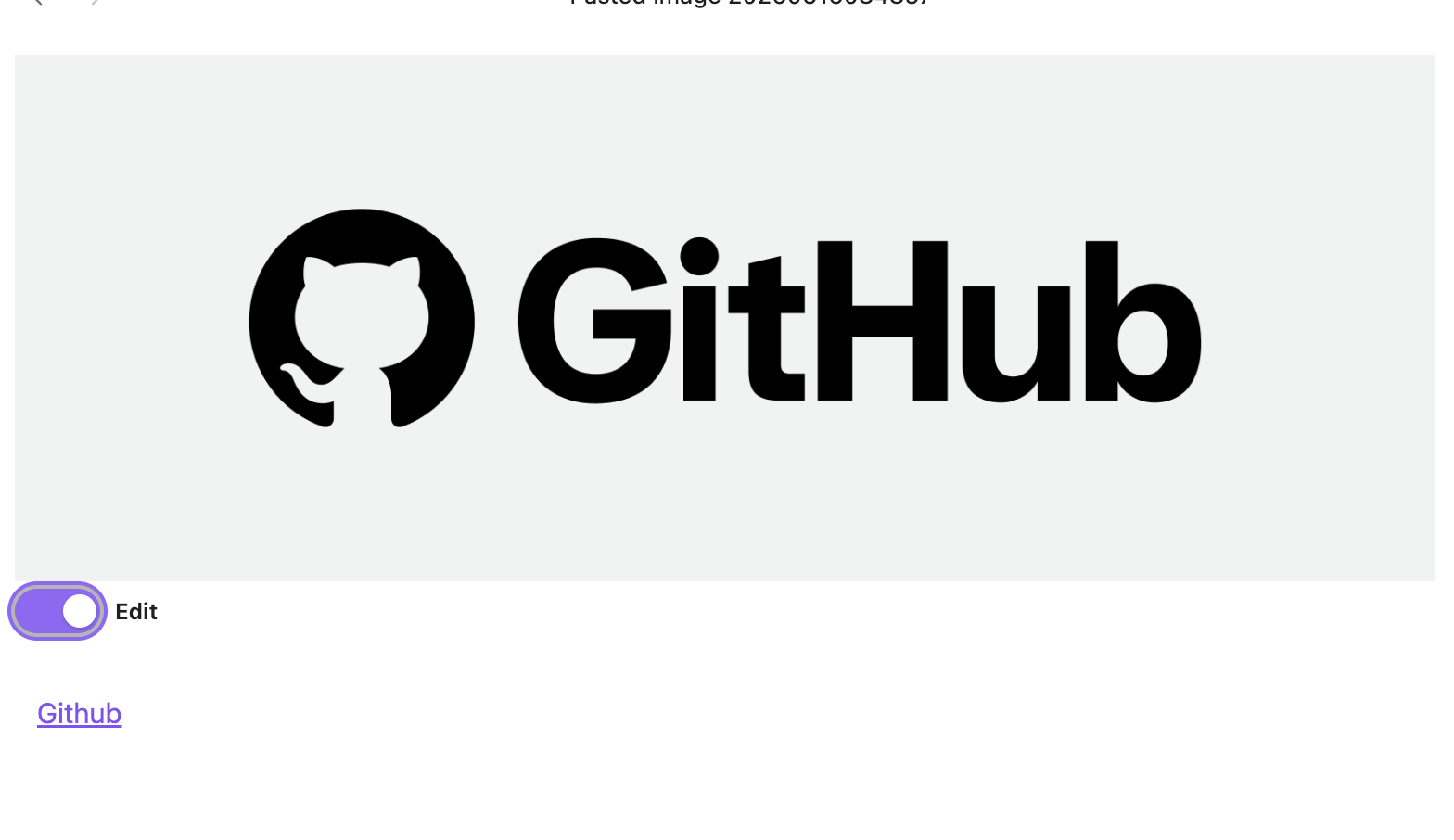
- Click outside the editor (blur). The description is written into the image file and the view switches to preview mode
- Click the rendered preview area to switch back to edit mode
Edit mode (with internal link suggestion)
Preview mode (rendered Markdown)
Limitations
- Desktop only. This plugin reads and writes raw image bytes through the Obsidian Vault API and is marked
isDesktopOnly: true. Mobile is not supported. - Only
.png,.jpg,.jpegare recognised. Other image formats (WebP, AVIF, GIF, …) are ignored. - Existing
Descriptionmetadata in the file is replaced when you save.
Development
npm install
npm run dev    # watch build
npm run build  # production build
npm run lint
The bundled output (main.js) is generated by esbuild. See esbuild.config.mjs.