
README file from
GithubImage AI
An Obsidian plugin for ecommerce teams to collect reference product images, distill visual style, and generate new ecommerce hero images or detail images.
Who It's For
- Ecommerce operators
- Visual designers
- Product detail page creators
- Anyone who needs to analyze competitor product imagery
Core Features
- Single-image style distillation
- Multi-image style distillation
- Style-based image generation
- Distilled style saved to
图片风格库 - Generated output saved to
生成图片
Folder Conventions
图片素材: reference images to analyze图片风格库: distilled style files生成图片: generated image output
Install and Enable
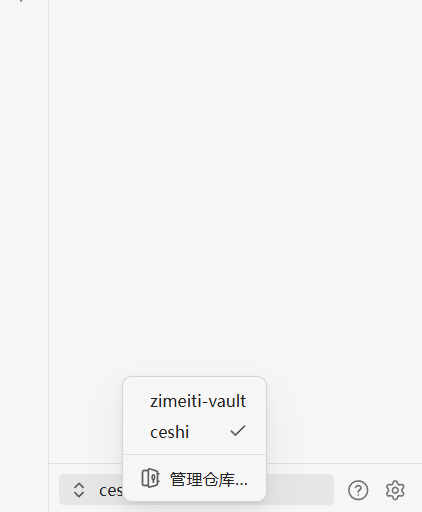
Step 1: Open Obsidian and add a Vault from the lower-left corner
Select the full Vault folder you received.
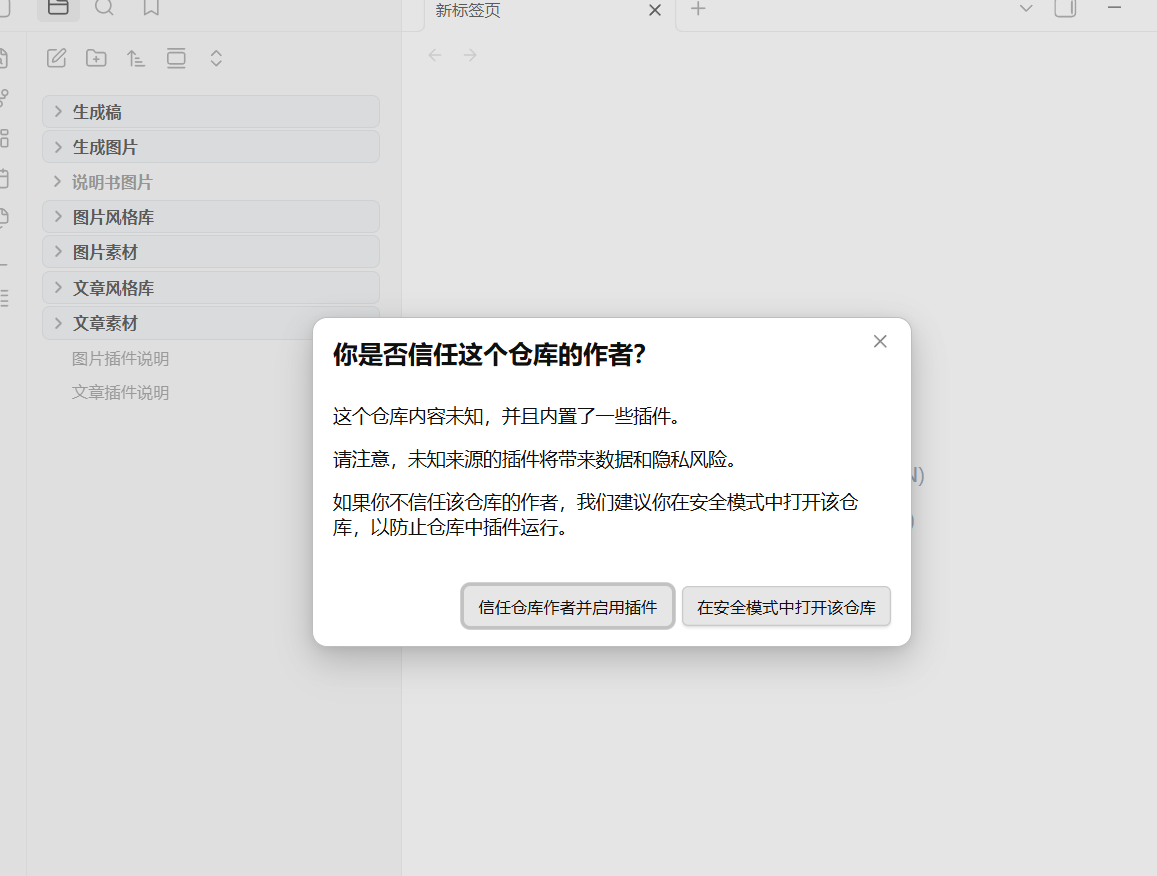
Step 2: Click "Trust Author"
If the Vault includes plugins and settings, Obsidian will show a security prompt. Click "Trust Author" to continue.
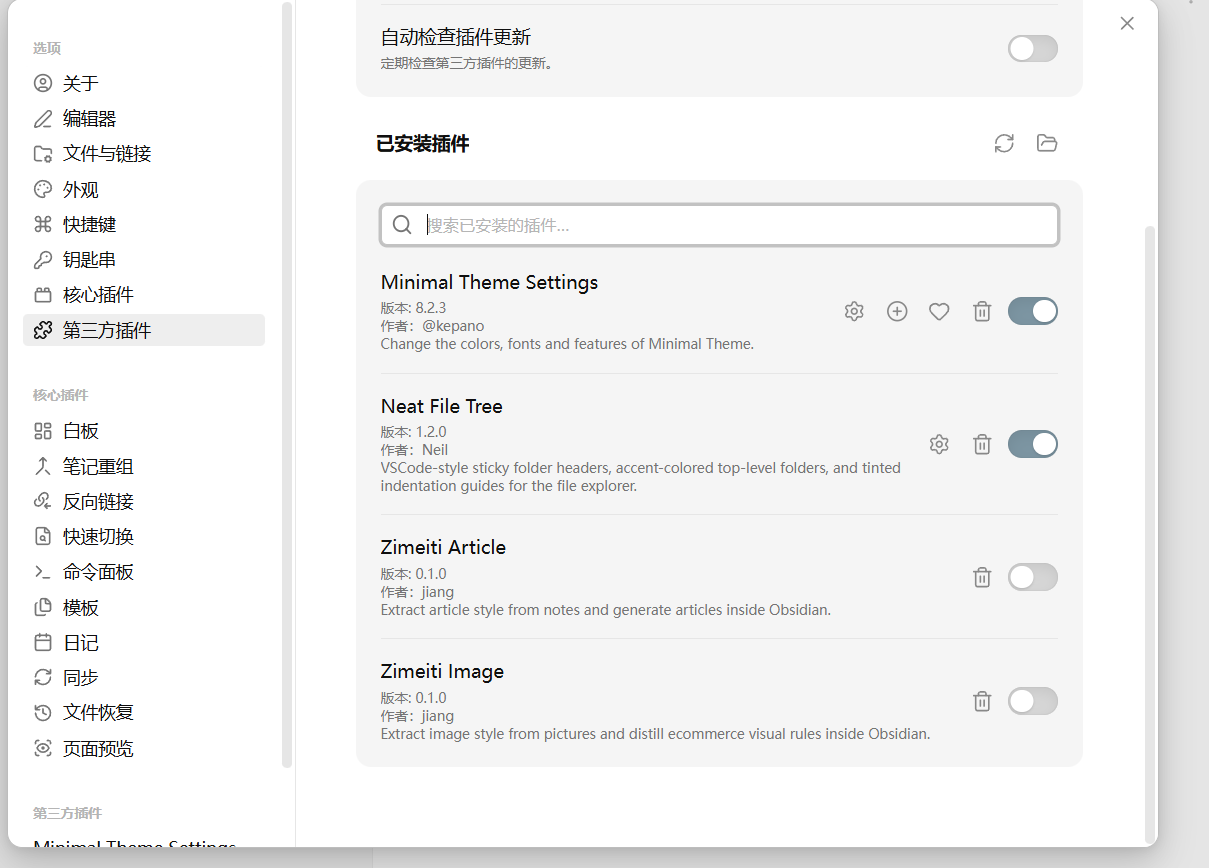
Step 3: Enable the plugin in Community Plugins
Find the image plugin in the Community Plugins list and turn it on.
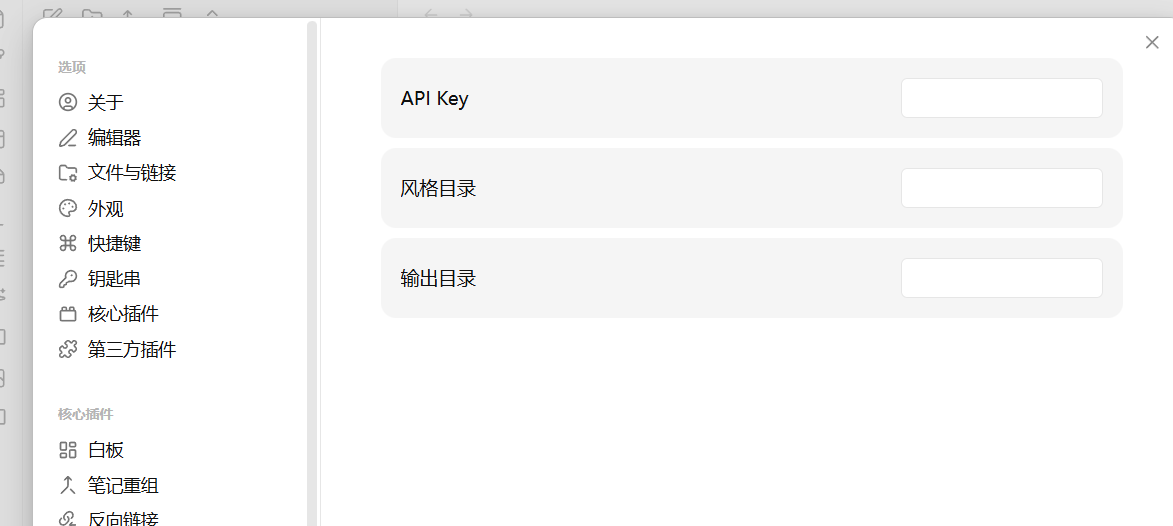
Step 4: Open plugin settings and enter your API Key
Go to the plugin settings page, fill in the API Key field, and save.
Step 5: Open the usage guide
After enabling the plugin, open the image plugin documentation inside the Vault for the full workflow.
Usage
- Enter your API Key in plugin settings.
- Put reference images in
图片素材or any working folder. - Open one or more images.
- Run
图片风格蒸馏. - Enter a style name.
- Right-click a folder and choose
生成图片. - Fill in the generation request and choose whether to use an existing style.
- The result will be saved to
生成图片.
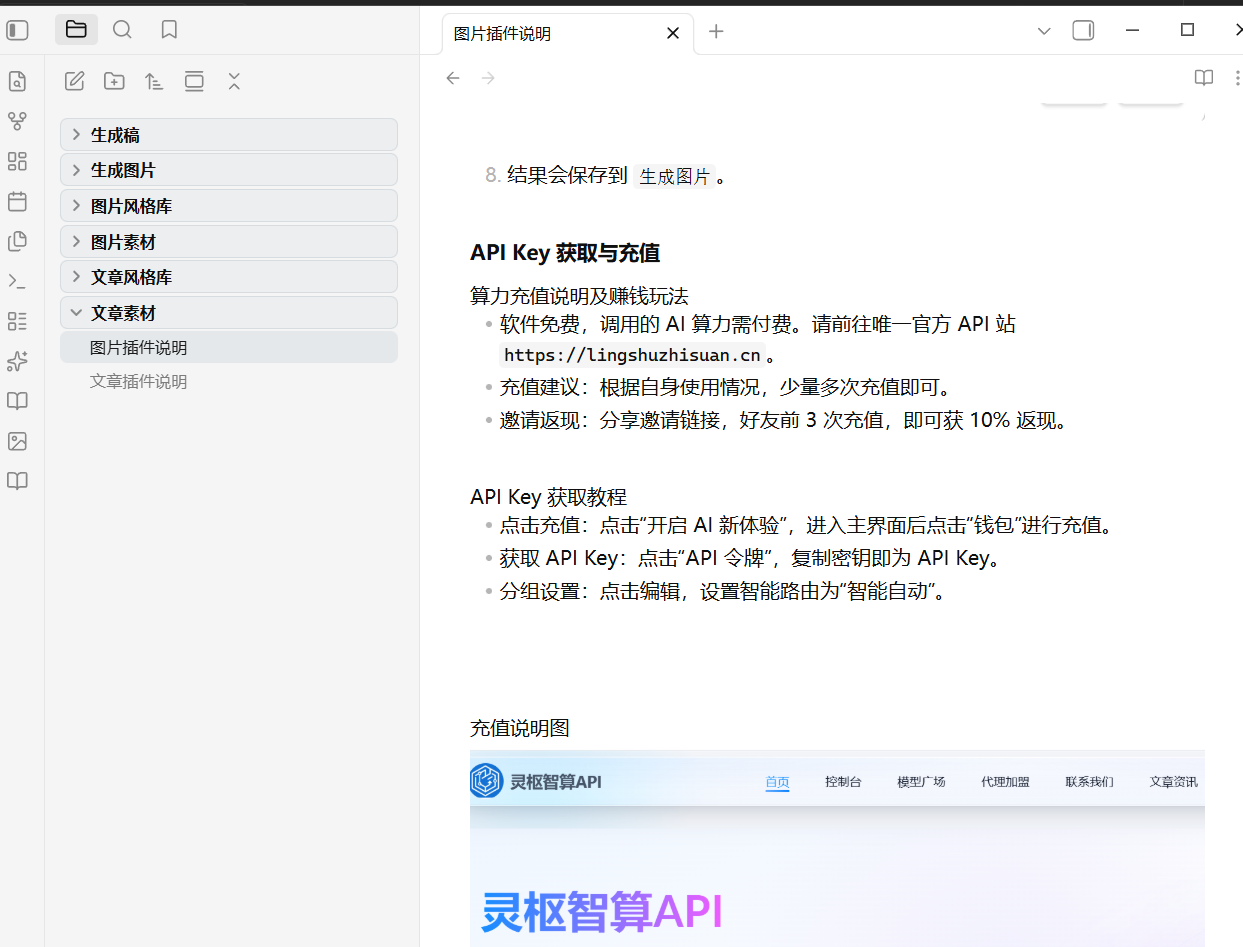
API Key and Recharge
- Visit
https://lingshuzhisuan.cn - Recharge your account and obtain an API Key there
- Paste the API Key into the plugin settings
Release Assets
When publishing a GitHub Release, upload these files:
main.jsmanifest.jsonstyles.css