
README file from
GithubFokus Window Mode
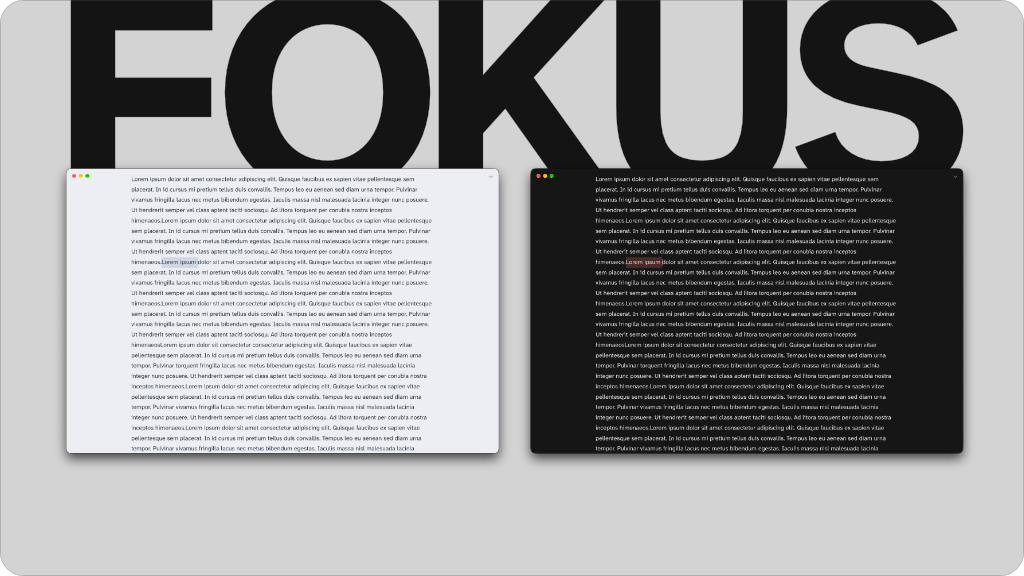
A companion plugin for the Fokus theme. One switch turns Obsidian into a quiet, distraction-free page of writing, and the same switch brings everything back.
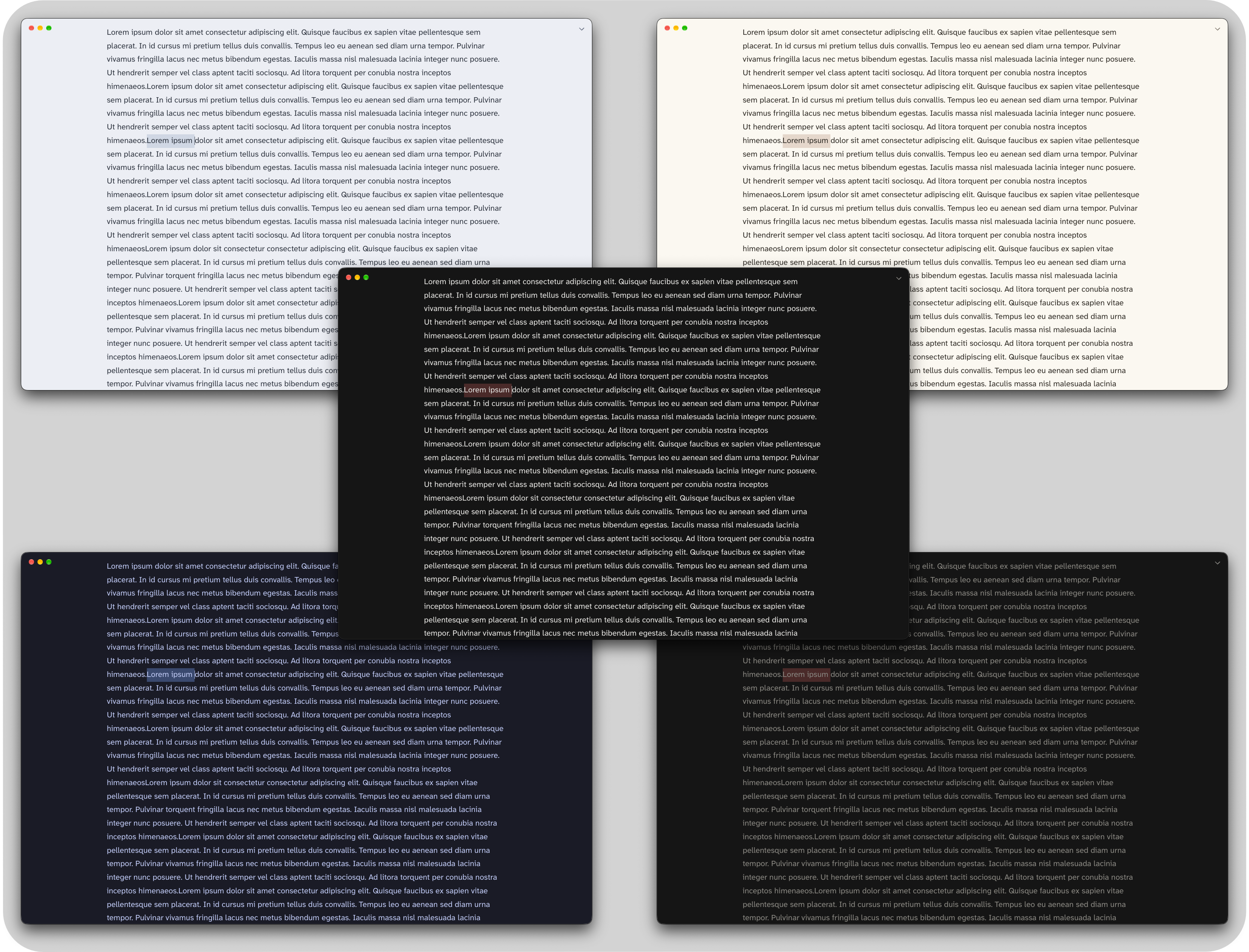
Fokus Window
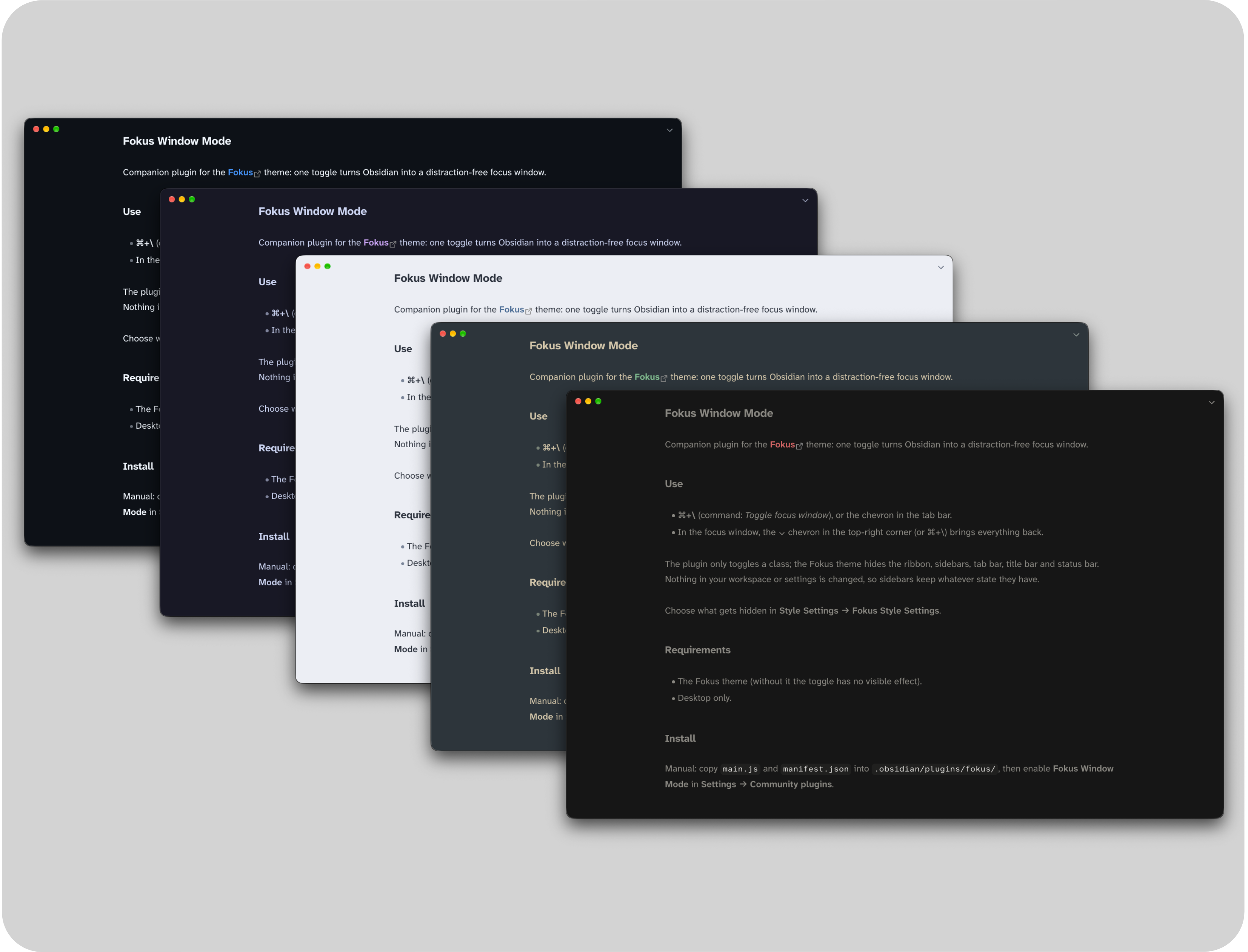
Press your hotkey, or click the ⌃ chevron in the tab bar:
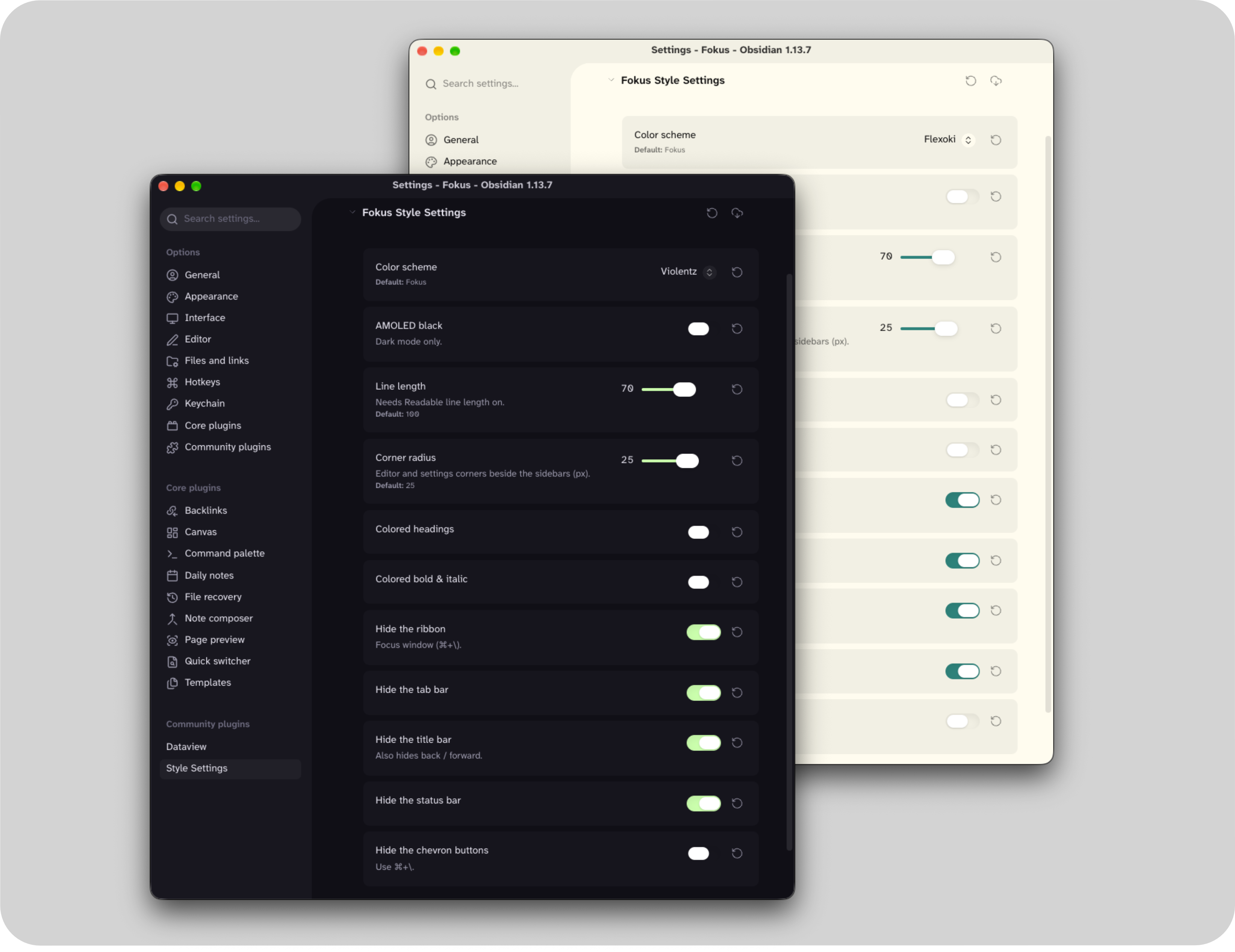
- Everything else steps aside: the ribbon, tab bar, title bar and status bar all hide. Want to keep any of them? Choose in Style Settings → Fokus Style Settings.
- Sidebars stay put until you leave, so a stray shortcut can't slide one over your text. When you come back, they're exactly how you left them.
- No scrollbars. You can still scroll; the bar just isn't there.
- It's still a normal window. You can drag it by the top edge, shake it around a bit, if so inclined.
- Leaving is the same hotkey again, or the ⌄ chevron in the top-right corner.
- Nothing gets rearranged. Your workspace and settings are left alone.
The plugin itself is tiny: it adds the command, the hotkey option and the chevrons. The Fokus theme does the actual hiding, which is why it's needed.
Setting the hotkey
No hotkey is set by default, so it can't clash with shortcuts you already use. Either:
- turn on Use ⌘+\ as the default hotkey in Settings → Fokus Window Mode (it's Ctrl+\ on Windows and Linux), then reload Obsidian; or
- pick any key you like in Settings → Hotkeys by searching for "Toggle Fokus window".
The Fokus theme
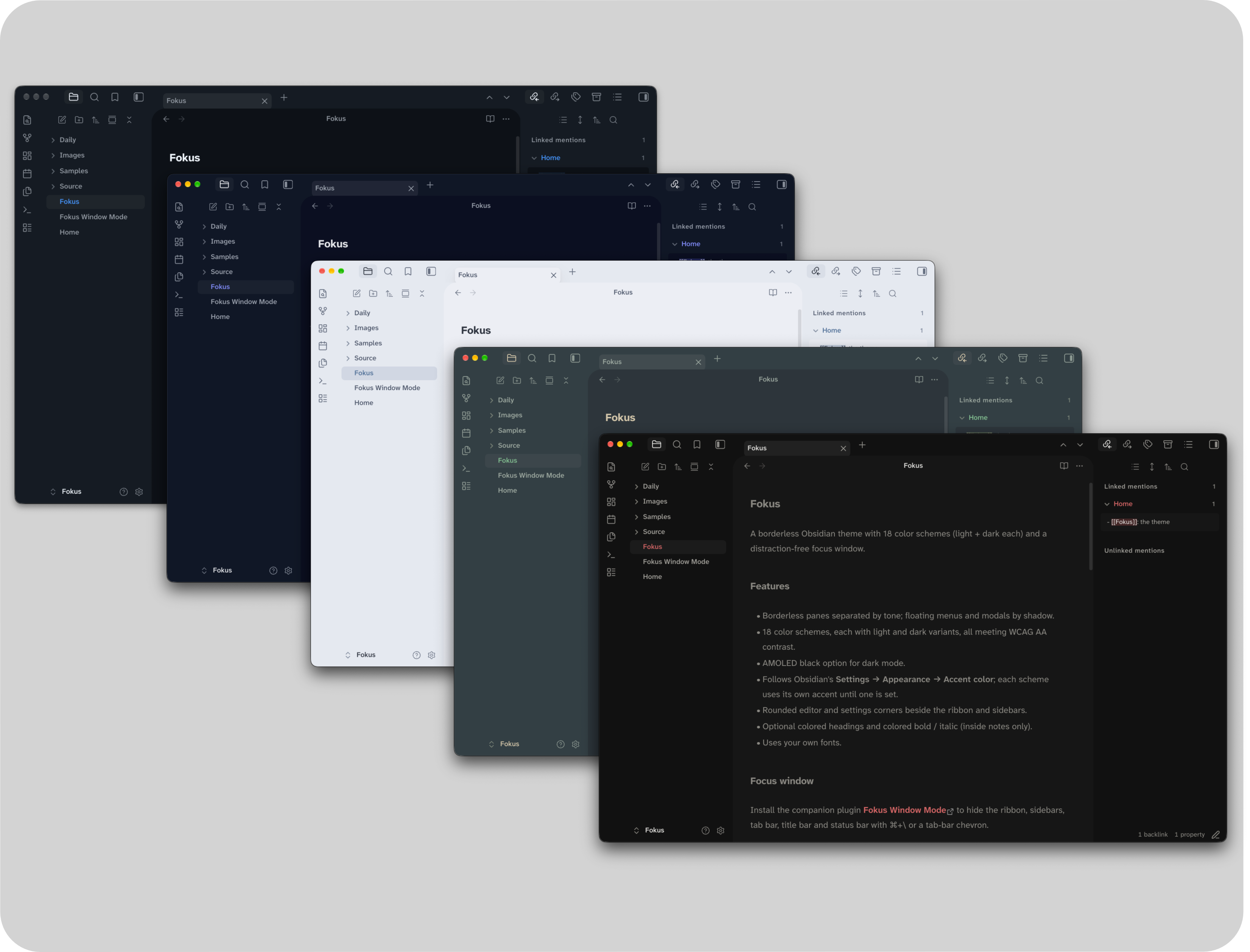
A borderless theme with more than 20 color schemes in light and dark, support for your own accent color and fonts, and rounded corners beside the sidebars. See Fokus for everything it does.
Works with
| Fokus theme | Required; it does the hiding |
| Style Settings | Optional; choose what the Fokus window hides |
Desktop only (macOS, Windows and Linux). On phones and tablets, Obsidian already gives you a full-screen editor.
Install
In Obsidian, go to Settings → Community plugins → Browse, search for "Fokus Window Mode", then install and enable it.
To install it manually, copy main.js and manifest.json into .obsidian/plugins/fokus/ inside your vault, then enable Fokus Window Mode in Settings → Community plugins.
Feedback
Tested on macOS, Windows and Linux. If anything misbehaves, please open an issue.