
README file from
GithubFile Media Gallery
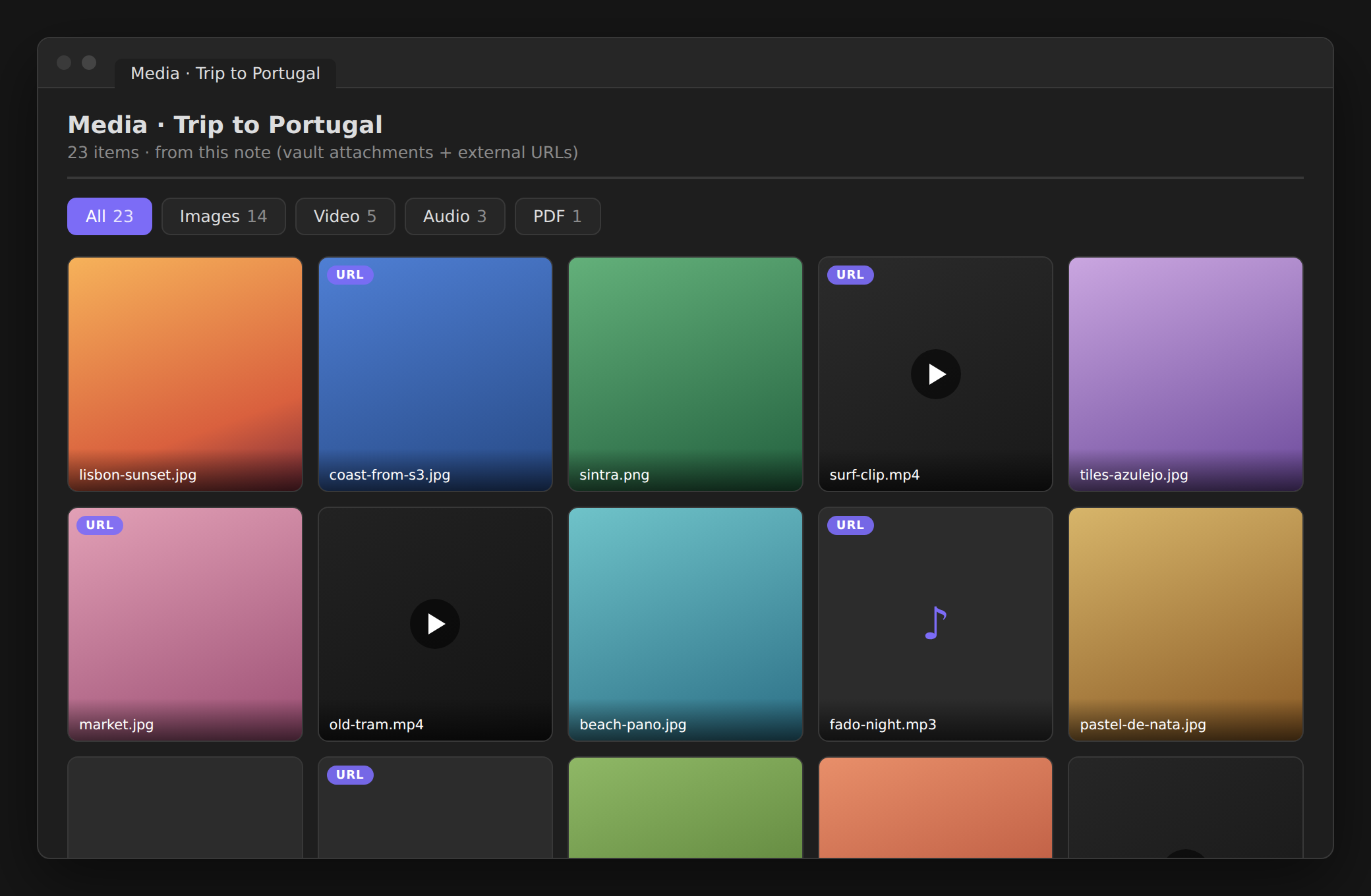
Right-click a note → Show all media from the file → a gallery of everything it references.
Images, video, audio, and PDFs — from vault attachments and external URLs (like links to your own S3/object storage) — gathered into per-type tabs with a fullscreen lightbox. Great for notes whose media lives outside the vault.
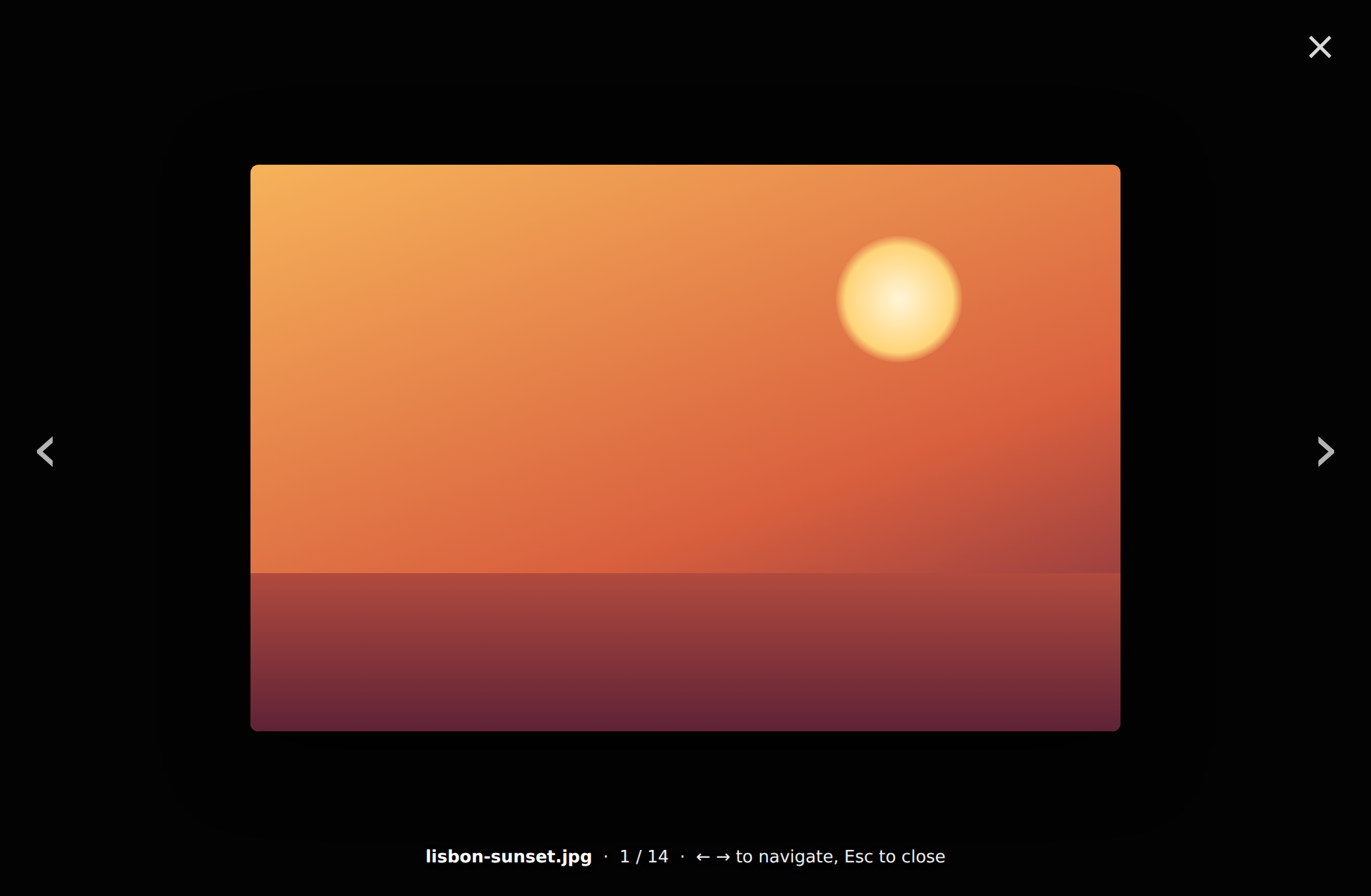
Click any thumbnail for a fullscreen lightbox with prev/next:
Features
- 🔎 Finds everything it references — embeds (
![[img.png]],), vault links ([[img.png]]), and externalhttp(s)URLs parsed from the markdown (,[caption](https://…/file.pdf), bare URLs). - 🗂️ Per-type tabs —
All · Images · Video · Audio · PDF · Files(only the ones present show, each with a count). - 🔍 Fullscreen lightbox — click a thumbnail to enlarge;
‹ ›/← →to step through,Escor click-outside to close. - 🎬 Right tile for each type — image covers, video first-frame tiles with a ▶ badge, inline audio, inline PDF, and other files (pptx, docx, zip…) with an Open externally action.
- 🔄 Refresh button re-scans the note.
Usage
- Right-click a note (or run Show all media from the active note).
- Pick Show all media from the file.
- Browse the tabs; click any thumbnail for the lightbox.
Privacy & network
No network requests of its own, no telemetry, nothing written. It only displays the media your note already references — external URLs are loaded by the app from those URLs (same as rendering them in the note), vault files load locally.
Install
Community plugins (recommended): Settings → Community plugins → Browse → search File Media Gallery → Install → Enable.
BRAT: add jagajaga/obsidian-file-media-gallery.
Manual: download main.js, manifest.json, styles.css from the
latest release
into <vault>/.obsidian/plugins/file-media-gallery/, then enable it.
How it works
For the selected note it gathers references two ways — vault files from Obsidian's
metadata cache, and external http(s) URLs parsed from the raw markdown (robust to
brackets in link text and URL-encoding) — classifies each by extension,
de-duplicates, and lays them out in per-type tabs. Plain JavaScript, no build step,
desktop and mobile.
Related
- Folder Reader — read every note in a folder together as one continuous scrolling view.
License
MIT © Arseniy Seroka