
README file from
GithubObsidian echarts lite
Feature:
- compatiable with mobile
- latest echarts version(v6.0.0)
Install
install from obsidian plugin market
- Not published yet
manual install
- download assets from release
- create a folder named
echarts-litein your obsidian vault plugin folder({your obsidian vault path}/.obsidian/plugins/) - move the downloaded assets to the new created folder
- reload Obsidian
- enable the plugin
install from BRAT(Currently Recommended)
- Install BRAT if you haven't installed it yet.
- Enable BRAT in Settings → Community plugins
- Open Command Palette(Ctrl+P) and type
BRAT: Plugins: Add a beta plugin for testto open the Community Plugin Manager. - input the plugin repository url: https://github.com/x-ideas/obsidian-echarts-lite
- select the latest version
- click
Add pluginbutton to install the plugin. - enable
echarts-liteplugin in Settings → Community plugins if it's not enabled automatically.
How to Use
```dataviewjs

const option = {
	tooltip: {
		trigger: "axis",
		axisPointer: {
			type: "shadow",
		},
	},
	legend: {},
	xAxis: {
		type: "category",
		data: ["Mon", "Tue", "Wed", "Thu", "Fri", "Sat", "Sun"],
	},
	yAxis: {
		type: "value",
	},
	series: [
		{
			name: "name",
			data: [150, 230, 224, 218, 135, 147, 260],
			type: "bar",
		}
	]
}
app.plugins.plugins['echarts-lite'].api.render(option, this.container)
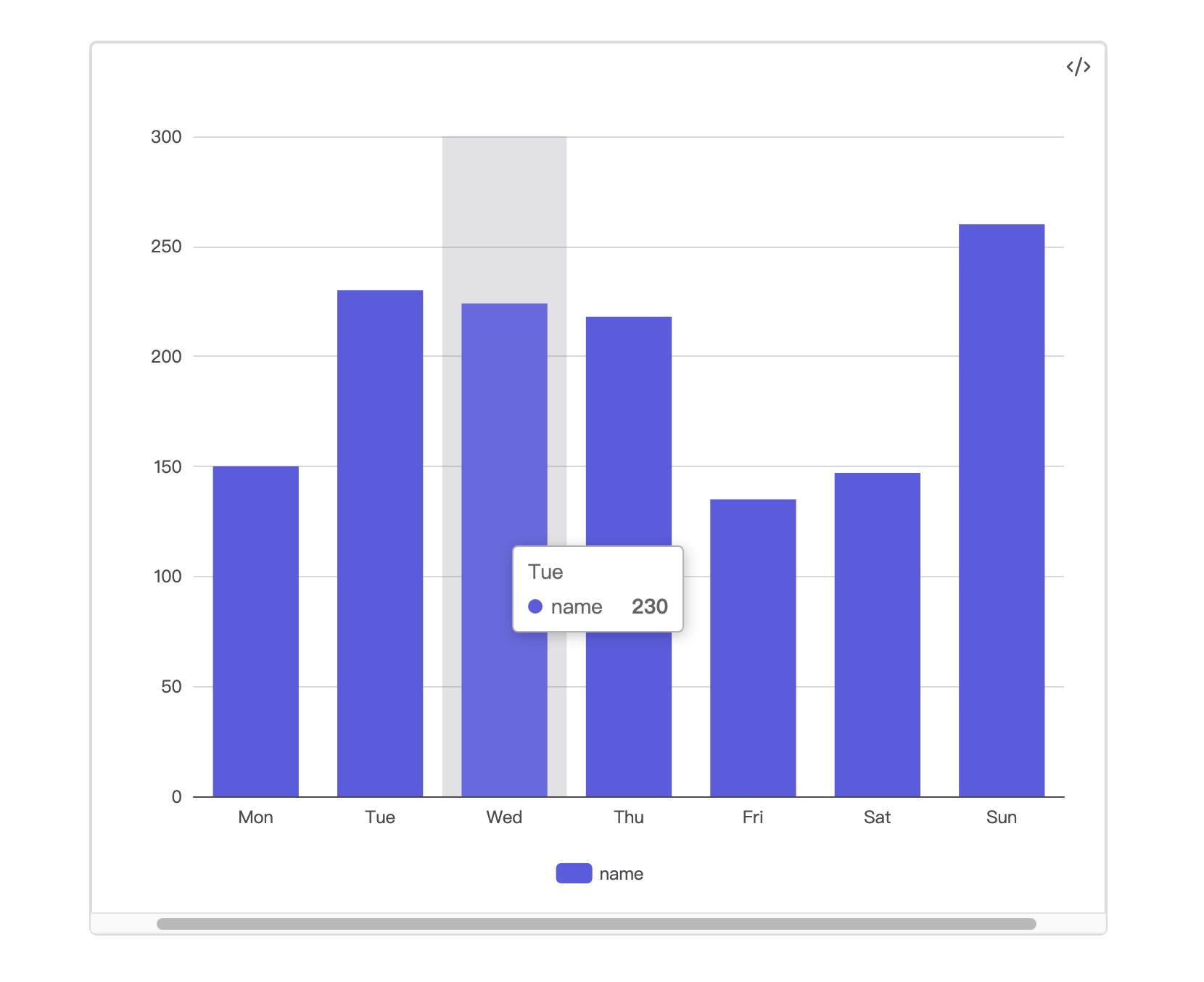
and the result will be like this:
Other
- ispired by obsidian-echarts