
README file from
GithubDXF Viewer
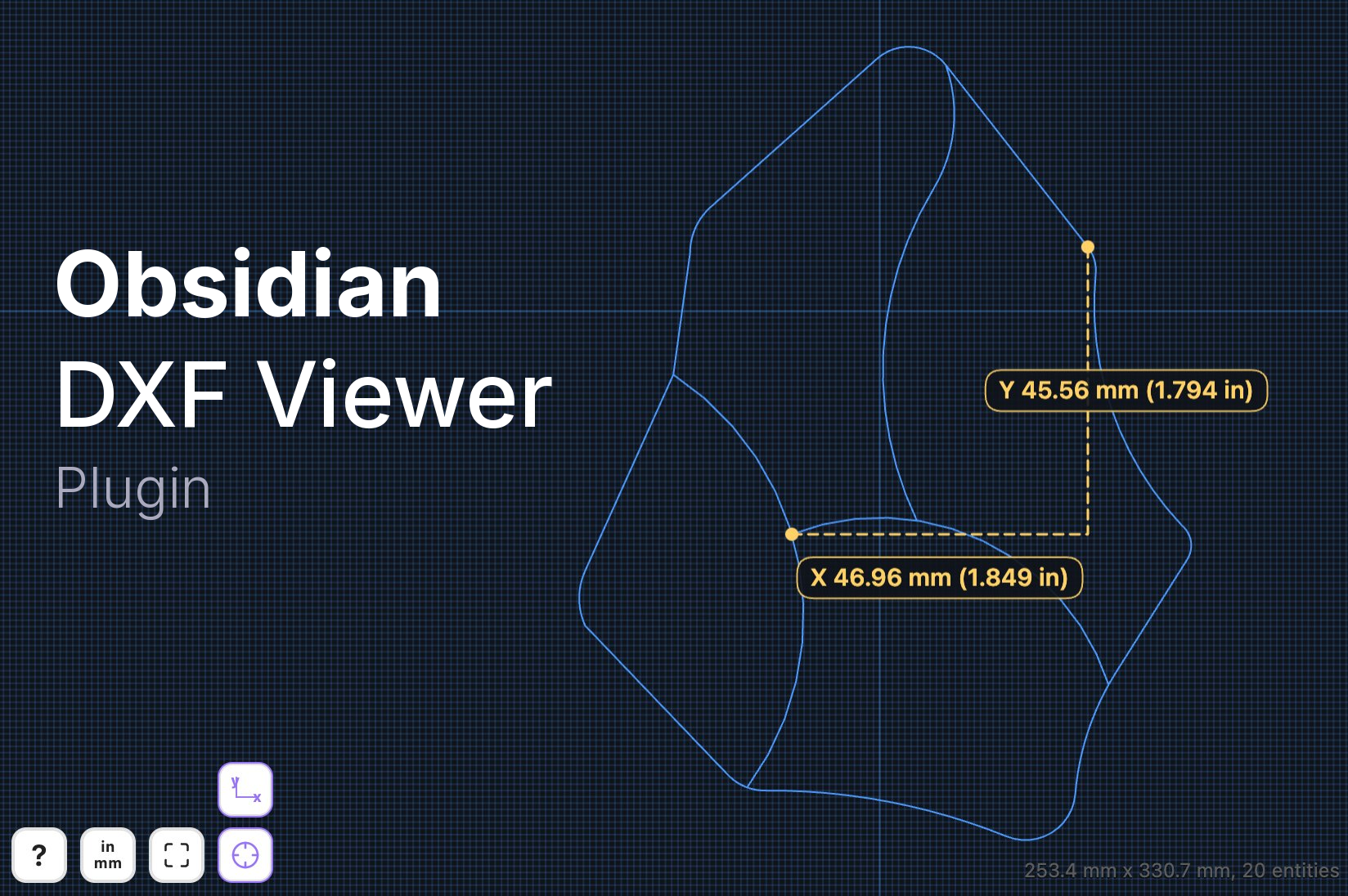
View, measure, and embed DXF drawings in your vault.
📚 Features
- Open
.dxffiles in a dedicated Obsidian view. - Render DXF embeds inside notes in reading mode with
![[drawing.dxf]]. - Pan, zoom, and reset the view with a zoom-all control.
- Measure between vertices, curve centers, and diameters of circles and arcs.
- Show direct distance or X/Y component measurements.
- Auto-detect drawing units from DXF metadata, with manual override when needed.
🛠️ Installation
Community plugins
- Open Settings → Community plugins.
- Select Browse, search for DXF Viewer, and install it.
- Enable DXF Viewer.
Manual installation
- Download
manifest.json,main.js, andstyles.cssfrom the latest GitHub release. - Create
<your vault>/.obsidian/plugins/dxf-viewer/. - Copy those three files into that folder.
- Reload Obsidian and enable the plugin.
🚀 Usage
- Open a
.dxffile from your vault, or embed one in a note with![[file.dxf]]. - Drag on trackpad or click and drag with mouse to pan.
- Pinch on trackpad or use
Cmd/Ctrl + scroll wheelto zoom. - Select the ruler button to enter measurement mode.
- Select two vertices, two curves, or a mix of both to measure distance.
- Select a circle or arc to measure its diameter.
- Double-click to clear the current measurement.
- Select the units button if the drawing needs a manual inch/mm override.
📋 Notes
- Desktop-only for the initial release.
- Embed rendering is intended for reading mode.
- Measurement display can follow the drawing units or show both metric and imperial values.
- Grid spacing follows the selected drawing units.
✍️ Author
Developed by Eric Weinhoffer

📄 License
MIT