
README file from
GithubDigital Rain Background
An Obsidian plugin that adds animated Matrix-style rain and adjusts your theme's colors and transparency to match.
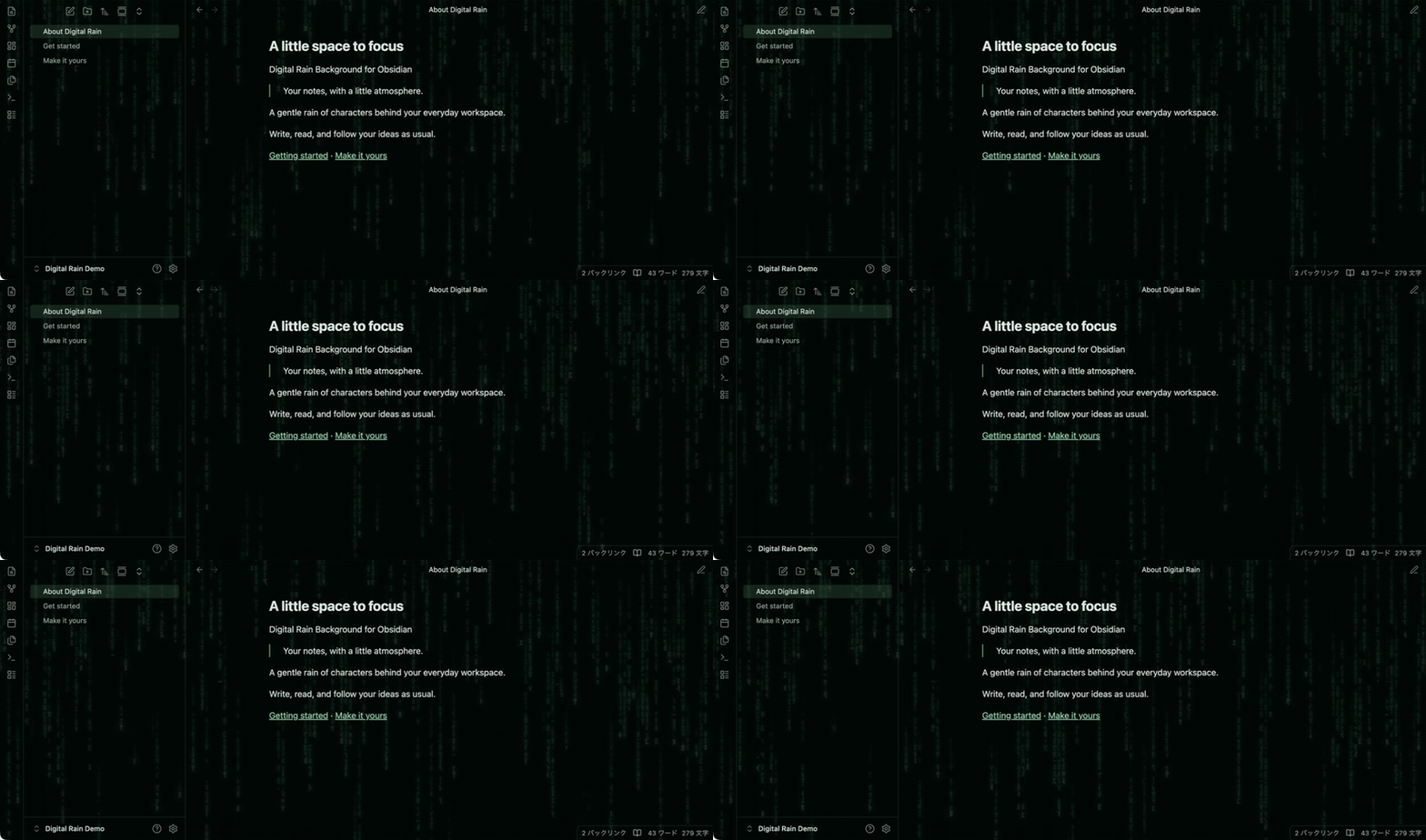
Install
Requires Obsidian 1.13.7+.
Download main.js, manifest.json, and styles.css from GitHub Releases. Place them in your vault's .obsidian/plugins/digital-rain-background/, reload Obsidian, and enable it under Settings → Community plugins. Your selected theme stays in Appearance → Themes.
Use
Adjust the look in Settings → Digital Rain Background. Higher interface opacity makes the rain more subtle.
Toggle with Digital Rain Background: Toggle background in the command palette.
Notes
- Pauses in inactive windows; stays still with reduced motion.
- On Windows, the rain moves only when Settings → Accessibility → Visual effects → Animation effects is on (Windows 10: Show animations in Windows). Turning it off is treated as reduced motion.
- Uses the same dark green palette in light and dark modes.
- Tested on macOS with Default and Minimal. Other themes and platforms may vary.
- No network access. No reading or editing your notes.
- Settings export and import write and read only
settings-backup.jsonin the plugin folder.
Build
npm ci
npm test
Release files are generated in dist/.
MIT · Musashino Software