
README file from
GithubDesk Lamp
Room lights off, one lamp left on.
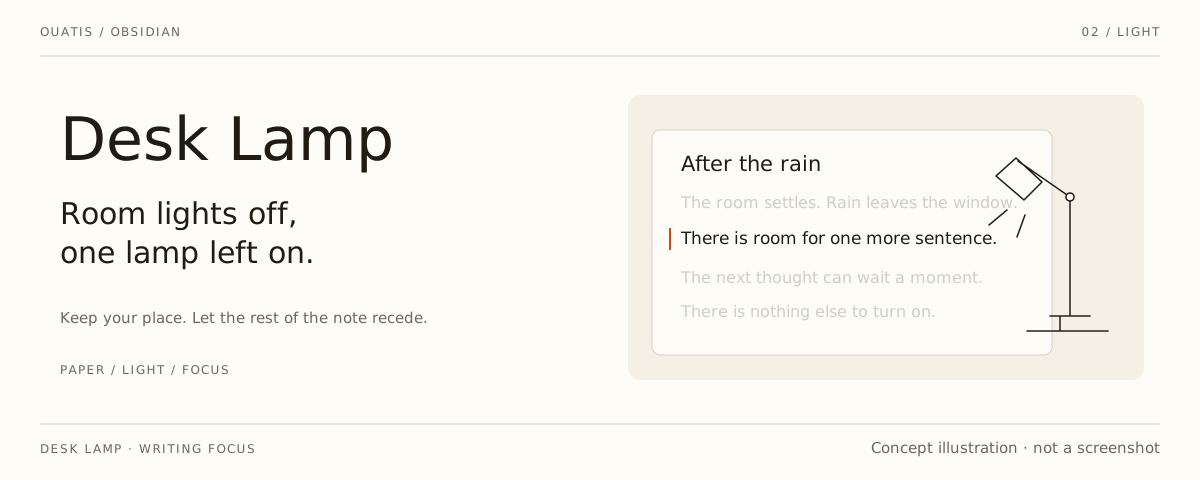
An Obsidian plugin that dims everything except the line, sentence, paragraph, or section you are working on.
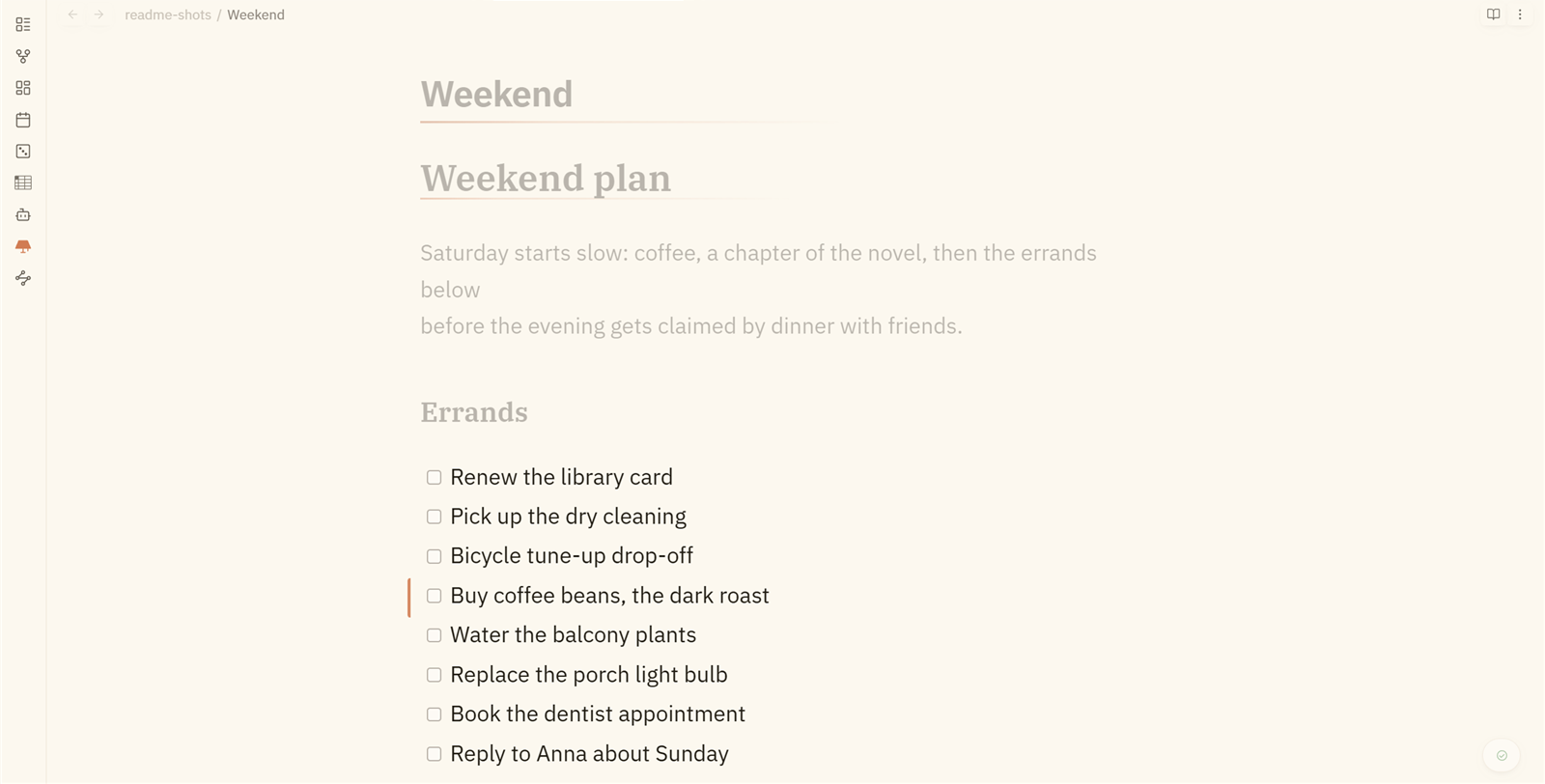
The rest of the note falls back at an opacity you set. Granularity can be pinned per note through frontmatter, scoped to folders, and lines holding an embed, a formula, or a table always stay lit. The on/off state is remembered across restarts, and the ribbon icon shows it.
Quiet panels, thin rules and small transitions share a visual rhythm with Scriptorium, Skill Switchboard and Collate. The interface still follows your Obsidian theme's fonts and colors; no sibling product is required. English is the default, with Chinese and Japanese available in settings.
[!NOTE] Reading view is deliberately not supported. There is no caret there, so the focus has to be guessed from where you last were, and dimming most of a document while you are reading it makes the document harder to read. The feature was built, tried, and removed.
Install
Requires Obsidian 1.13.0 or newer.
From Obsidian: enable community plugins, then open Settings → Community plugins → Browse and search for Desk Lamp. The listing lives at community.obsidian.md/plugins/desklamp.
Manual, if you prefer: download main.js, manifest.json and styles.css
from the
latest release and put
them in <vault>/.obsidian/plugins/desklamp/, then enable it under
Settings → Community plugins.
With BRAT: add ouatis/obsidian-desklamp
as a plugin source (only useful for trying unreleased versions).
Features
- Four granularities — line, sentence, paragraph (the whole soft-wrapped paragraph), section (up to the next heading of the same level)
- Per-note overrides — frontmatter
focus: falseswitches a note off;focus: sectionpins its granularity without touching anything else. Chinese granularity names work too:行/句/段落/小节 - Scope rules — limit to certain folders, exclude others
- Never dims lines holding an embed, a formula or a table
- Multi-caret — every caret computes its own lit range
- Opacity slider 0–1, and a 0–500 ms transition that respects
prefers-reduced-motion - Ribbon and status bar lamps — the same lamp shape in both places, outline when off and filled when on. The status bar item also shows the current granularity; click it to cycle, or hide it in settings.
- Adopts the opacity from a previously installed focus plugin, so switching over is not a jump
Where it stops
CodeMirror's line decorations are line-granular, so sentence granularity lights the lines a sentence occupies — a line holding three sentences lights all three. Splitting inside a line needs mark decorations, which reads oddly for a focus tool (half a sentence bright, half dim).
Sentence splitting handles CJK and Western punctuation and avoids the usual
traps: the dot in 3.14, abbreviations like Mr. and e.g., single initials
like J. R., and treating ... as one boundary rather than three.
Commands
- Turn the lamp on / off
- Cycle granularity
- Diagnose: why is nothing dimmed
All three live in the command palette. The plugin ships without default hotkeys so it cannot collide with yours — assign shortcuts in Obsidian's keyboard settings if you want them.
If the lamp seems to do nothing, run Diagnose: why is nothing dimmed — it reports the whole chain (switch, granularity, note, scope, editors attached, lines actually carrying the decoration class) onto the clipboard and shows the verdict in a notice.
How it works
Desk Lamp uses a CodeMirror 6 ViewPlugin with line decorations. The lit set
is computed from EditorState on every selection change, and only the
visible lines outside it get a decoration class.
Each editor instance owns its focus state, so split panes and multiple windows are handled per editor rather than globally. Separate UI classes mark the optional title dimming, the ribbon and Desk Lamp's own status bar item.
Development
npm ci && npm run verify
npm run verify is the whole gate: dependency audit, typecheck, lint, engine
tests against real editor state, production build, and the vault install.
Conventions live in AGENTS.md.
Created by @ouatis. Inspired by Stille by Michael Lee. Ribbon icon from Phosphor Icons. Third-party notices: NOTICE.md.