
README file from
GithubChronoboard
Chronoboard is an Obsidian community plugin for visual, note-native time tracking.
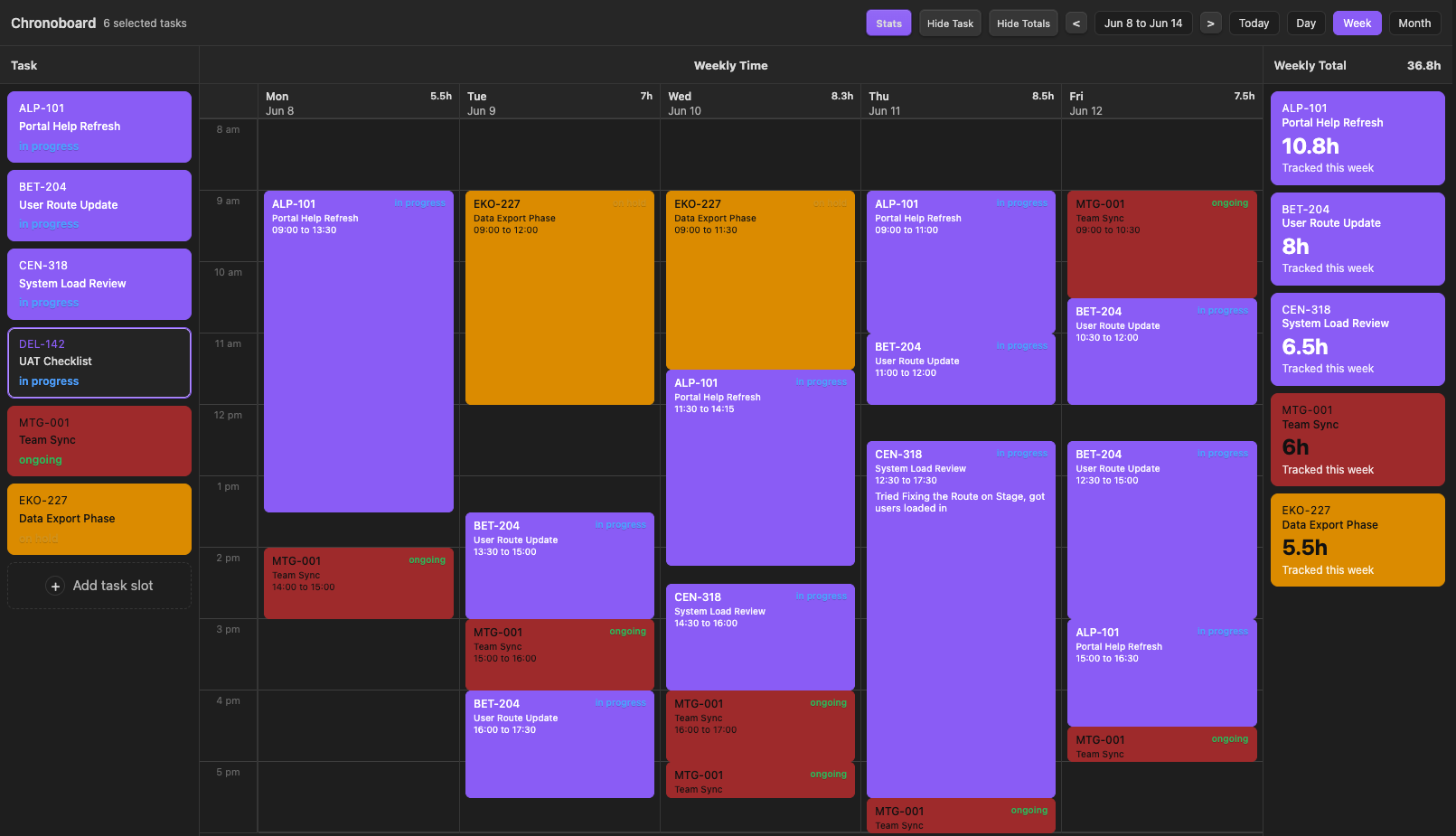
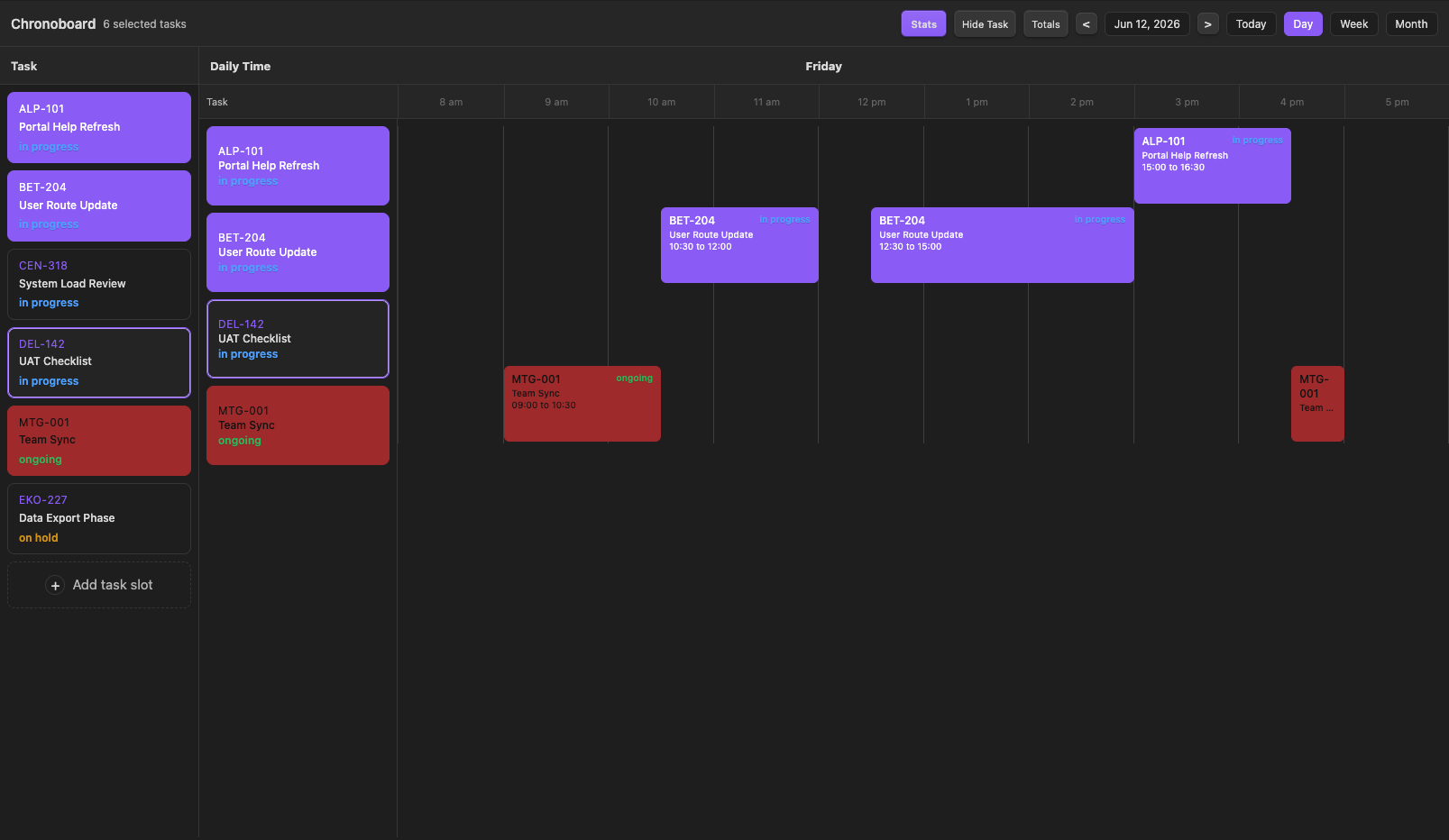
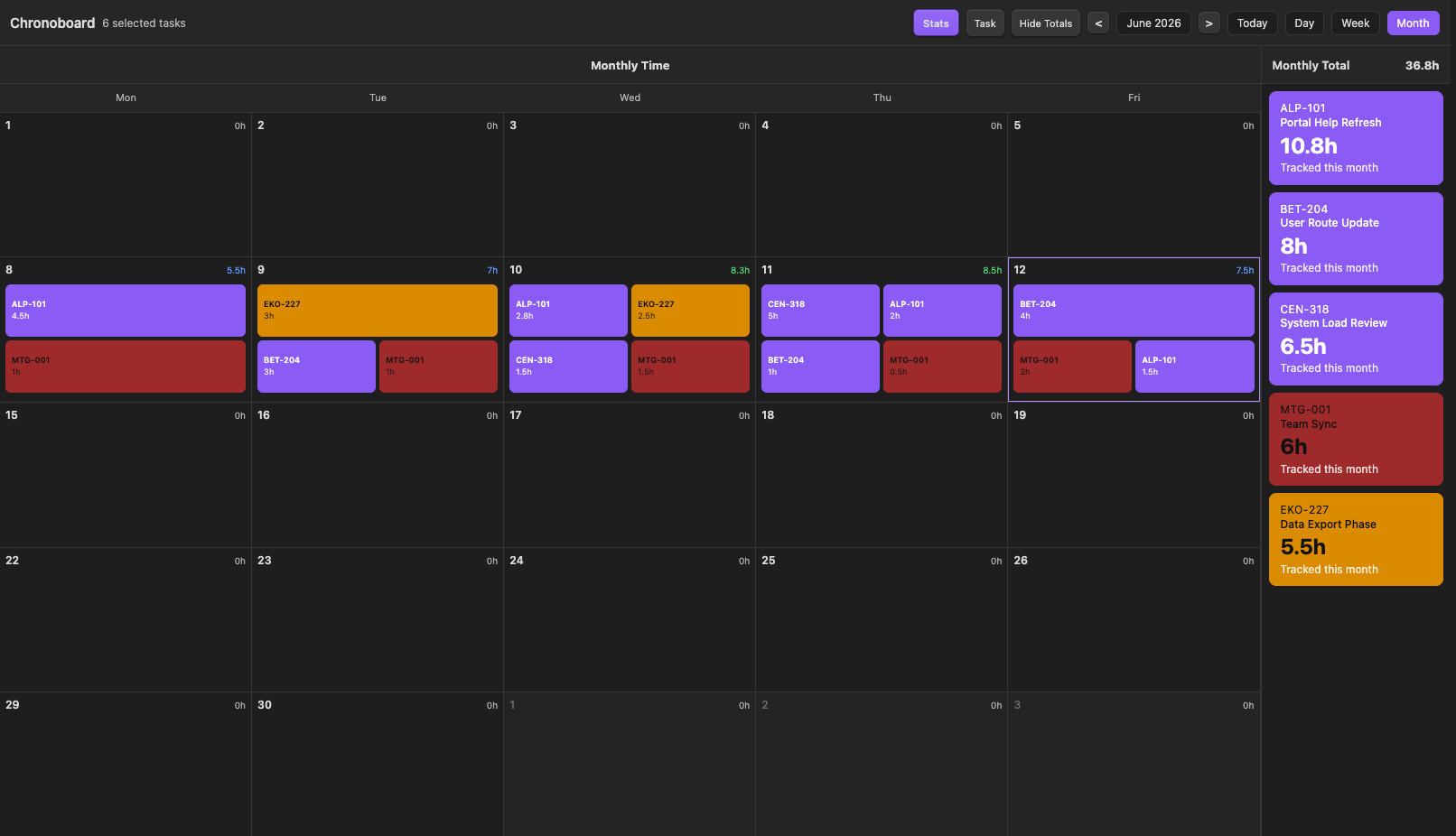
It turns Markdown notes into draggable timeboard entries across day, week, and month views while writing all data back into frontmatter. It works well with TaskNotes-style task notes, but it is not limited to Jira workflows or any specific vault structure.
Screenshots
Week view
Day view
Month view
Features
- Day, week, month, and statistics views
- Click and drag time entry creation
- Resize and move time blocks directly on the board
- Right-click actions for editing, recoloring, opening notes, and removing blocks
- Scoped totals for day, week, and month
- Support for always-included static notes such as meetings
- Frontmatter-based data with no separate database
How it works
Chronoboard reads notes from a configured folder, filters them using a metadata property, and lets you place time visually on a board. Time entries are written back into each note's YAML frontmatter, so your data stays portable and queryable.
Frontmatter
Chronoboard reads and writes these properties when present:
title: "Example Task"
Status: "In Progress"
active: true
timeboardColor: "#7c5cff"
timeboardSubtitle: "Project subtitle"
timeEntries:
  - startTime: "2026-06-12T09:00:00"
    endTime: "2026-06-12T11:00:00"
    label: "Worked on API review"
timeEntries is the only required structure for tracking time. Everything else is configurable or optional.
Settings
Folder: source folder for notes that appear in the add-task pickerMetadata property: property used to filter notes out of the pickerExcluded values: values that hide notes from the pickerAlways include notes: static notes that always appear in the task poolVisible start hourandVisible end hourHide weekends in week viewHighlight colorForce dark text on colored cards
Release files
manifest.jsonmain.jsstyles.cssversions.json