
README file from
GithubChillight Graph
✨ Features
- 🎨 14 built-in visual themes
- 🌈 Multiple animation modes
- 💡 Glowing animated nodes
- 🔌 Curved garland-style wires
- 🎨 Custom wire color
- 📏 Custom wire thickness
- ✨ Custom wire glow
- 🌊 Custom wire sag
- 🔴 Custom node size
- 💫 Custom node glow
- 📝 Custom node text color
- ⚡ Lightweight and fun
- 🖥 Desktop only
🎨 Themes
🎄 Christmas Garland
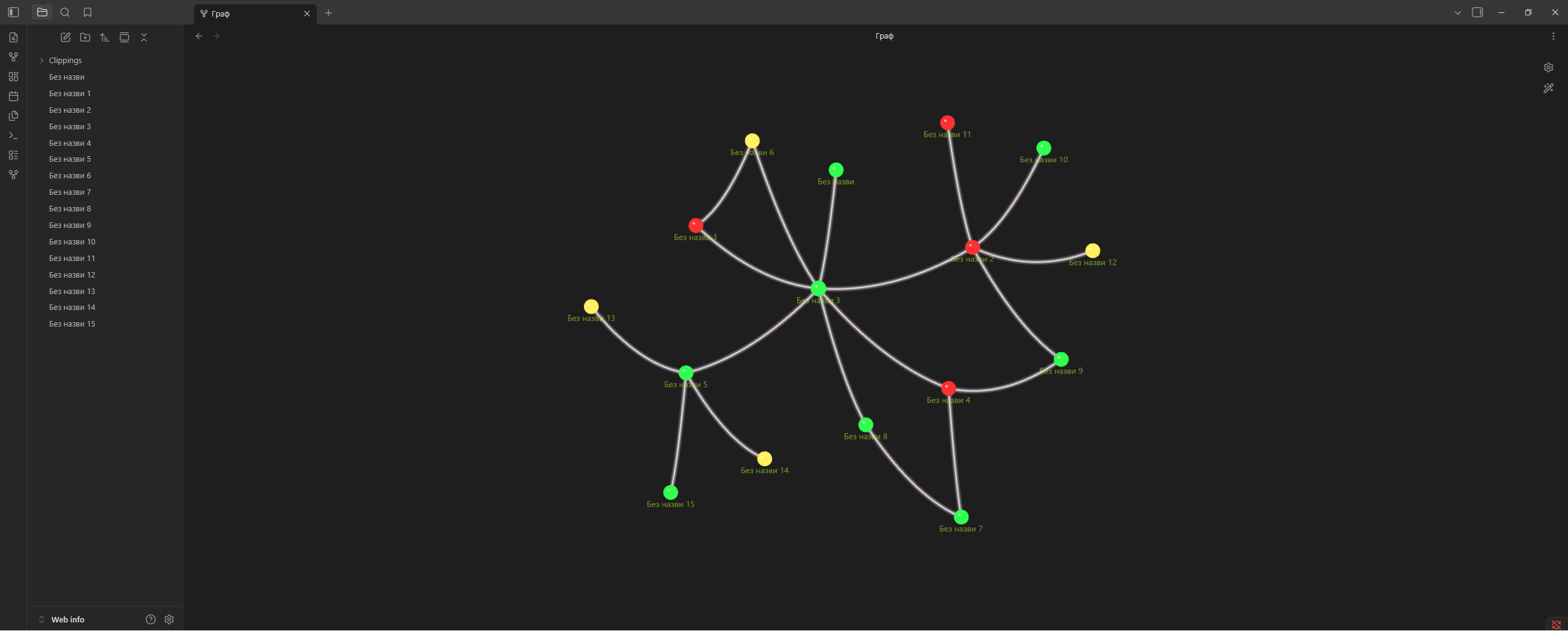
🌸 Sakura Flowers
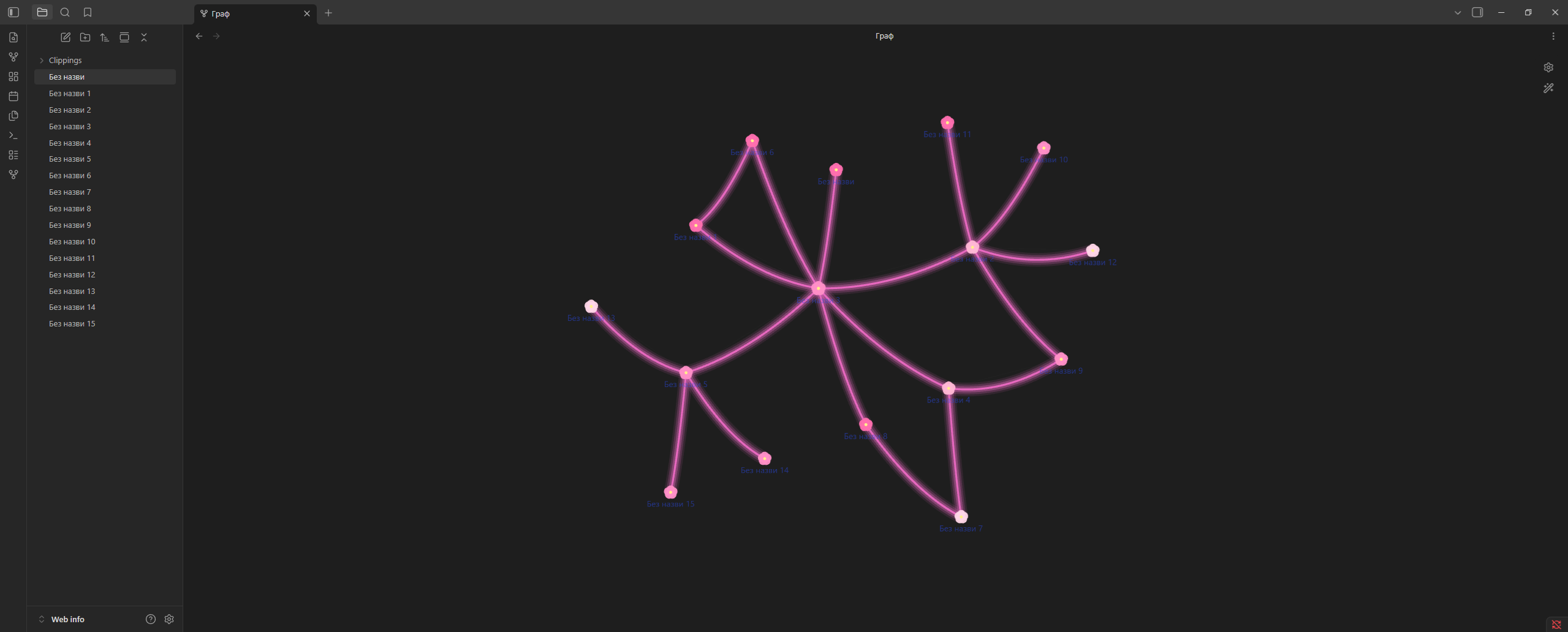
☁️ Pink Clouds
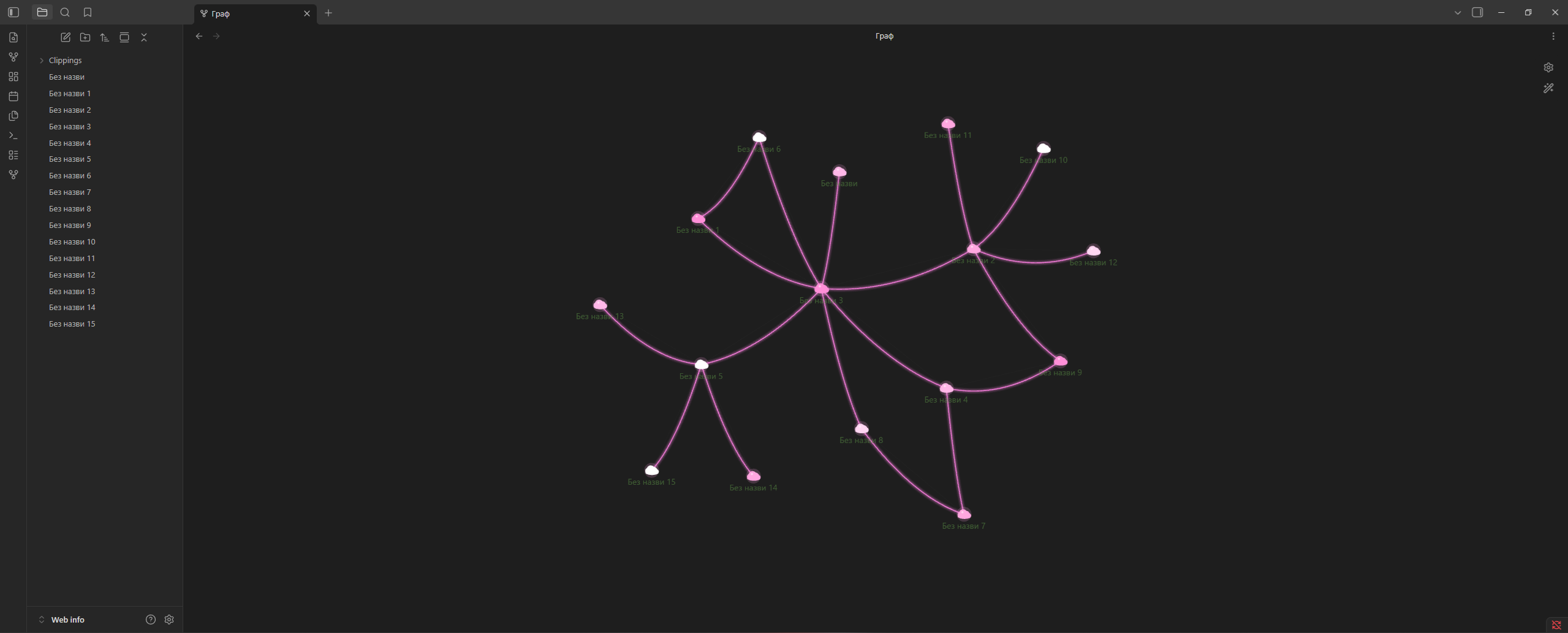
✨ Golden Lights
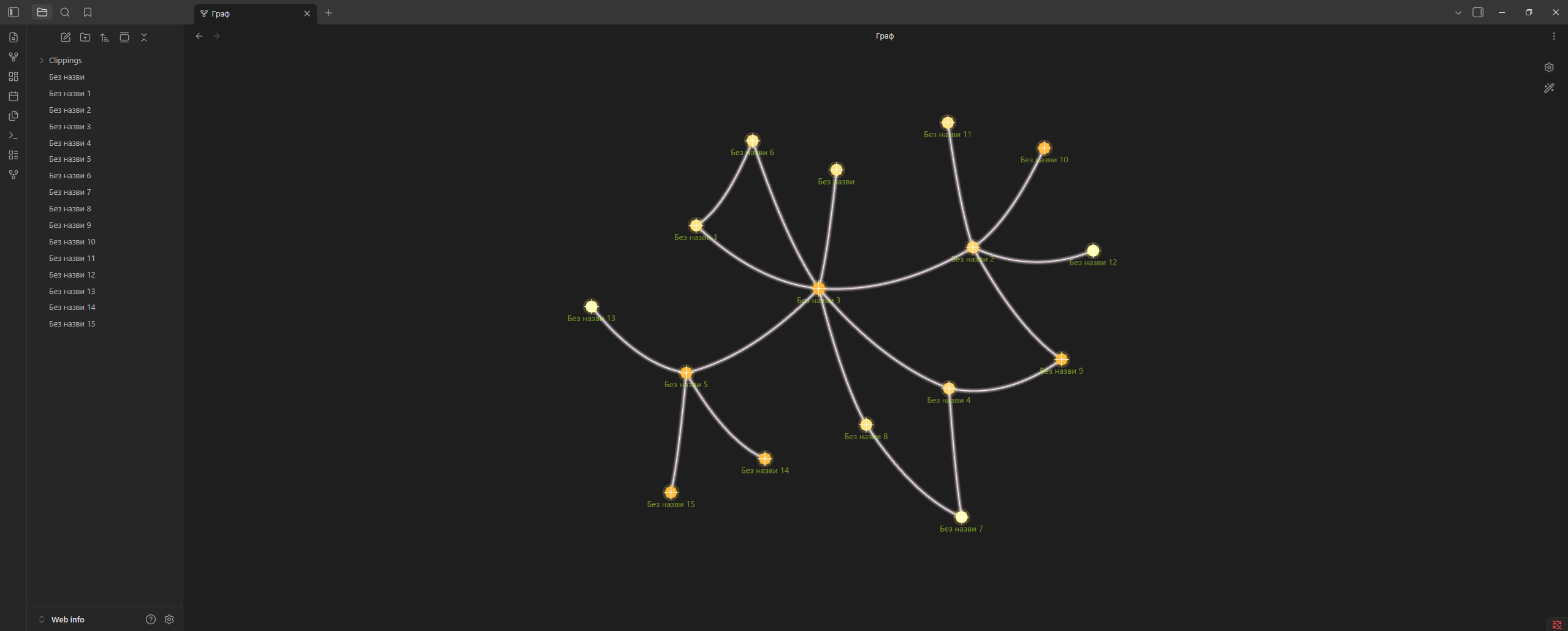
💜 Neon Spheres
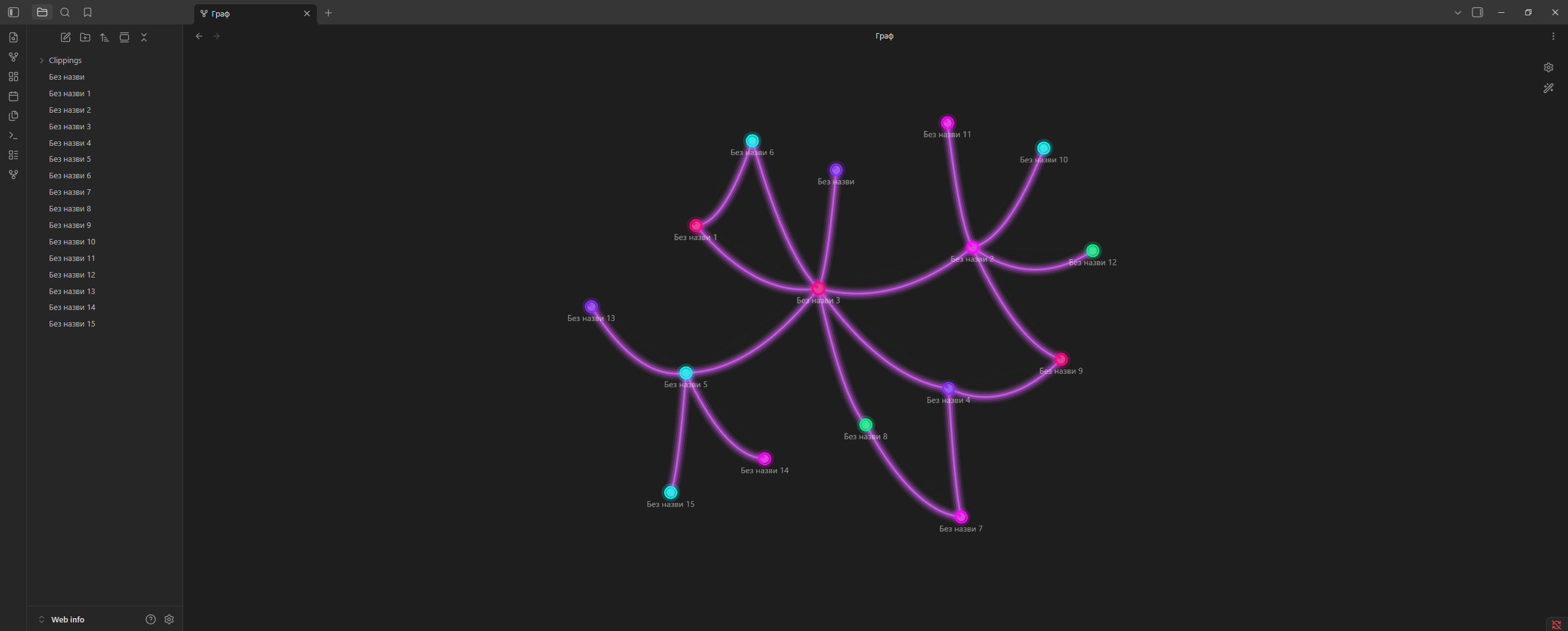
❄️ Snow
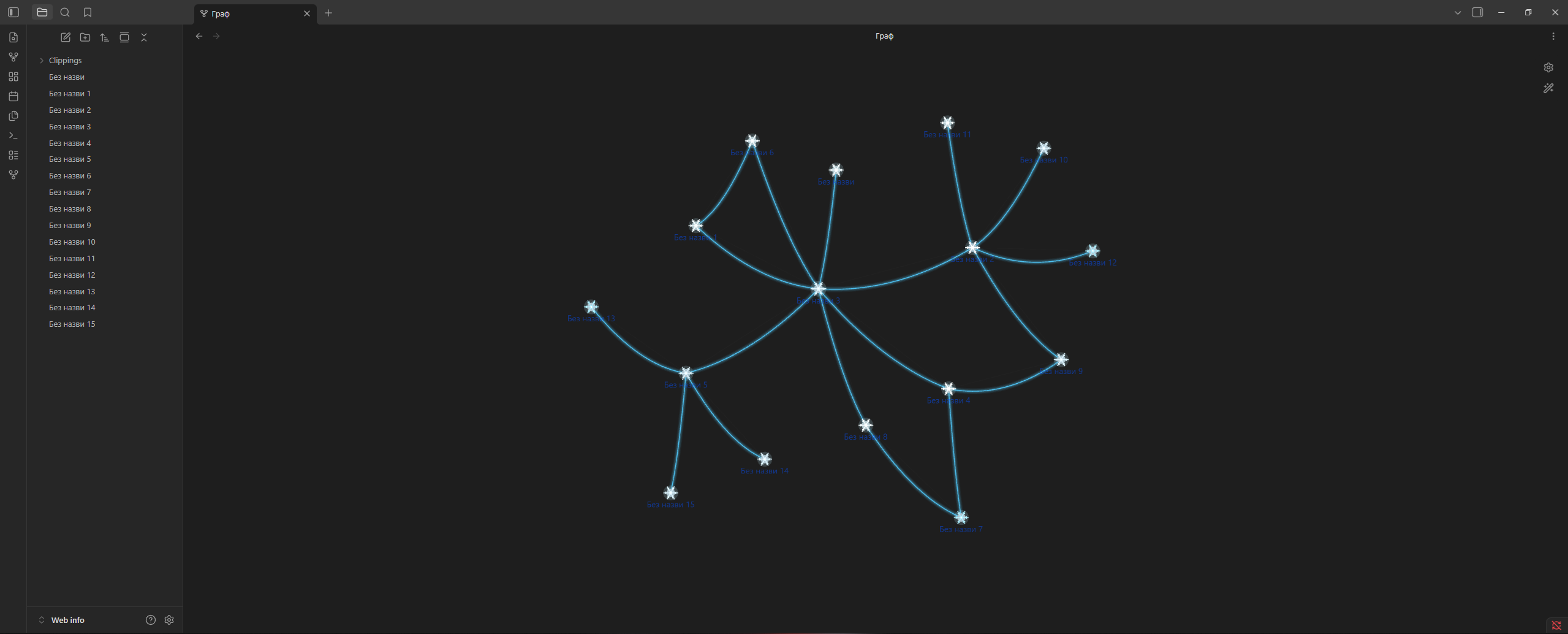
⭐ Stars
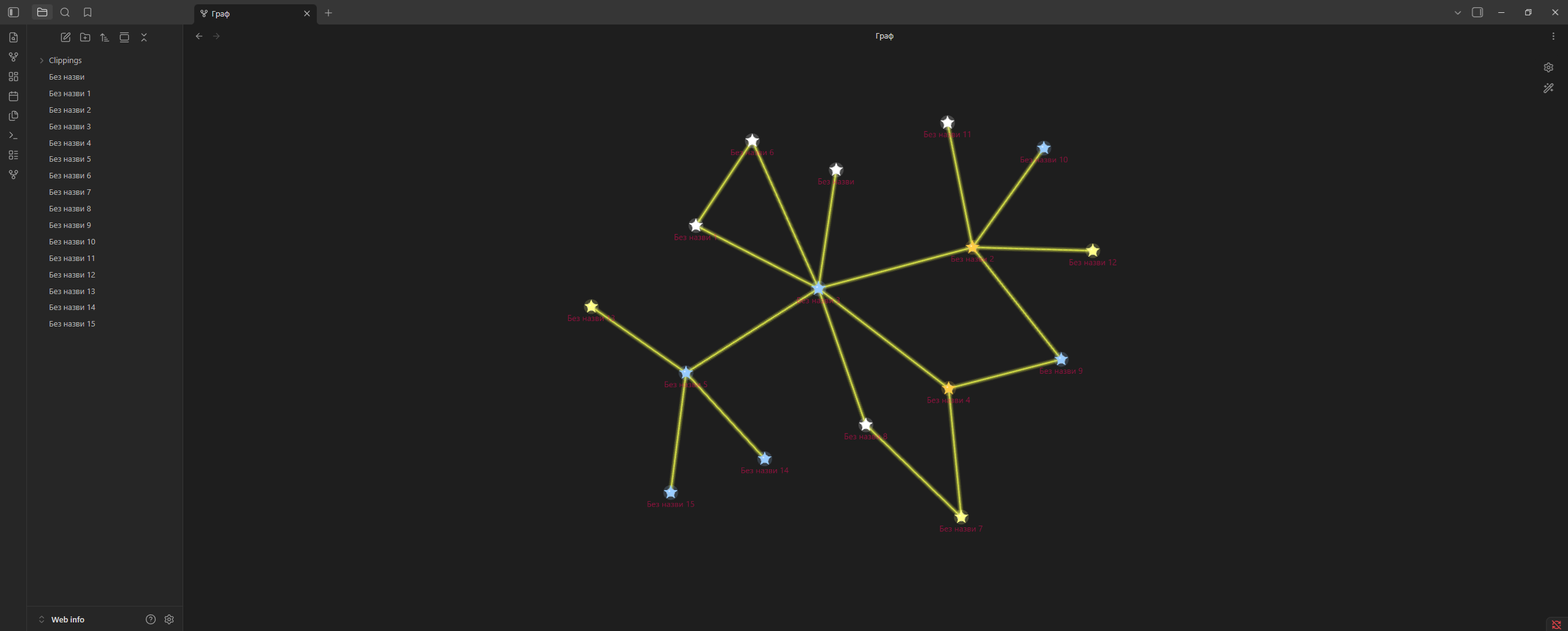
🌿 Vines
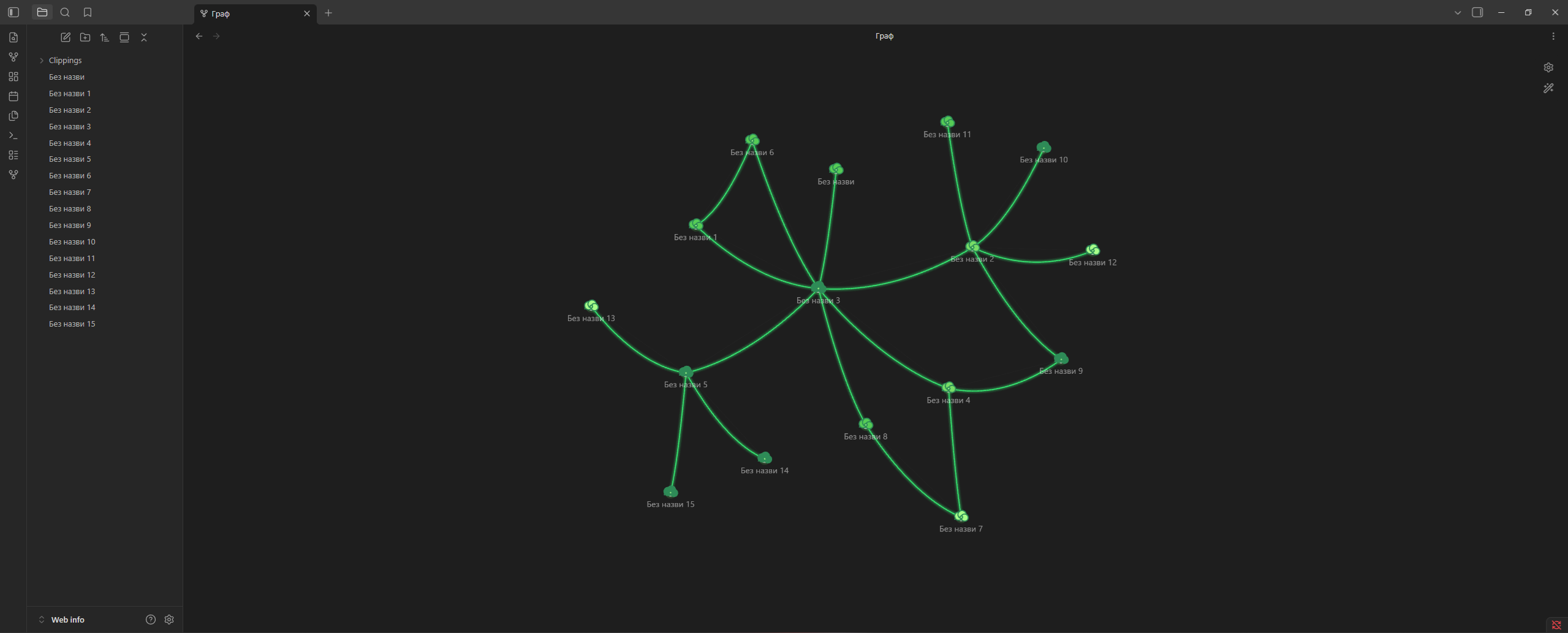
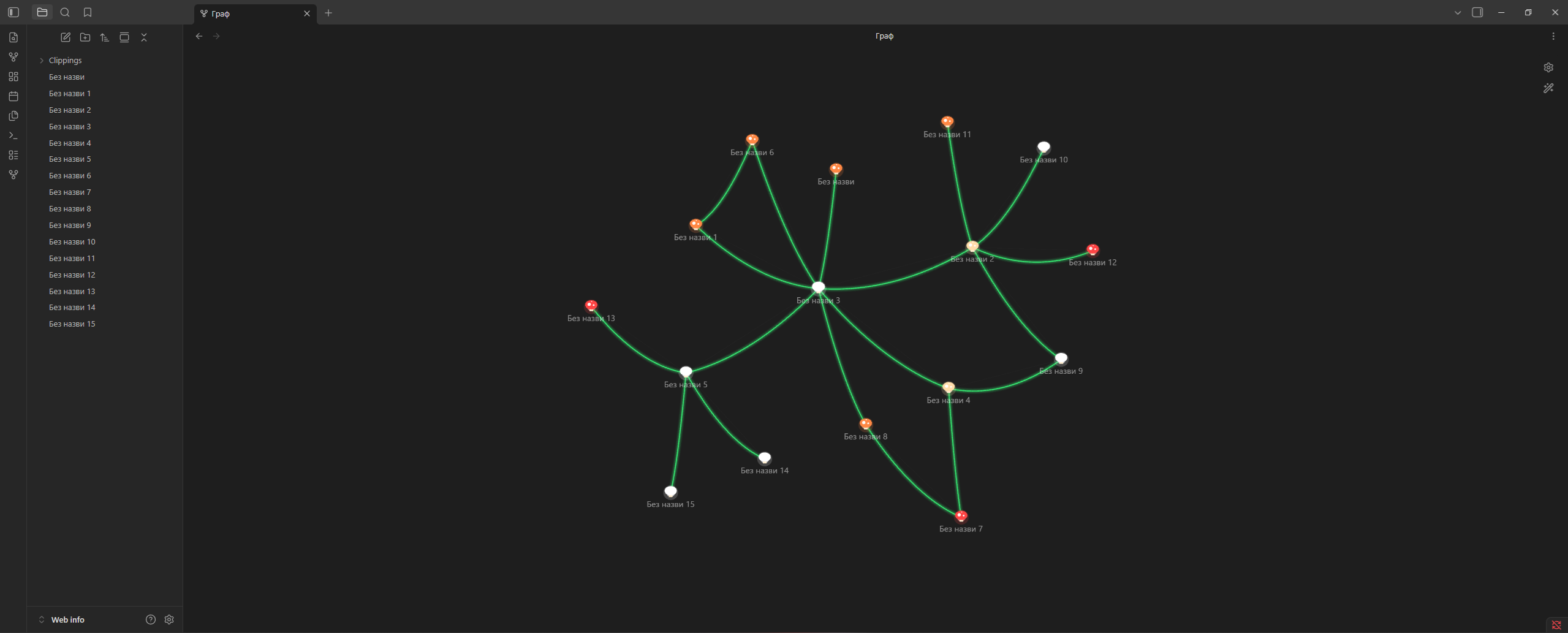
🍄 Mushrooms
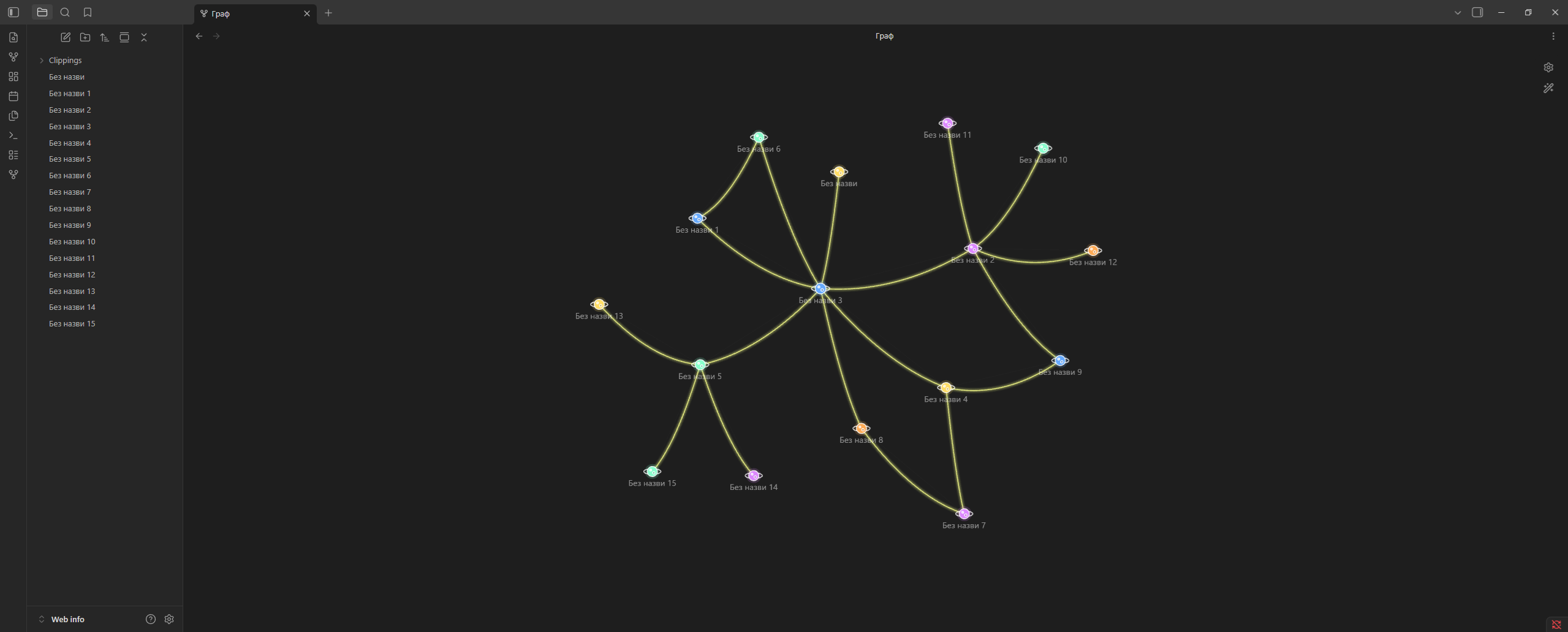
🪐 Planets
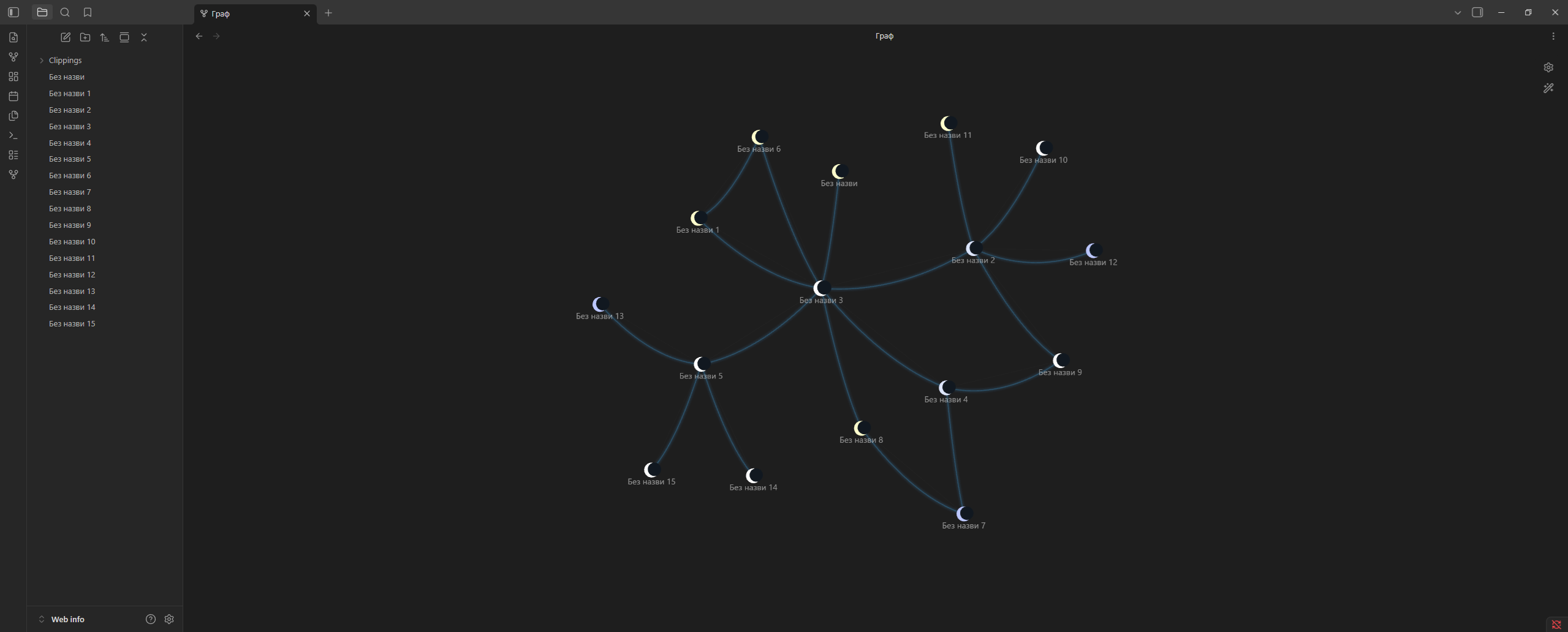
🌙 Moon
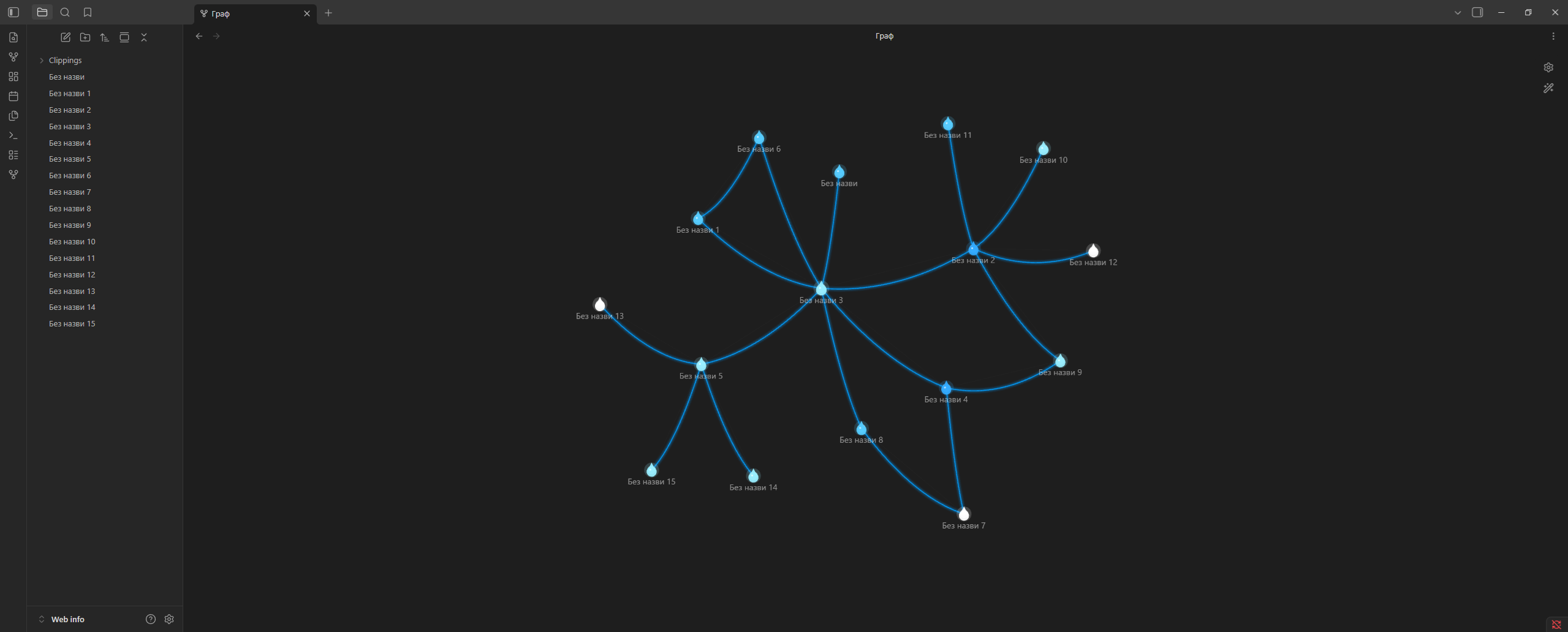
💧 Water
🦋 Butterflies
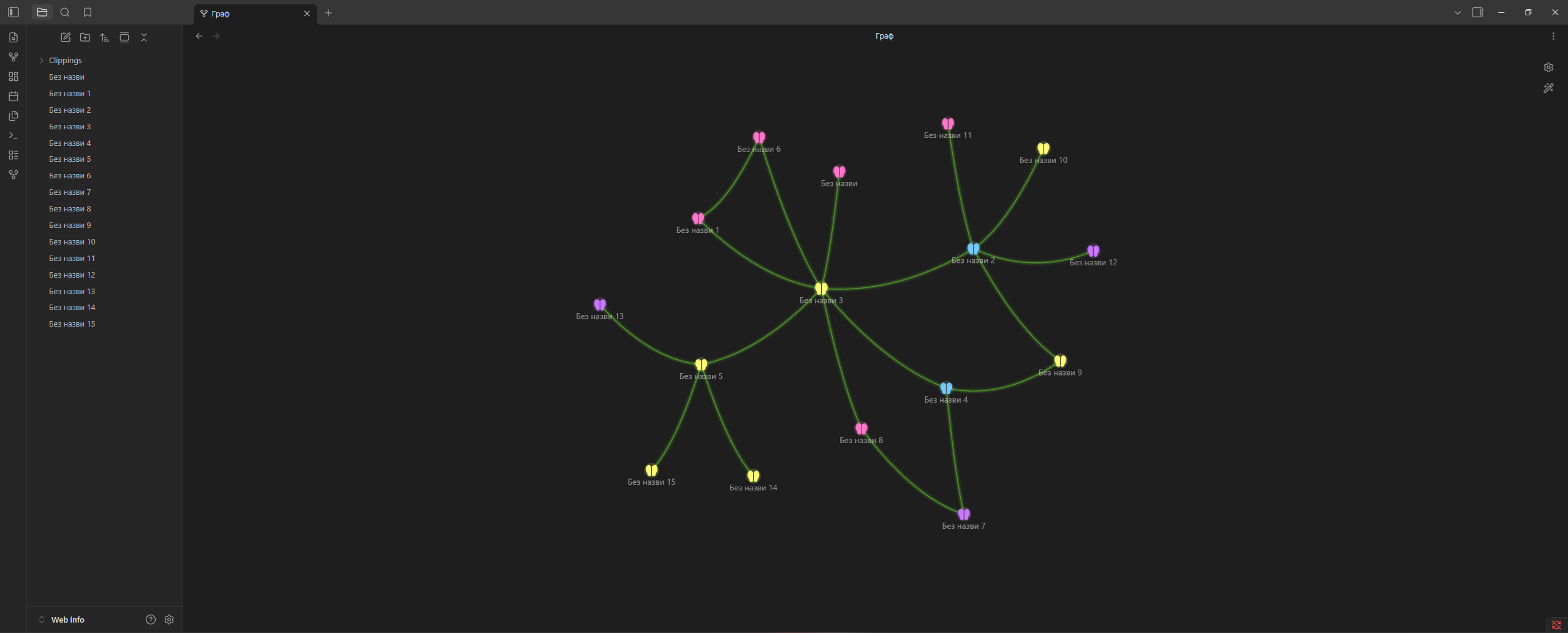
⚡ Energy
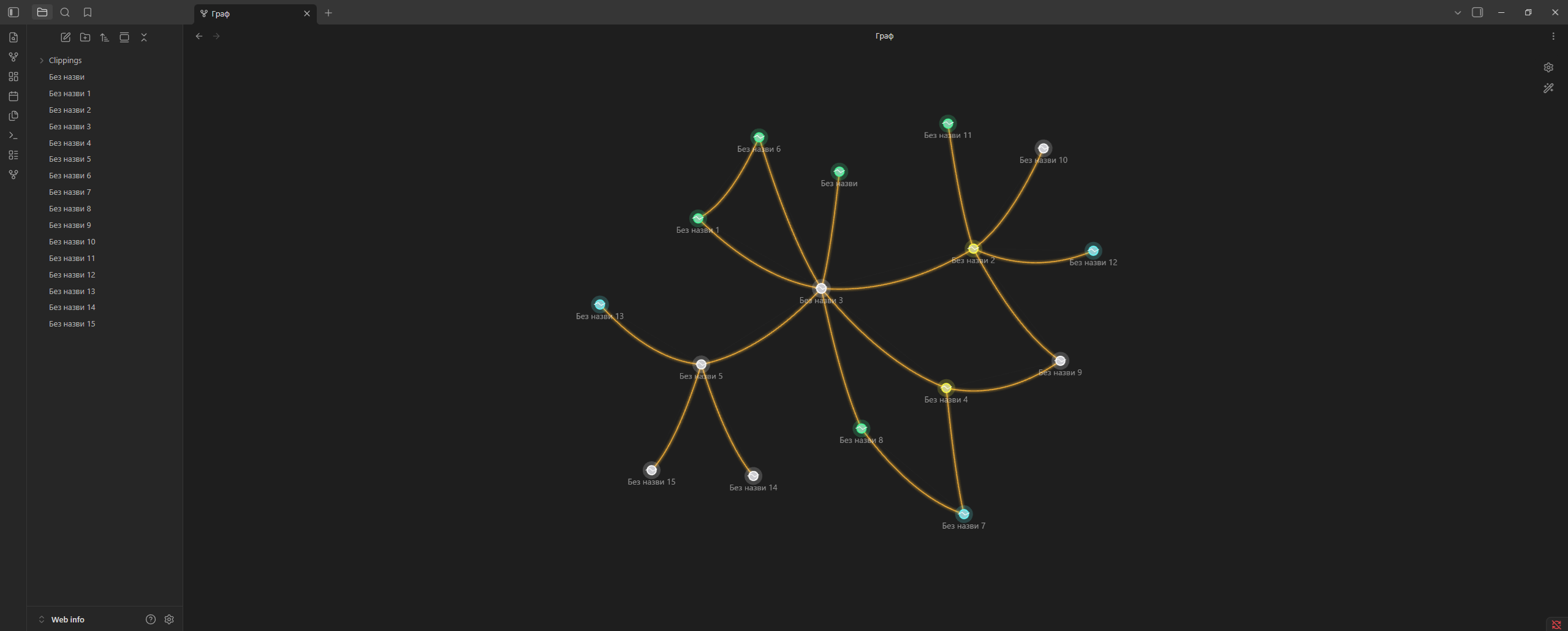
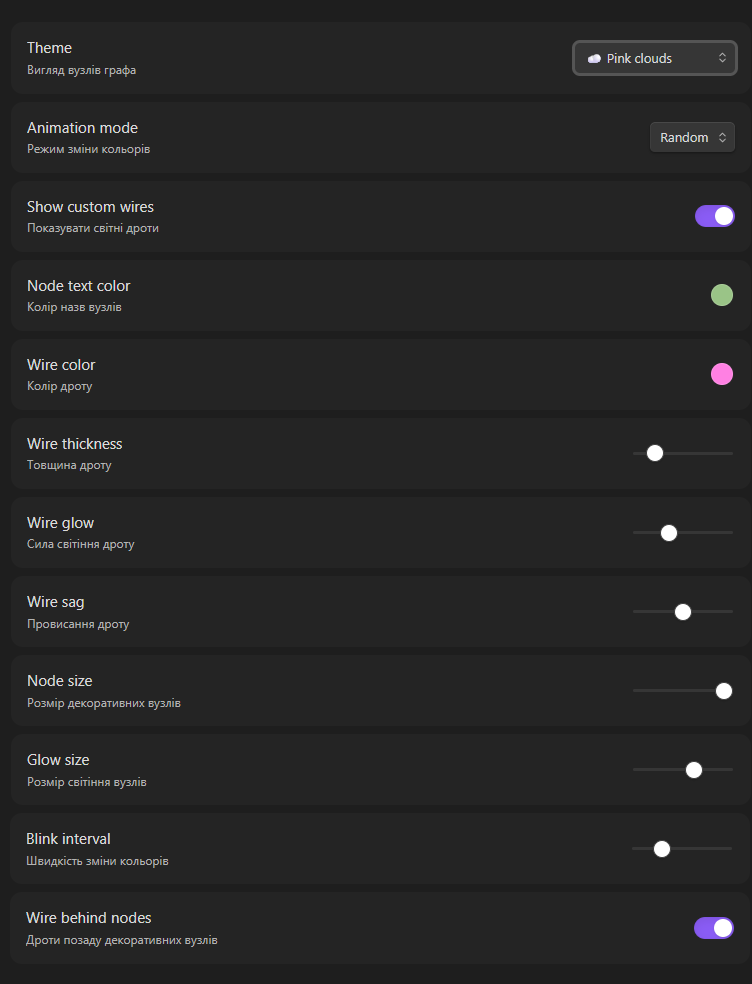
⚙️ Settings
Appearance
- Theme
- Animation mode
- Node size
- Node glow
- Node text color
Wires
- Show / hide custom wires
- Wire color
- Wire thickness
- Wire glow
- Wire sag
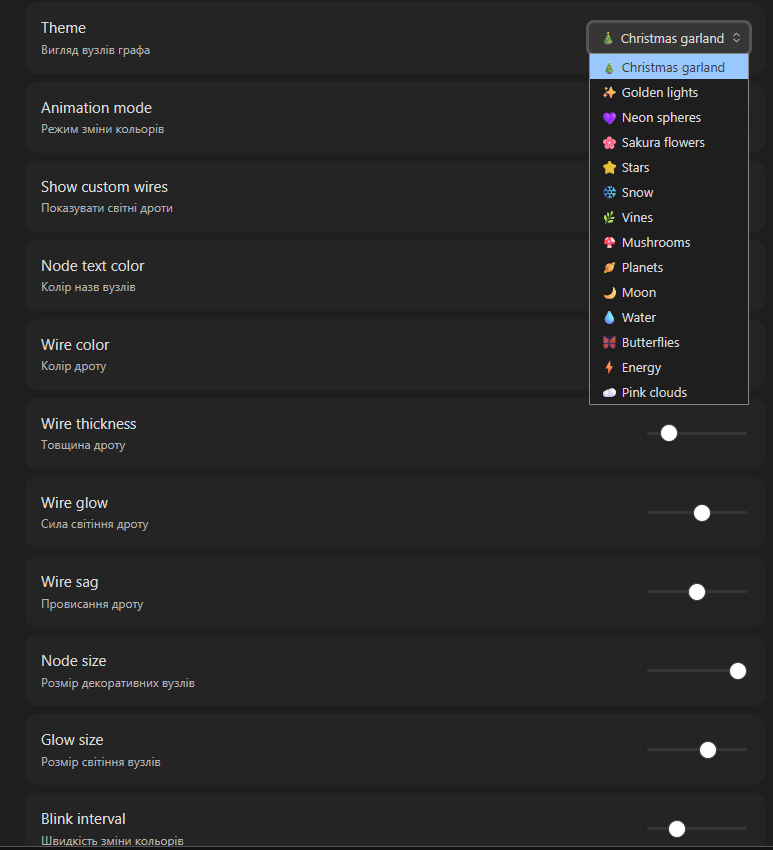
🌈 Animation Modes
- 🎲 Random
- 🌊 Wave
- 🌈 Rainbow
- 💓 Pulse
- ⏸ Static
📦 Installation
Community Plugins
Coming soon.
Manual installation
Download the latest release and copy these files into:
Vault/.obsidian/plugins/chillight-graph/
Required files:
main.js
manifest.json
styles.css
Then restart Obsidian and enable Chillight Graph in:
Settings → Community Plugins
🛠 Development
git clone https://github.com/irolyuk/chillight-graph.git
cd chillight-graph
npm install
npm run dev
Production build:
npm run build
❤️ Support Development
If you like Chillight Graph and want to support future updates, you can donate here:
🚀 Roadmap
- More themes
- Theme presets
- Import / export presets
- Animated theme effects
- More wire styles
- Better glow rendering
- Community Plugin release
📄 License
MIT License