
README file from
GithubChancli Font Size Resizer for Obsidian
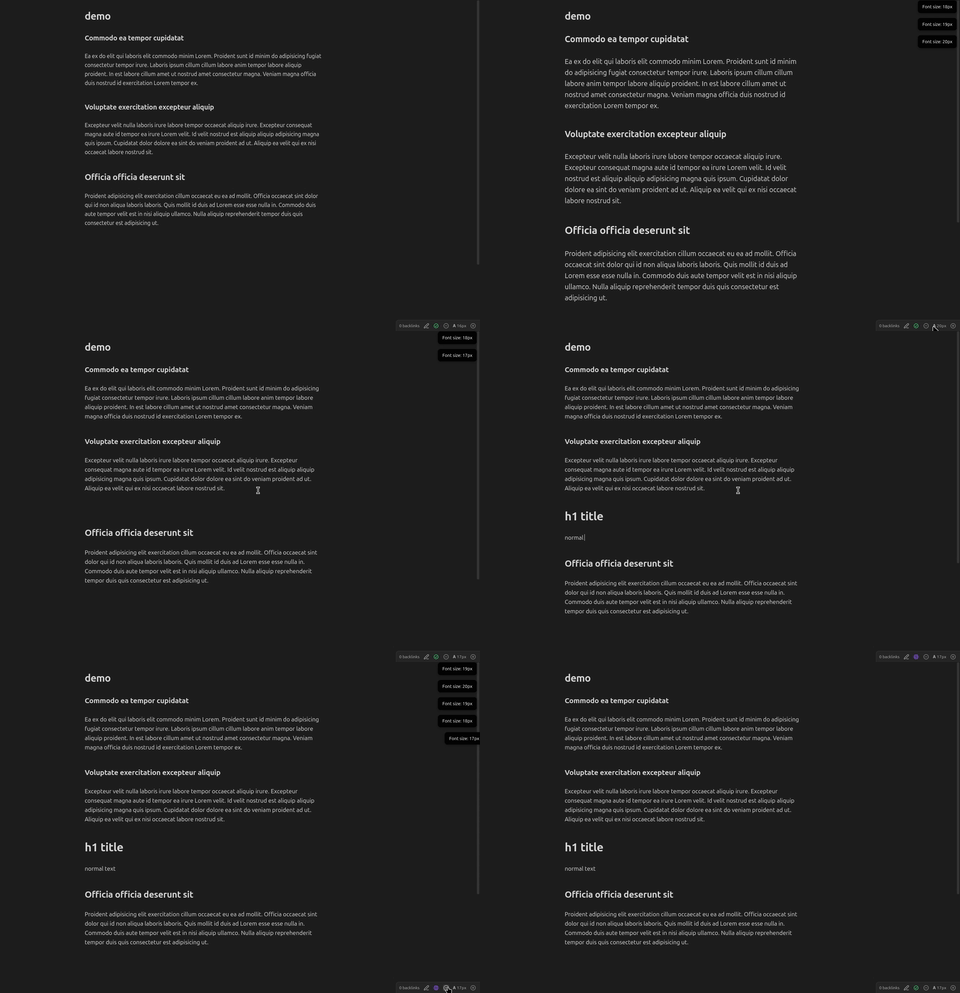
Increase or decrease the note editor font size from the status bar. Headers scale proportionally; body text scales independently.
Works in Live Preview, Reading View, and Source Mode. Size persists across restarts.
Demo
Usage
- Status bar — click
−/+buttons next to the𝐀 16pxindicator - Command palette — Increase / Decrease / Reset note font size
- Settings tab — adjust step size, min/max bounds, or drag the live slider
Settings
| Setting | Default |
|---|---|
| Font size | 16 px |
| Step size | 1 px |
| Minimum | 10 px |
| Maximum | 32 px |
Installation
- Run
npm install && npm run build - Copy
dist/main.js,manifest.json, andstyles.cssinto<vault>/.obsidian/plugins/chancli-font-size-resizer/ - Enable the plugin in Settings → Community Plugins
License
MIT