README file from
GithubCanvas Stickers
Add stickers to your canvas view to customize your nodes!
Why Canvas Stickers
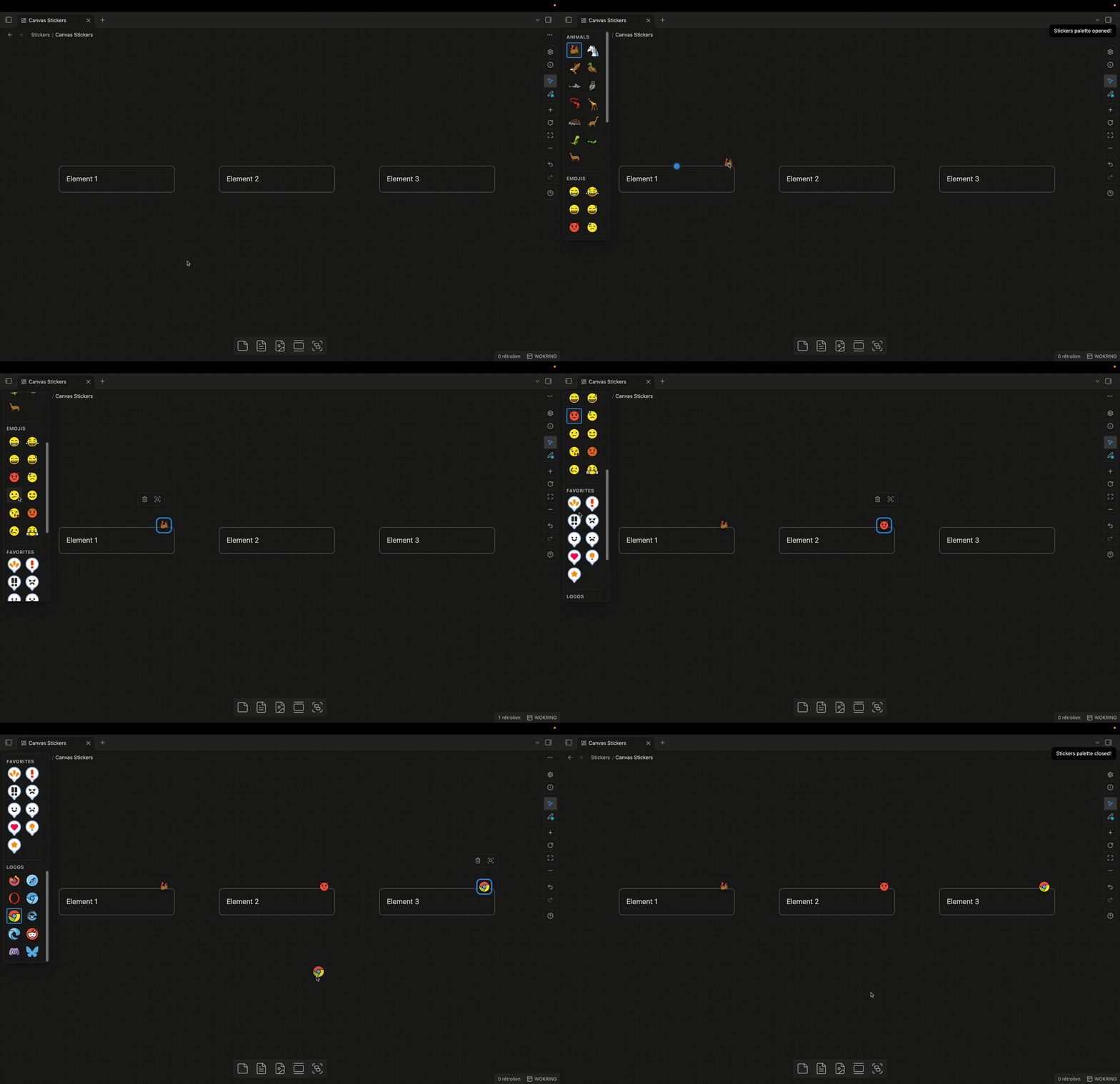
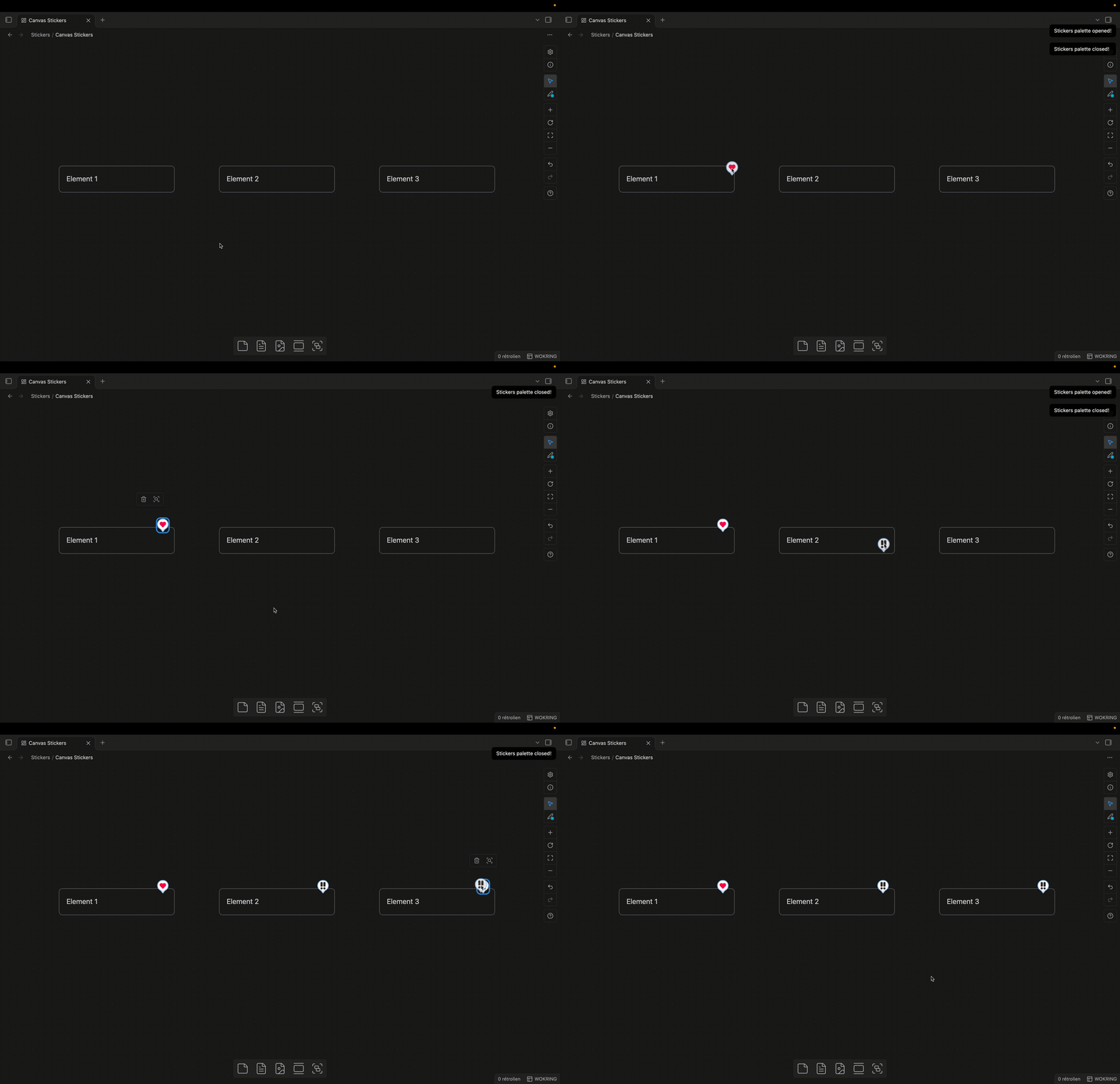
- Easy adding stickers • With the stamp, you can easily add your sticker on your canvas with one mouse click.
- Favorites Stickers Panel • A Miro/Figma-inspired quick access menu to quickly access to your most used sticker.
- Full Stickers Panel • Browse a view where all your stickers are automatically grouped by parent folder.
- Stickers Custom Nodes • Canvas nodes specifically customized for stickers to provide the best possible experience.
How to use
Sticker Folders
To get started, create a “Stickers” folder at the root of your vault; this folder will hold all your stickers. Add a subfolder named “Favorites”; this folder will hold your favorite stickers, up to a maximum of 8 stickers. Folder paths can be customized in the settings.
Commands/Shortcuts
There are two shortcuts/commands for using Canvas Stickers:
- Open Sticker Favorites - Shift+T • Opens the favorites view
- Toggle Sticker Palette - Shift+Cmd/Ctrl +T • Toggles the view showing all stickers.