
README file from
GithubCalm Focus Log for Obsidian
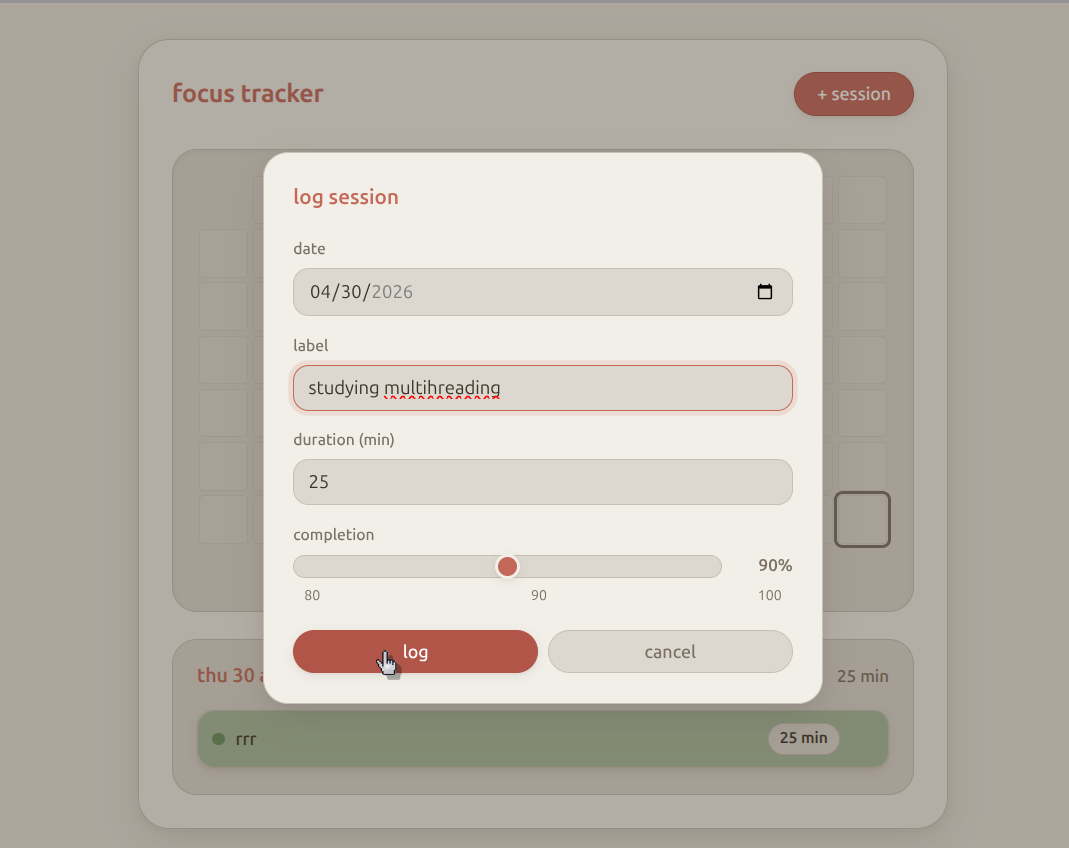
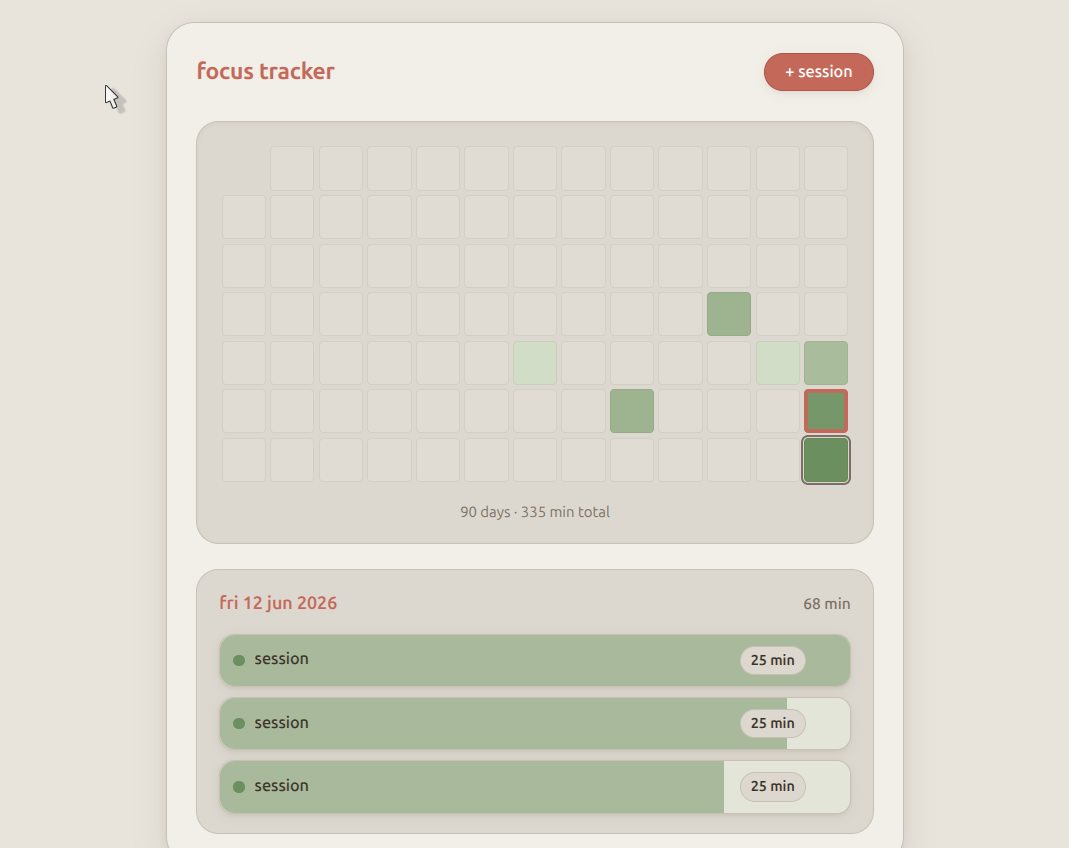
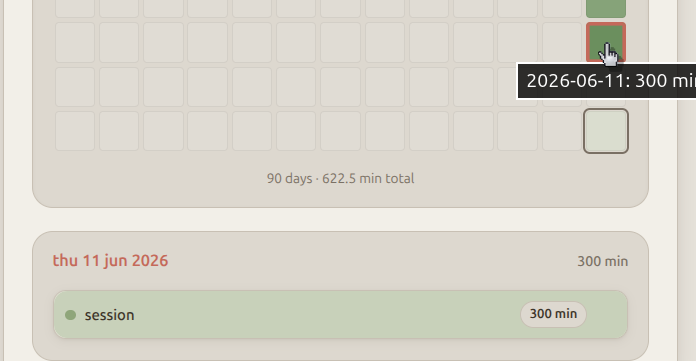
A minimal focus session tracker that lives inside Obsidian. Heatmap of the last 90 days, log sessions with a completion slider, no streaks pressure, no timers — just a visual record of what you did.
Data is stored in focus-tracker-data.json at your vault root.
Screenshots
Install
Manual
- Open your vault's plugin folder:
YOUR_VAULT/.obsidian/plugins/ - Clone this repo:
cd "YOUR_VAULT/.obsidian/plugins"
git clone https://github.com/Kunal1522/obsidian-focus-tracker.git calm-focus-log
- In Obsidian: Settings → Community plugins → Turn on community plugins
- Click Refresh, then enable Calm Focus Log
Update
cd "YOUR_VAULT/.obsidian/plugins/calm-focus-log"
git pull
Use
- Click the calendar-check ribbon icon, or
- Command palette → Open calm focus log
- Click a heatmap day to view sessions
- + session to log (date, label, duration, completion 80/90/100%)
Data format
{
  "2026-06-13": [
    { "id": "abc123", "label": "writing", "dur": 25, "pct": 100 }
  ]
}
License
MIT