
README file from
GithubCalendar Clock Companion for Obsidian
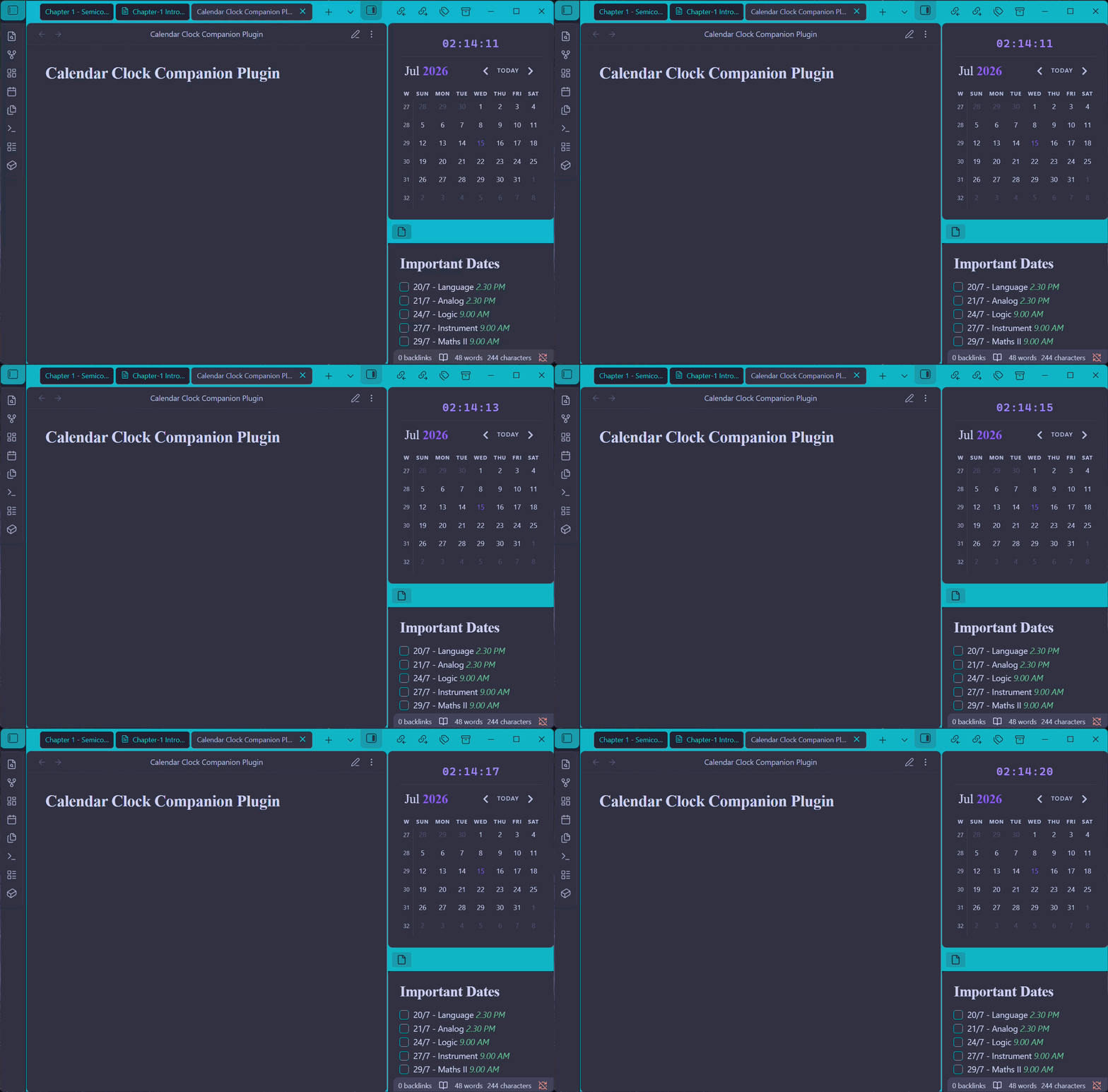
Simple Obsidian plugin that injects a live clock directly into the top of Liam Cain's Calendar plugin interface.
This plugin is designed as a zero-configuration UI extension, providing a seamless layout bridge between your daily note schedule and the current time.
Prerequisite
This plugin is a UI companion extension. You must have Liam Cain's Calendar plugin installed and enabled for the clock to display.
- If you don't have it yet, search for Calendar in the Obsidian Community Plugins store, or check out the Official Liam Cain Calendar GitHub Repository.
Installation
Manual Installation
- Download
main.jsandmanifest.jsonfrom the latest GitHub Release of this repository. - Open your Obsidian Vault's plugin directory:
.obsidian/plugins/(Note:.obsidianis a hidden folder). - Create a new subfolder named
calendar-clock. - Drop both
main.jsandmanifest.jsoninside that folder. - Open Obsidian, go to Settings > Community Plugins, hit the Refresh icon, and toggle Calendar Clock Companion to ON.
Usage
Once enabled, the plugin automatically finds your active Calendar panel in the sidebar and embeds a clean clock right at the top.
To customize the clock's behavior, navigate to Settings > Calendar Clock Companion:
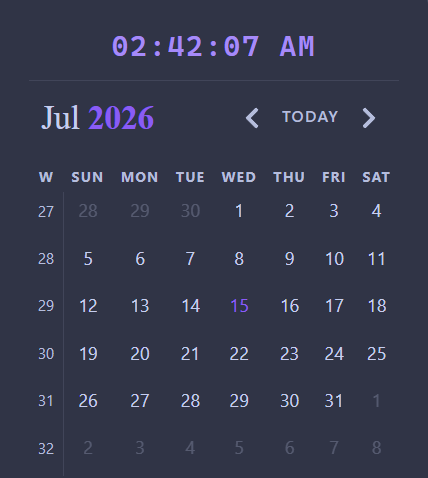
- Use 12-hour format: Toggle this ON to switch from a 24-hour military layout to a standard 12-hour AM/PM clock display.
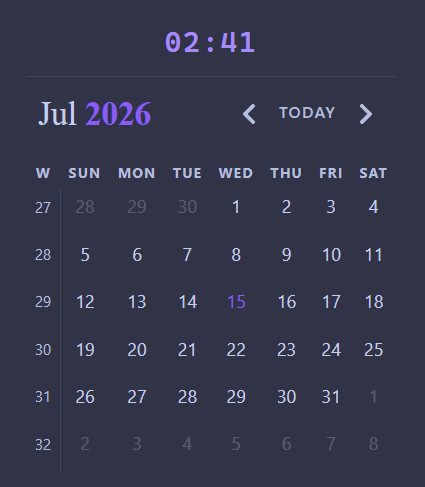
- Show seconds: Toggle this OFF if you prefer a quieter, minimal view showing just the hours and minutes (
HH:MM).
Features
- Theme Native: Built using Obsidian's core CSS styling variables (
var(--text-accent)). The clock will naturally scale and shift colors to match whatever Light or Dark community theme you choose. - Wiggle-Free Layout: Utilizes monospace font configurations so that shifting numbers do not cause your sidebar layouts or calendar grids to shudder or re-align every second.
- Update-Safe: Because this operates as its own plugin, you can freely update Liam's Calendar plugin without worrying about your custom clock modifications getting overwritten.