
README file from
GithubBetter Bujo
Render bullet-journal (BuJo) markers in your notes instead of Obsidian's checkboxes — in both Reading mode and Live Preview.
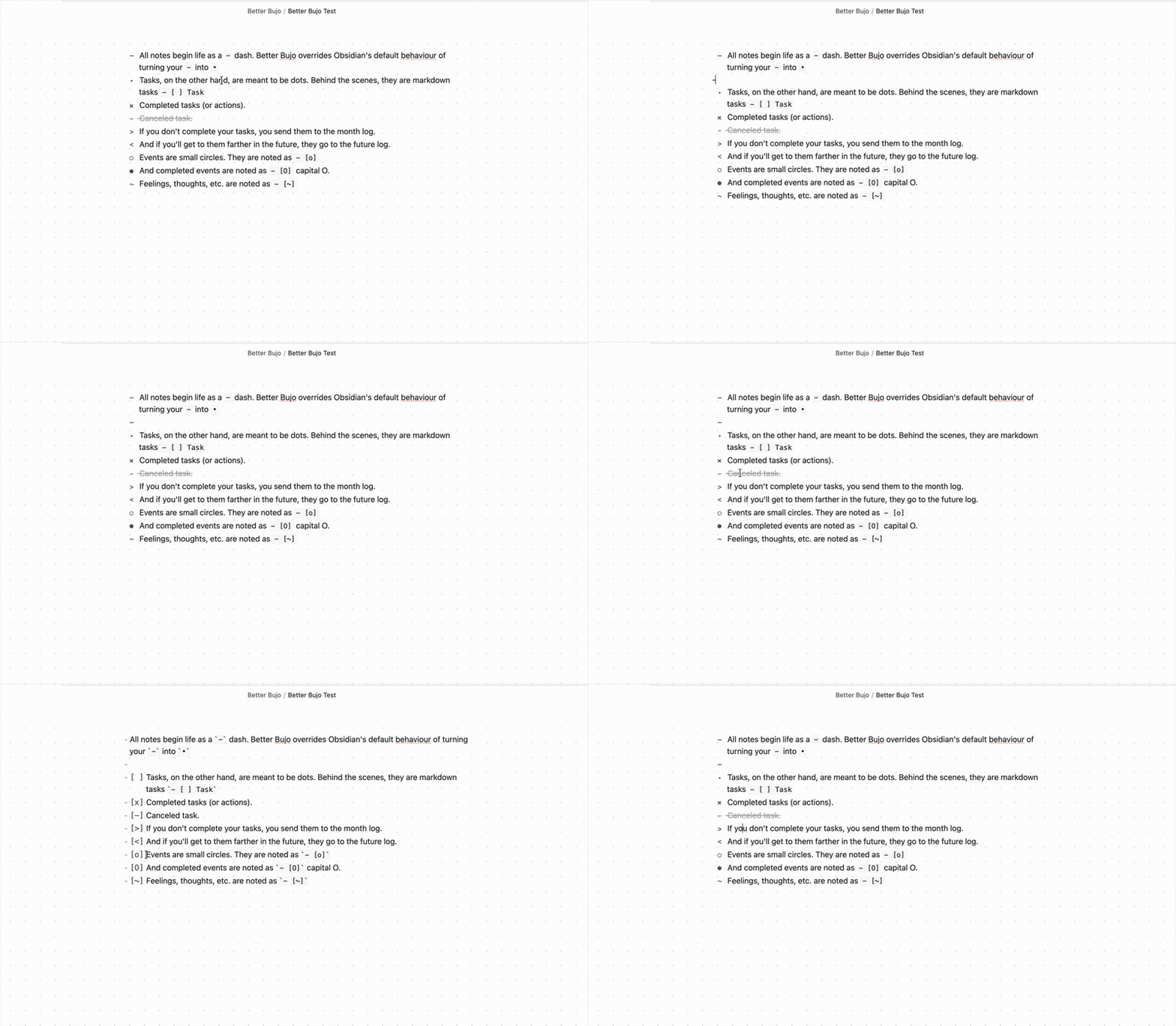
Markers
At the beginning of a line:
| You type | Renders as | Meaning |
|---|---|---|
- item |
– |
Plain note (a dash, not a bullet) |
- [ ] |
• |
Open task |
- [x] |
x |
Done |
- [>] |
> |
Migrated to the month note |
- [<] |
< |
Sent to the future log |
- [o] |
○ |
Event |
- [O] |
● |
Completed event |
~ ... |
~ (styled) |
An emotion or a thought |
How it works
A regular - dash triggers a list, just as normal. A markdown task turns into a • bullet. Click it to complete the task. A migrated task looks like >, and a task sent to the future log looks like <. Events look like a small circle. Click it to complete the circle.
Known Limitations
This plugin does not work with the Border theme.
Acknowledgements
Inspired by obsidian-bujo-bullets by Frank Olson and Bullet Journaling by Ryder Carroll.
My other Obsidian plugins
- Date List — Returns a list of dates according to the conditions you supply.
- Calendar List — Insert macOS Calendar events into your notes.
- File Filter — Filter your pages and sidebar by a search term; everything else fades away.