
README file from
Githubbb - AI agentic IDE

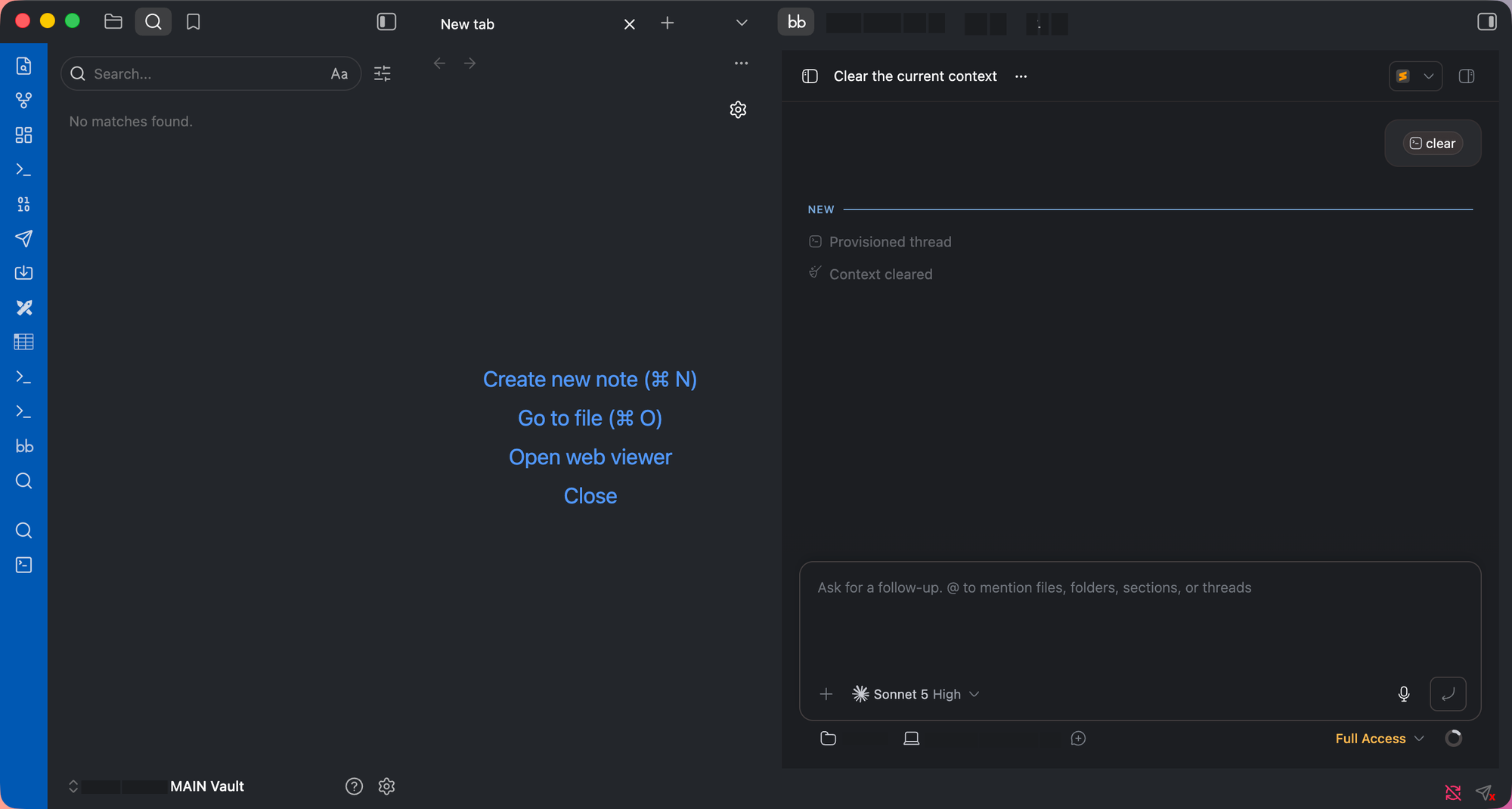
Embeds bb — a local AI agentic IDE with a desktop app — inside an Obsidian tab or sidebar, via its local web interface.
Requires the bb desktop app to be installed. This plugin has no functionality on its own — it is a thin wrapper around bb's local UI, for people who already use bb.
What it does
- Ribbon icon and Open bb command open bb as a tab (or sidebar) inside Obsidian.
- Where to open setting: main area / left sidebar / right sidebar.
- If bb's local server isn't responding, quietly launches the bb desktop app in the background; if bb isn't installed, shows a notice with a copyable
npx bb-app@latestinstall command. - Optionally sets provider / model / permission mode defaults for the bb project that matches the current vault path, if that project already exists in bb.
- Zoom control (50–200%) for the embedded view.
Network requests and local data access
This plugin only ever talks to your own machine — it makes no requests to any remote server:
- It loads a
<webview>pointed athttp://localhost:38886by default (configurable), which is bb's own local HTTP interface served by the bb desktop app. - If that local address doesn't respond, it runs
open -g -b dev.bb.desktopto launch the bb app in the background. - If the "set project defaults" setting is on, it reads and writes bb's local SQLite database at
~/.bb/bb.db(via thesqlite3CLI) to look up the bb project matching the current vault path and set its default provider/model/permission mode.
Reviewer notes: shell access and clipboard
Two automated-review warnings apply to this plugin. Both are intentional, and both are scoped to the user's own machine:
- Shell execution (
child_process) — used in exactly three places, all with fixed, non-user-controlled arguments:exec("open -g -b dev.bb.desktop")launches the bb desktop app in the background when its local server is not responding (macOS only; this plugin is desktop-only).execFile("sqlite3", [...])reads and writes~/.bb/bb.dbto set the per-project provider/model/permission defaults. The SQL is built from the current vault path (single-quote escaped) and the plugin's own settings — no arbitrary command execution.
- Clipboard access — only when the user clicks the
npx bb-app@latestcode snippet in the "bb not found" notice, to copy that install command. Nothing else is read from or written to the clipboard.
No telemetry and no remote requests: the only network target is bb's local web interface on localhost.
Settings
- bb URL — local address of bb's web interface.
- Auto-launch bb.app — launch bb in the background if its server isn't running.
- Set project defaults on open — sync provider/model/permission mode into bb for this vault's project.
- Always open a new tab — vs. reusing/reloading an existing bb tab.
- Where to open the bb tab — main area, left sidebar, or right sidebar.
- Provider / Model / Permission mode — the defaults applied when syncing.
- Font size (zoom) — zoom level of the embedded view.
Manual installation
- Download
main.js,manifest.json, andstyles.cssfrom the latest release. - Copy them into
<vault>/.obsidian/plugins/bb-ai-agent/. - Reload Obsidian, then enable
bb - AI agentic IDEunder Settings → Community plugins.
License
MIT