
README file from
GithubBastion for Obsidian
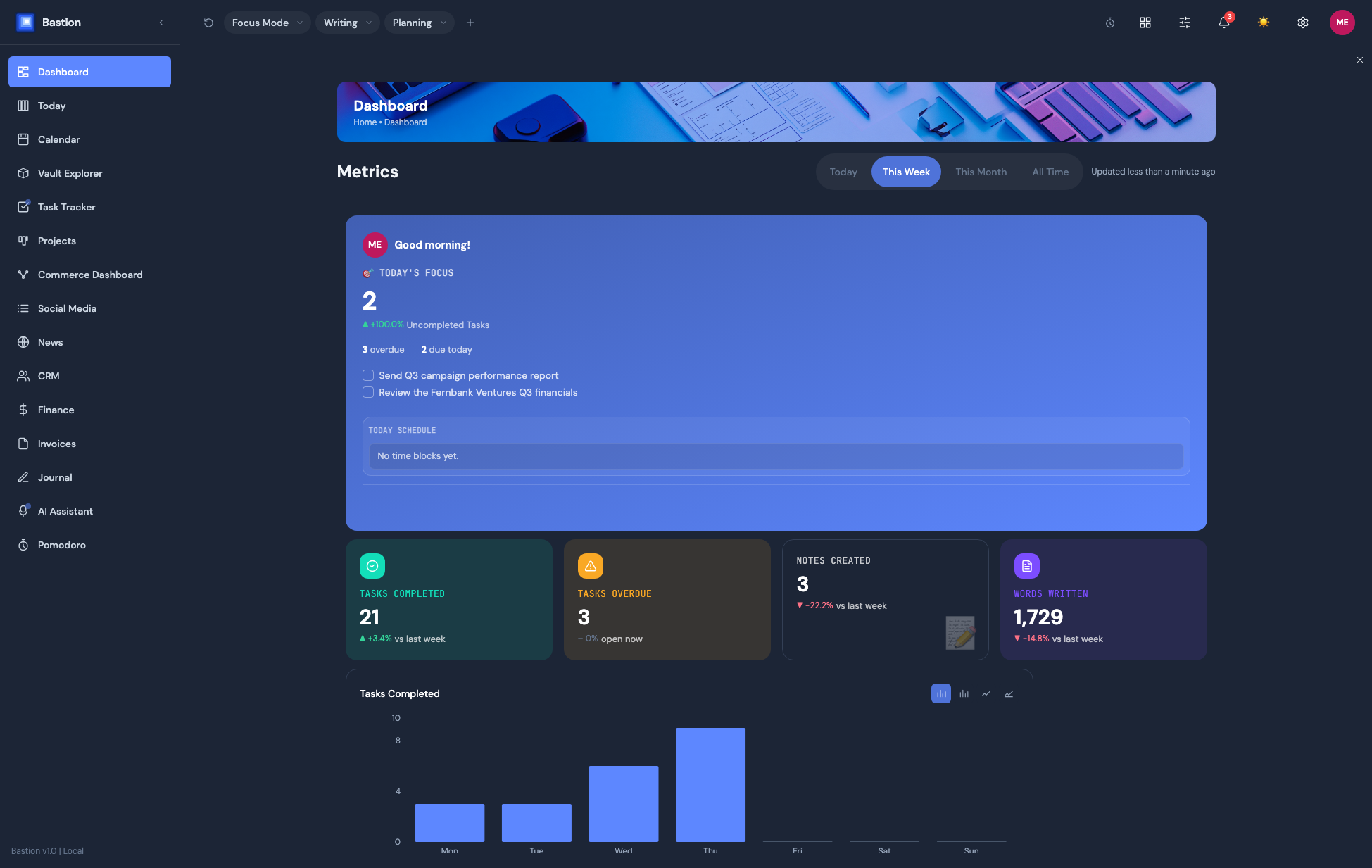
Bastion turns your Obsidian vault into a full command center — AI search, tasks, projects, a calendar, and dashboards — without asking you to restructure a single note. Everything reads from and writes back to plain Markdown files already in your vault.
Learn more, and start a 14-day free trial, at getbastion.app.
This plugin is closed source. This repository distributes compiled releases only — see LICENSE.
Features
- Dashboard — customizable widget grid (drag/resize/hide), per-widget backgrounds, chart-type switching
- Today / Planning Surface — daily planning view, task scheduling
- Vault Explorer — browse, read, and edit notes, plus an Inbox / Health / Rules workflow for capturing new material into a searchable, AI-organized Knowledge Base and keeping it tidy
- AI Assistant — chat against your vault's own content, 7 providers
- Calendar — month/week/day views, synced from Google, Apple, or Microsoft/Exchange
- Task Tracker — synced from 12 sources (Todoist, Apple Reminders, Asana, ClickUp, Jira, Linear, Monday.com, Trello, GitHub Issues, Google Tasks, Microsoft To Do, TickTick)
- Projects — kanban boards, gantt timelines, progress tracking
- Pomodoro — timers with real Flowtime (open-ended) mode, idle detection, task linking
- CRM (Pro) — contacts, companies, and a deals pipeline in one dashboard, synced from Google/Apple/Exchange contacts, with email thread history and AI-assisted create/update
- Finance (Pro) — wallets, budgets with rollover, savings goals, cash-flow forecasting, net worth tracking, a bill-triage view, and PDF/receipt import with AI-read transactions
- Commerce Dashboards (Pro) — multi-instance store analytics (Etsy, Stripe, Shopify, Gumroad, Lemon Squeezy), each with its own layout
- Invoices — 20 built-in layouts with a theme editor, e-signatures, and print-to-PDF, right from the vault
- Social Media Analytics (Pro) — engagement/follower tracking across YouTube, Instagram, Facebook, X, TikTok, Dribbble
- News — a personalized industry feed from sources you configure, AI-ranked, with thumbs-down feedback and save-for-later
- Journal — guided writing templates, mood tracking, streaks, and "on this day" memories
- Web Browser — an in-app browser tab that can clip pages straight into your Knowledge Base
- Terminal — a real PTY-backed terminal panel, not a fake console (Windows Terminal now bundles its own Node runtime — no separate install needed)
Multiple panels can be docked side-by-side (desktop), with saved workspace presets (Focus Mode, custom layouts) and full light/dark theming.
Installing
Option 1 — Community Plugins (recommended)
- In Obsidian, open Settings → Community plugins → Browse, and search for Bastion.
- Click Install, then Enable.
Option 2 — Manual install
- Download
main.js,manifest.json, andstyles.cssfrom the latest release. - Create a folder named
bastioninside your vault's.obsidian/plugins/folder. - Copy the three downloaded files into that folder.
- In Obsidian, go to Settings → Community plugins, reload, and enable Bastion.
Getting a subscription
Bastion needs a Bastion account to unlock Plus/Pro features. Sign up or start your trial at getbastion.app/pricing, then use Settings → Bastion → Sign in to Bastion inside the plugin to connect it.
Support
Help Center: getbastion.app/help