
README file from
GithubAutomatic Mood History
Explore mood, energy, connection, and intensity across your dated Obsidian notes. The plugin runs offline on desktop, Android, and iPhone. Groq analysis is optional.
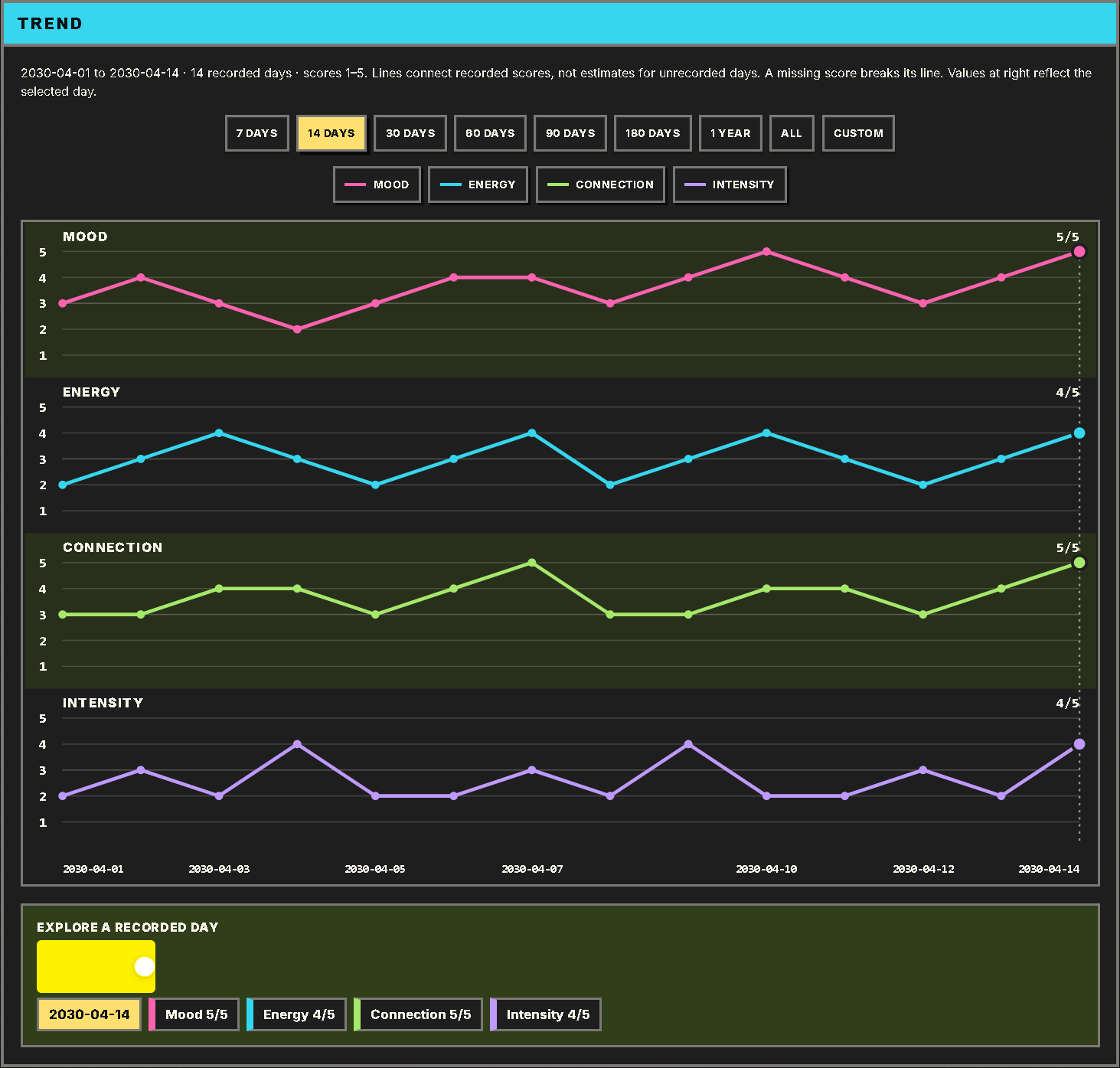
Both screenshots show the plugin running in Obsidian with fictional journal entries.
Install
Download main.js, manifest.json, and styles.css from the latest release. Copy them into .obsidian/plugins/automatic-mood-history/ inside your vault, restart Obsidian, and enable Automatic Mood History under Settings → Community plugins. Requires Obsidian 1.5 or later.
On mobile, you can also install through BRAT using the repository remriel/automatic-mood-history.
Explore your history
- Choose the folders to include in the plugin settings. Notes with the same detected date contribute to one daily result. Undated filenames use the local creation date.
- Open Automatic Mood History: Open mood history dashboard from the command palette and select Analyze changed. Enable automatic analysis in settings if you want future changes picked up.
- Select a chart range or explore a day. Expand a month under Day by day to see summaries, scores, and source notes. Days with insufficient evidence can appear in history without a plotted score.
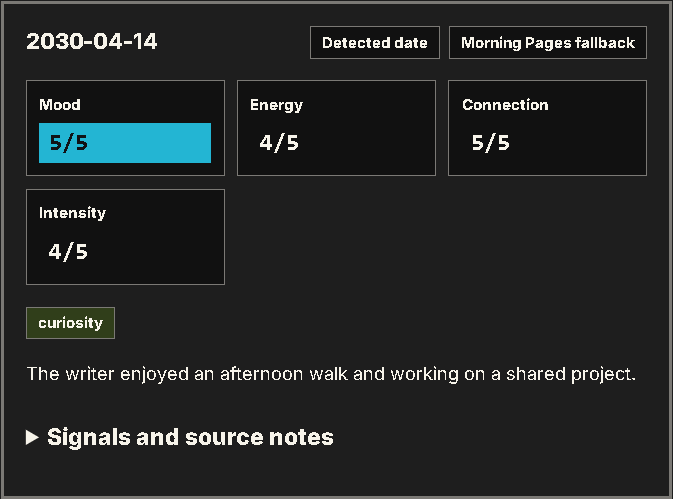
Optional Groq analysis
Offline analysis uses Morning Pages word lists. Enabling Groq sends cleaned text from eligible notes to Groq. On Obsidian 1.11.4 or later, save a key in the plugin settings, enable Groq, and select Check Groq. Desktop also supports GROQ_API_KEY. Use Retry fallback entries to revisit locally scored days.